Convert Images to SVG using AI
Transform any image or picture into scalable vector graphics online with SVGMaker's AI vectorization. Convert PNG, JPG, WebP, and other raster formats into clean, editable SVG files or SVG code—perfect for logos, icons, and illustrations.
Trusted by 80,000+ Creators, Designers, and Digital Sellers Worldwide
 Etsy
Etsy Shopify
 Amazon
 Redbubble
 Printful
 Teespring
 Zazzle
 Society6
 Spreadshirt
 CafePress
 Teepublic
 Cricut
 Silhouette
 Heat Press Nation
 Siser
Siser Glowforge
 Adobe
Adobe CanvaEtsyShopifyAmazonRedbubblePrintfulTeespringZazzleSociety6SpreadshirtCafePressTeepublicCricutSilhouetteHeat Press NationSiserGlowforgeAdobeCanvaEtsyShopifyAmazonRedbubblePrintfulTeespringZazzleSociety6SpreadshirtCafePressTeepublicCricutSilhouetteHeat Press NationSiserGlowforgeAdobeCanva
 Figma
Figma CorelDRAW
 Affinity Designer
 Sketch
 Inkscape
 Pinterest
 Kajabi
 Tedooo
 Upwork
 99designs
 Creative Market
 Cara
Cara Artstation
 Illustrators For Hire
 Creative Bloom
 Behance
 Design Bundles
 Envato ElementsFigmaCorelDRAWAffinity DesignerSketchInkscapePinterestKajabiTedoooUpwork99designsCreative MarketCaraArtstationIllustrators For HireCreative BloomBehanceDesign BundlesEnvato ElementsFigmaCorelDRAWAffinity DesignerSketchInkscapePinterestKajabiTedoooUpwork99designsCreative MarketCaraArtstationIllustrators For HireCreative BloomBehanceDesign BundlesEnvato Elements
AI Image to SVG Converter Workflow
Turn Any Image into Editable SVG with AI — For Web, Cricut, Laser & Print
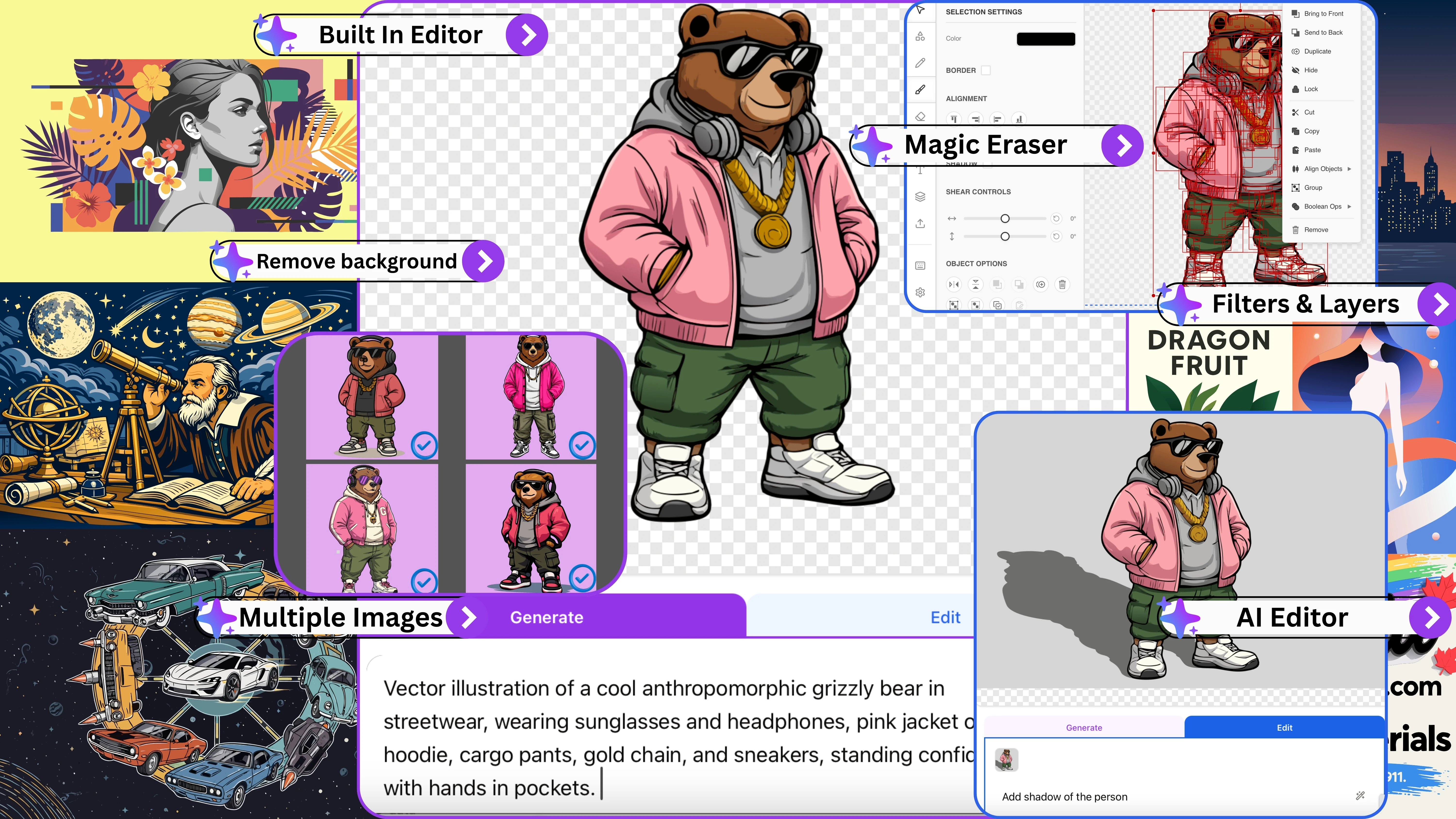
Automatic AI Vectorization
Upload any raster image and AI converts it into a clean, editable SVG — no manual tracing or design software needed. Works with logos, icons, illustrations, and graphics of any complexity.
Multi-Format Input Support
Convert PNG to SVG, JPG to SVG, WebP to SVG, TIFF, and BMP — all from one tool. Drop any image format and get an editable vector file ready for web, print, or crafting.
Clean Vector Paths
AI produces smooth curves with minimal anchor points — not the noisy, jagged edges you get from basic auto-trace tools like PicSVG or Inkscape. Get professional SVG paths on the first try.
Transparent Background Support
Automatically detects and preserves transparency from your original image, or removes solid backgrounds during conversion — perfect for logos, stickers, and vinyl decal designs.
Cut & Laser-Ready SVG Files
Output SVGs work directly in Cricut Design Space, Silhouette Studio, vinyl cutters, Glowforge, xTool, and CO2 laser machines — clean paths with no overlapping nodes, ready for crafting, HTV, decals, and laser cutting projects.
Batch Conversion & API Support
Convert multiple images to SVG at once. Upload an entire set of logos, icons, or product graphics and vectorize them all in one go — save hours of manual conversion work.
Easy SVG Editing After Conversion
SVGMaker’s SVG editing tool lets you clean up raster images before conversion or refine SVGs with layers, targeted edits, snap-to-grid, code editing, and AI prompts.
Recolor or Simplify your image
Using the SVGMaker’s svg color changer feature, you can auto-detect, reduce color count to simplify the image or recolor the SVG file by applying color palettes with a live preview.
Scalable to Any Size
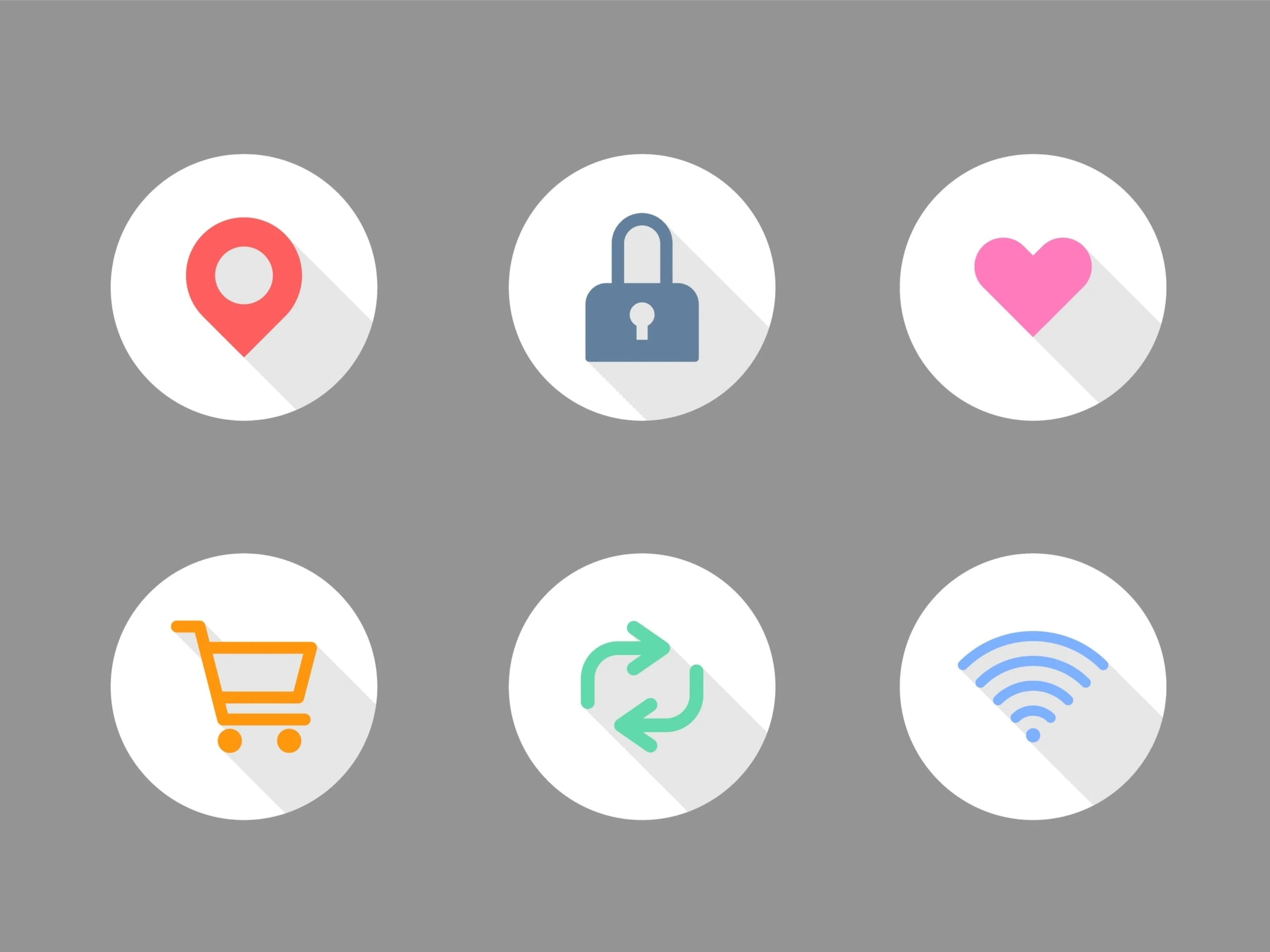
Converted SVGs scale from small app icons to large banners, signage, and vinyl prints without any pixelation or quality loss — true vector output that stays crisp at every size.
Loading pricing...
What Our Customers Say
No more pixelated designs, limited customization, or costly redraws. Hear how creators, sellers, and designers use SVGMaker to unlock scalable, editable designs with ease.

Alex Johnson
Web Designer
"I used to struggle with pixelated icons and inconsistent assets. With SVGMaker, I get clean, scalable graphics that adapt perfectly to any website or app design. The results are always sharp, consistent, and professional. It has raised the quality of my work and saved me countless hours."

Priya Desai
Creative Director
"SVGMaker is game-changing for our agency. We use assets for everything from infographics to marketing campaigns. The scalability means we can adapt designs into multiple formats without pixelation. This flexibility saves enormous time and ensures every piece looks sharp across all platforms."

Sarah Mitchell
Digital Designer
"The SVGMaker editor is an absolute eye-opener. I can tweak colors, adjust layers, and customize designs directly in my browser instead of heavy software. It's simple for beginners but packed with precision tools for pro-level control. Like having a professional design suite at your fingertips."

Sophia Kim
Small Business Owner
"Running a souvenir shop means I need fresh, production-ready designs constantly. SVGMaker changed everything. I now have ready-to-print vectors that are scalable, customizable, and instantly usable across T-shirts, mugs, postcards, and signage. It's like having a professional design team on demand."

Michael Lopez
Cricut Crafter
"As a Cricut user, I dealt with files that don't cut cleanly or fall apart when resized. With SVGMaker, every file is structured properly and fully customizable. I can resize without losing detail and send designs straight to my cutter with confidence. Results are consistently sharp and professional."

Emily Carter
POD Seller
"SVGMaker.io transformed how I manage my Etsy store. Scaling designs used to mean pixelation issues and costly redraws. Now every SVG is scalable, editable, and production-ready. What once took hours is now minutes. I can expand my catalog quickly and reduce overhead costs significantly."
Useful Raster to Vector Converters Online
Convert any image format to clean, editable SVG vectors using AI-powered vectorization.
Frequently Asked Questions
Got a question? We've got answers. If you have any other questions, feel free to contact us at info@svgmaker.io