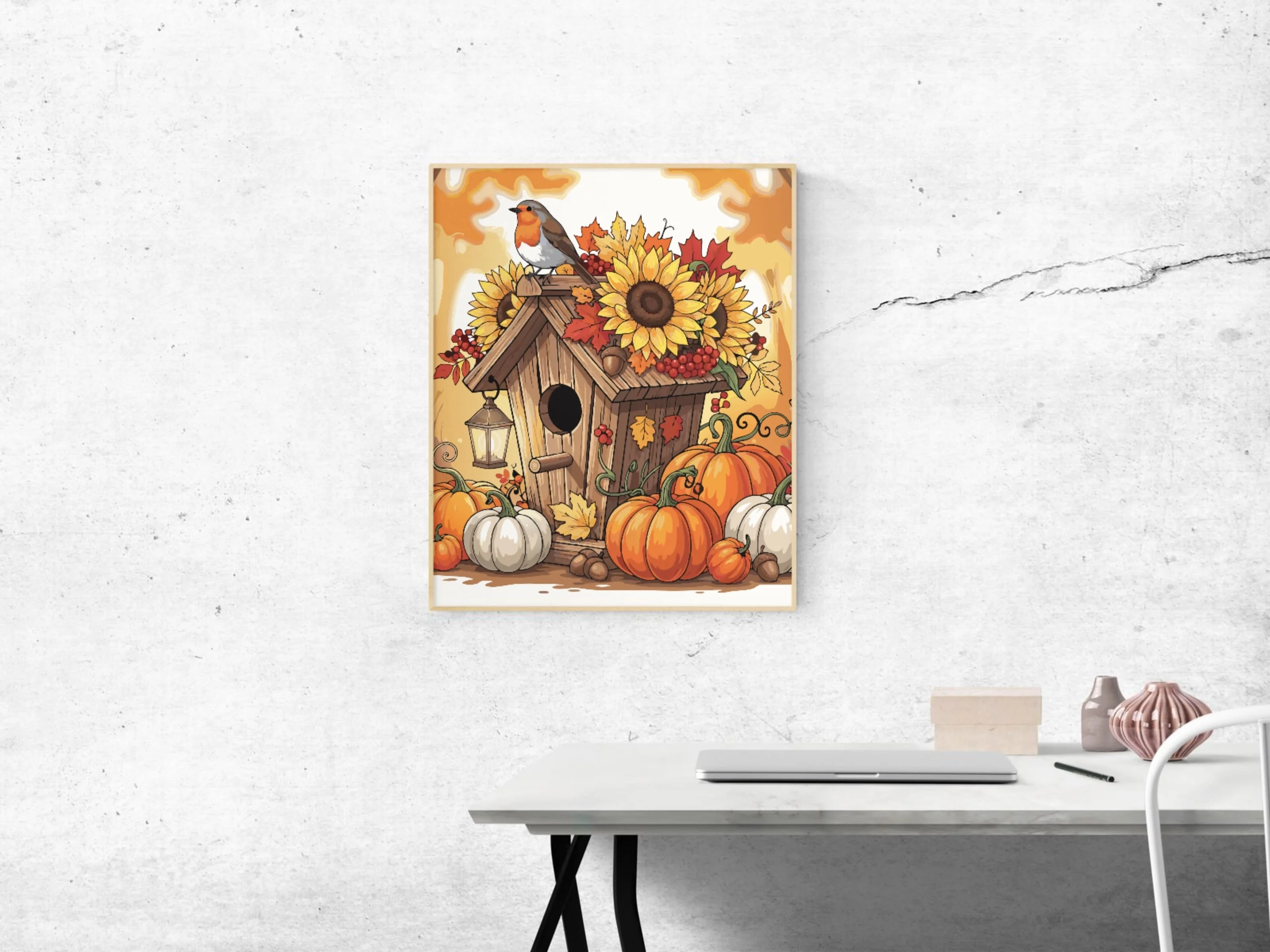
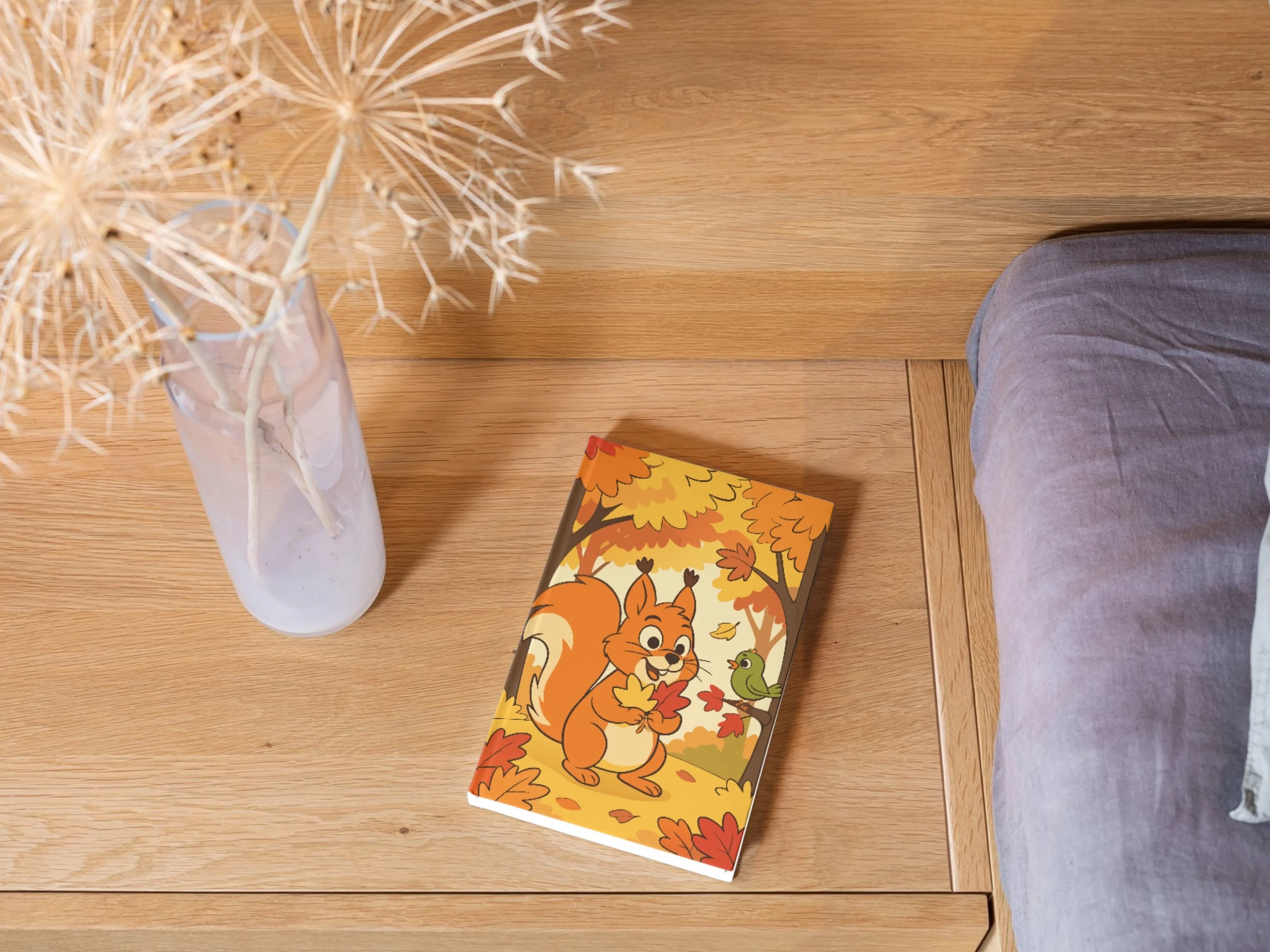
Convert Photo to SVG with AI
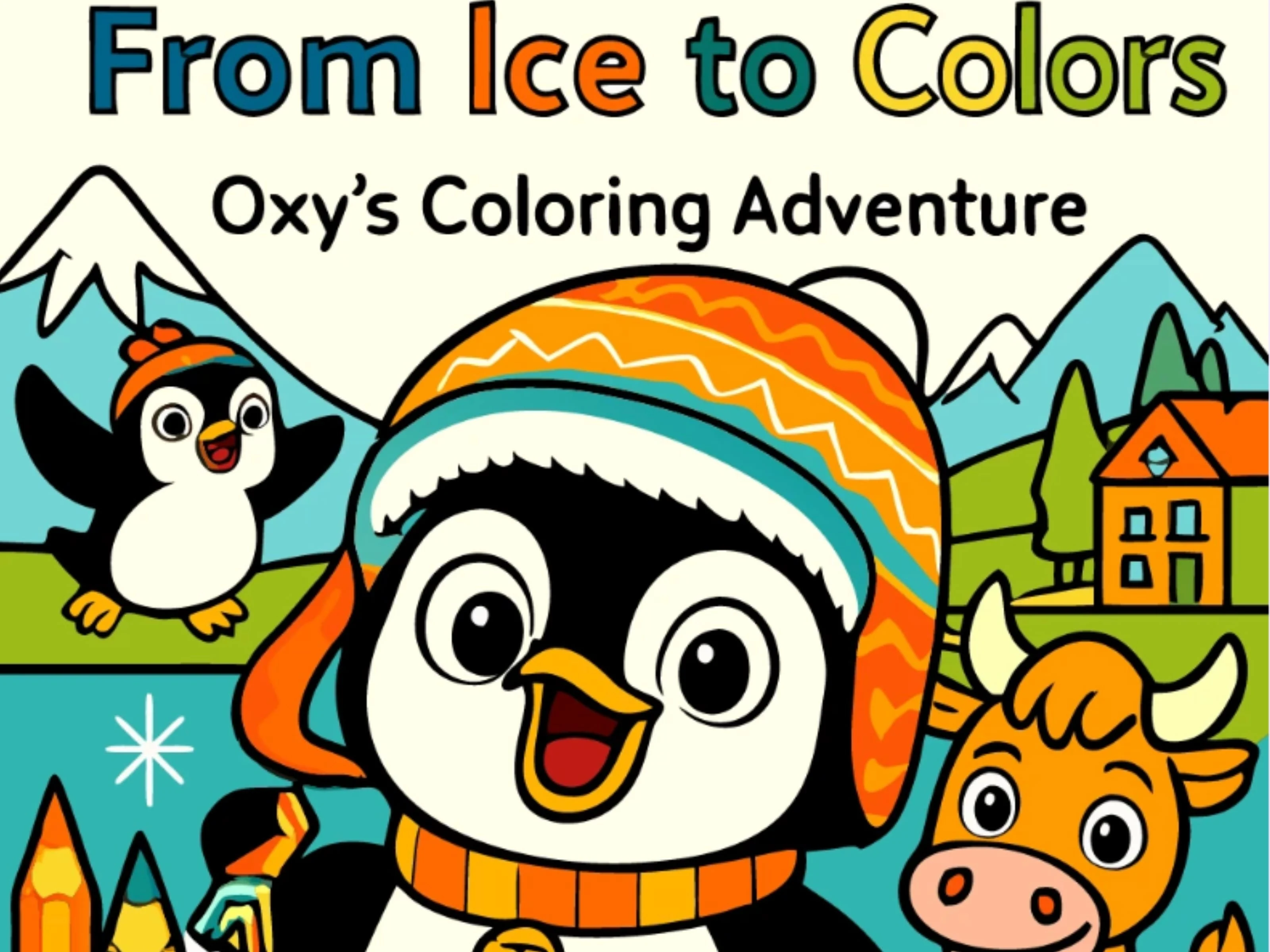
Transform photographs into scalable vector art with AI. Upload any photo and get a clean, editable SVG — perfect for portraits, landscapes, and artistic prints.
AI Image to SVG Converter Workflow
Turn Any Image into Editable SVG with AI — For Web, Cricut, Laser & Print
Automatic AI Vectorization
Upload any raster image and AI converts it into a clean, editable SVG — no manual tracing or design software needed. Works with logos, icons, illustrations, and graphics of any complexity.
Multi-Format Input Support
Convert PNG to SVG, JPG to SVG, WebP to SVG, TIFF, and BMP — all from one tool. Drop any image format and get an editable vector file ready for web, print, or crafting.
Clean Vector Paths
AI produces smooth curves with minimal anchor points — not the noisy, jagged edges you get from basic auto-trace tools like PicSVG or Inkscape. Get professional SVG paths on the first try.
Transparent Background Support
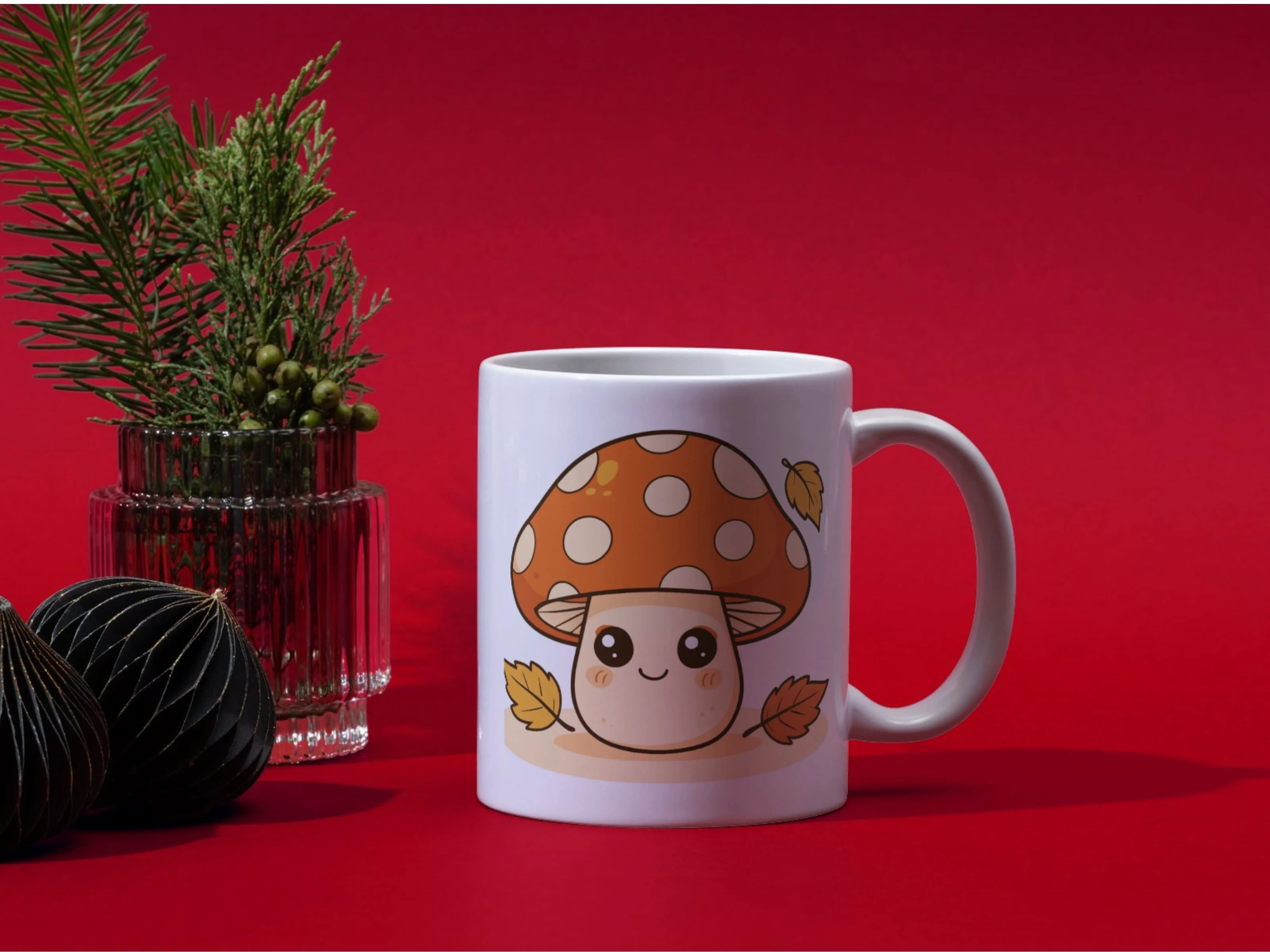
Automatically detects and preserves transparency from your original image, or removes solid backgrounds during conversion — perfect for logos, stickers, and vinyl decal designs.
Cut & Laser-Ready SVG Files
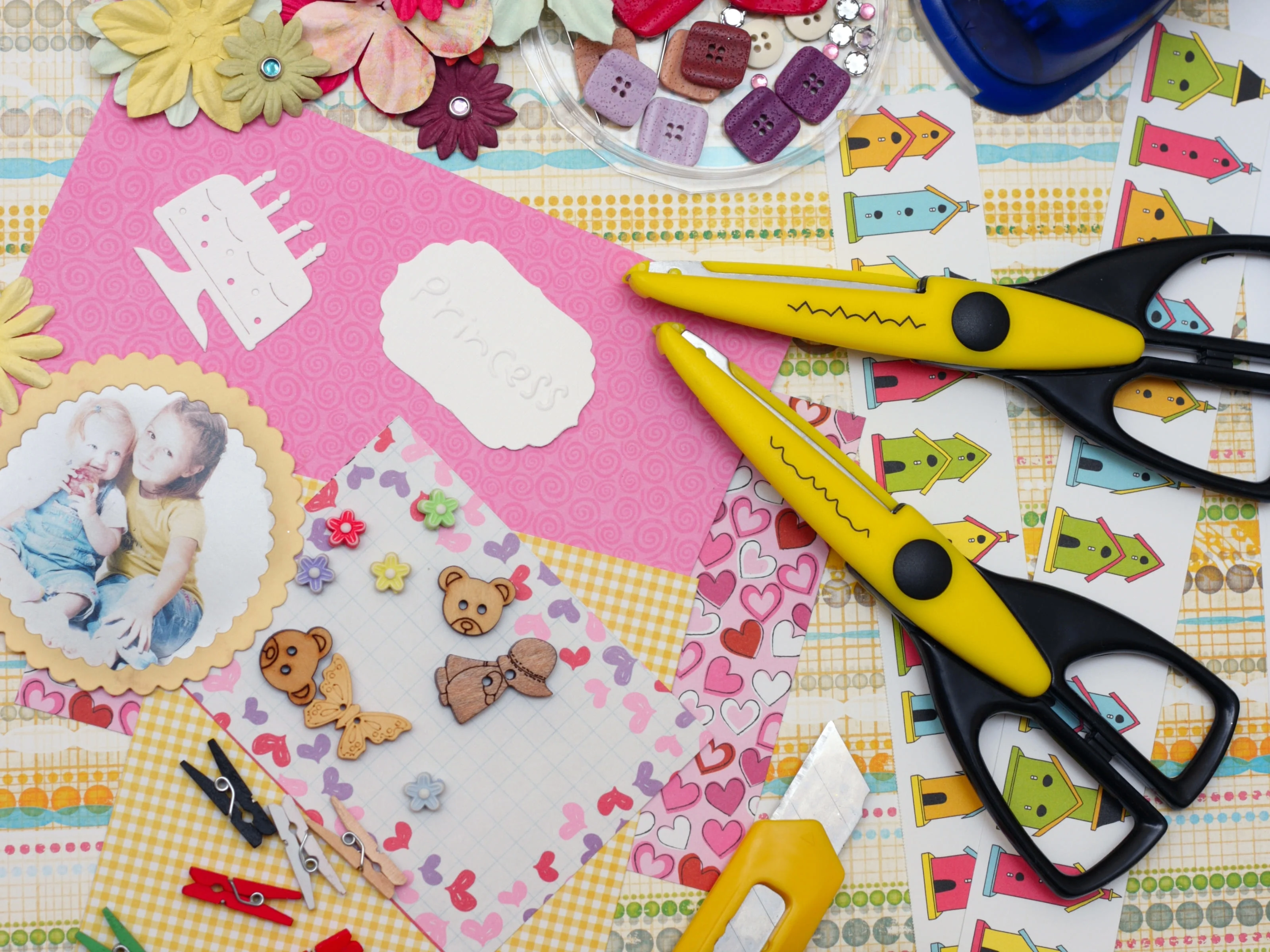
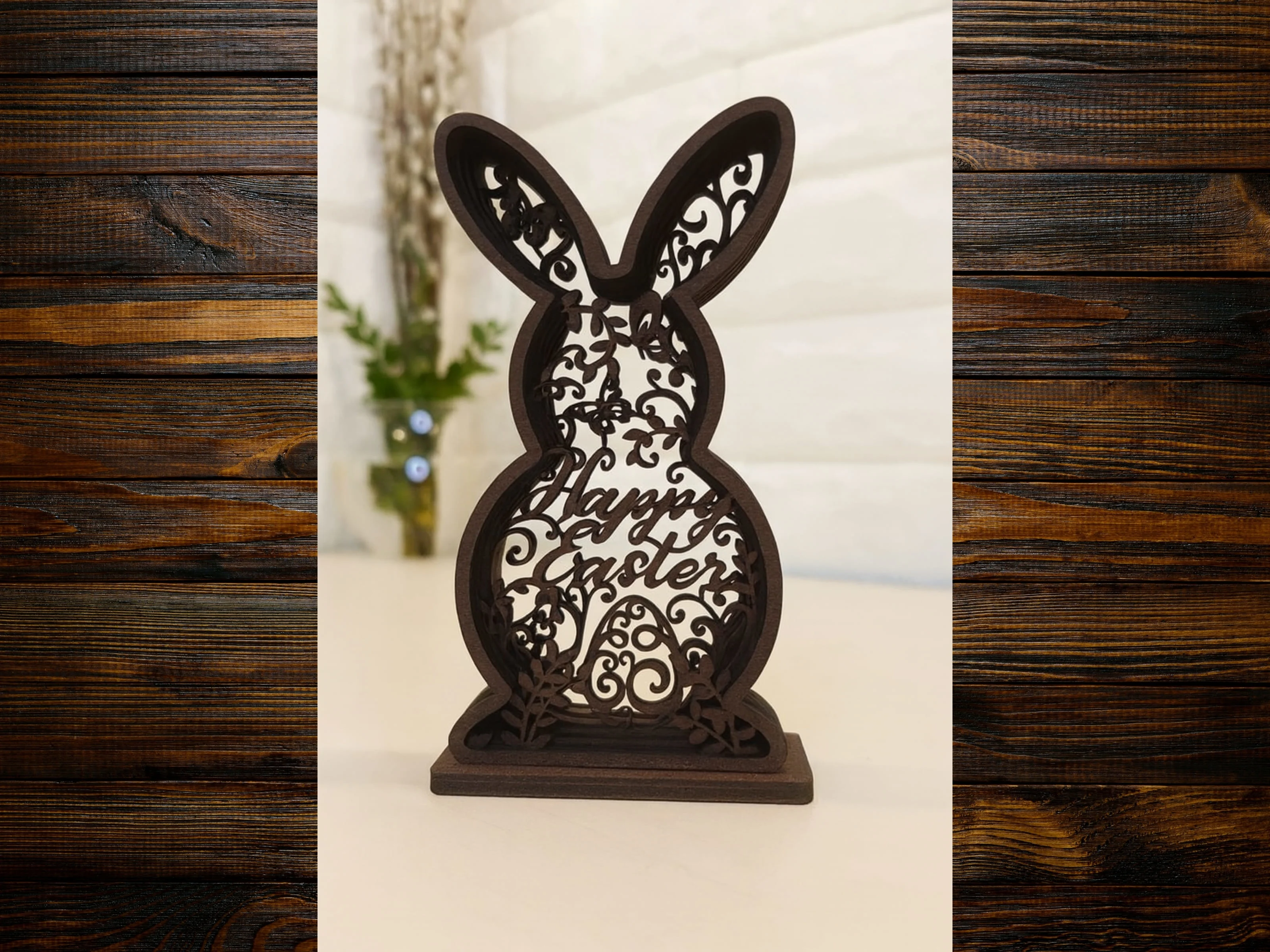
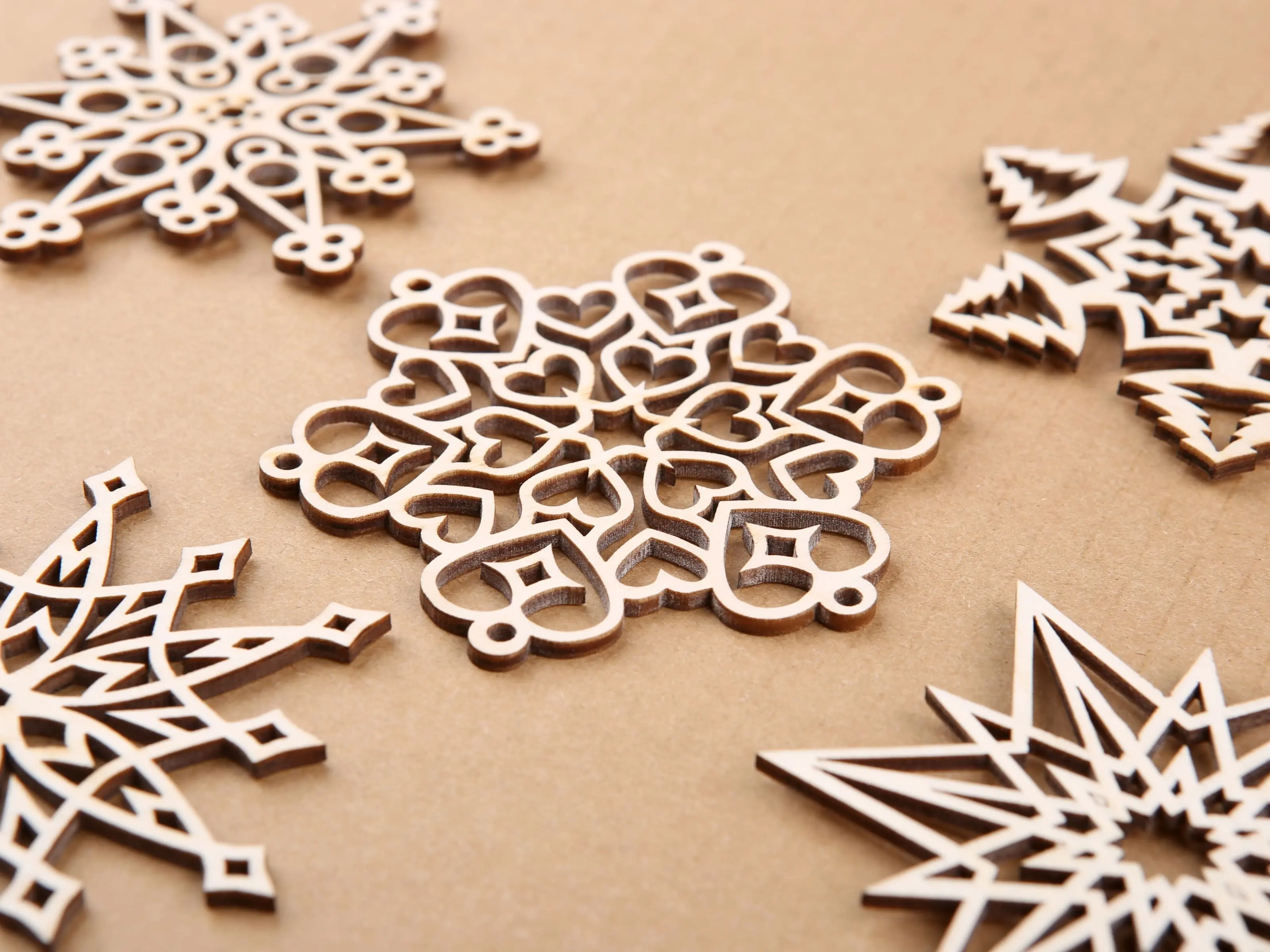
Output SVGs work directly in Cricut Design Space, Silhouette Studio, vinyl cutters, Glowforge, xTool, and CO2 laser machines — clean paths with no overlapping nodes, ready for crafting, HTV, decals, and laser cutting projects.
Batch Conversion & API Support
Convert multiple images to SVG at once. Upload an entire set of logos, icons, or product graphics and vectorize them all in one go — save hours of manual conversion work.
Easy SVG Editing After Conversion
SVGMaker’s SVG editing tool lets you clean up raster images before conversion or refine SVGs with layers, targeted edits, snap-to-grid, code editing, and AI prompts.
Recolor or Simplify your image
Using the SVGMaker’s svg color changer feature, you can auto-detect, reduce color count to simplify the image or recolor the SVG file by applying color palettes with a live preview.
Scalable to Any Size
Converted SVGs scale from small app icons to large banners, signage, and vinyl prints without any pixelation or quality loss — true vector output that stays crisp at every size.
Loading pricing...
What Our Customers Say
No more pixelated designs, limited customization, or costly redraws. Hear how creators, sellers, and designers use SVGMaker to unlock scalable, editable designs with ease.
Great tool! The interface is intuitive and the AI models produce excellent results. Keep up the good work!
 SVGMaker platform
I’ve been using SVGMaker to convert PNG images into vector files for my laser cutting work, and the results have been excellent. The details remain sharp, and the files are easy to adjust before cutting. It saves a lot of time compared to desktop software, and the precision is impressive. I highly recommend it for laser and CNC projects.
is so amazing and powerful
Easily one of the best SVG generators on the market right now. Superior design with great capacity of varying styles of art. Also, fantastic customer support.
SVG Editor is a great tool for resizing an SVG file. I use SVG Editor to change the resolution (pixels) of the original SVG file, and then convert the result to a JPG file. The nice thing is that I can do all of that with one tool.
I have used this tool and it was really good. It was working well in creating and editing the SVGs. Moreover it also saves a lot of time.
You're already good. Continue what you're doing
I’m part of a small development team, and we integrated the SVGMaker API for automated vector generation in one of our client tools. The integration went smoothly, and the documentation was clear. Their support team was helpful and responded quickly when we had setup questions. For developers, the API is well thought-out and flexible.
I haven't used anything but the editor so far whick was great. I am excited for the others
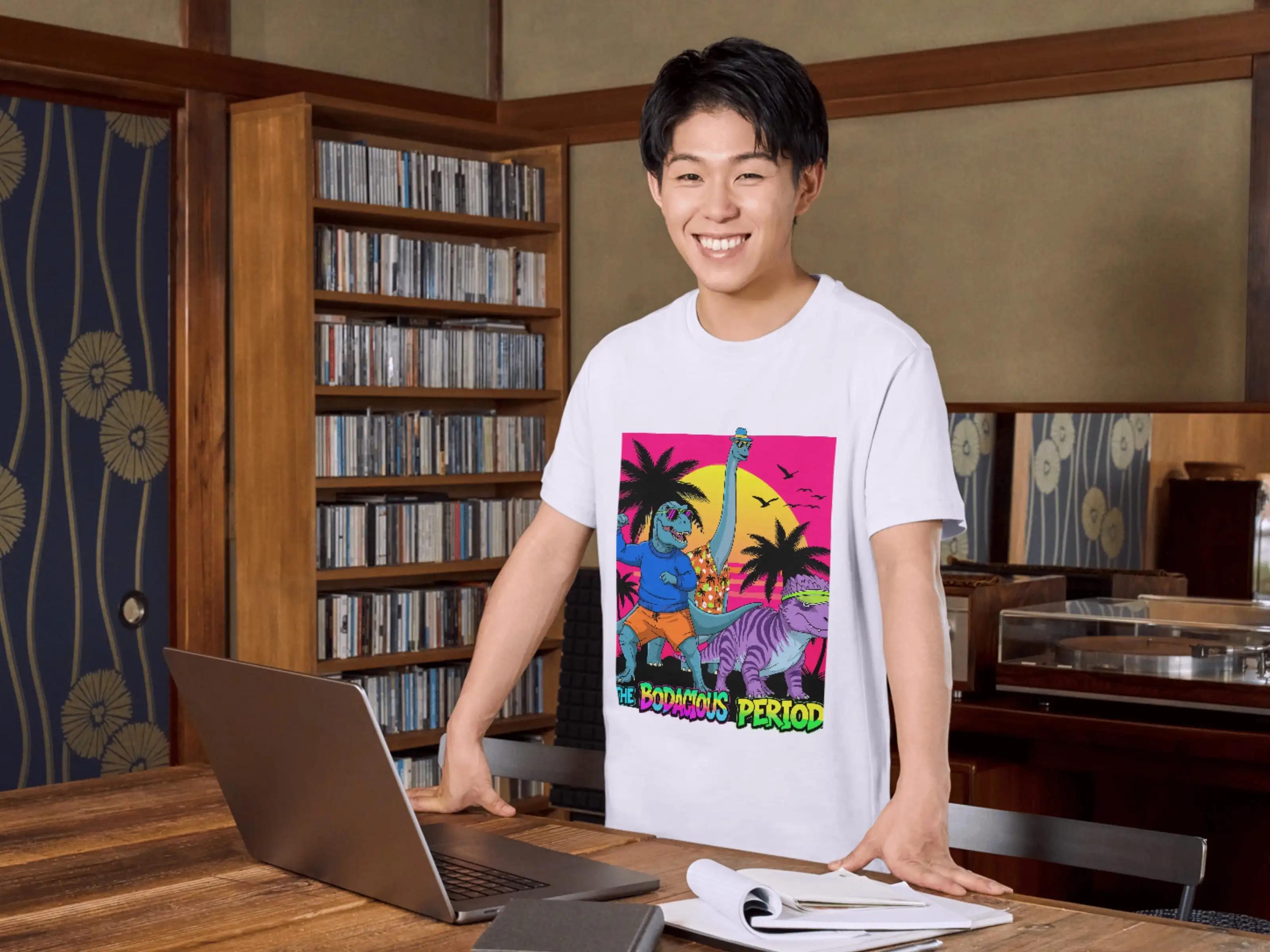
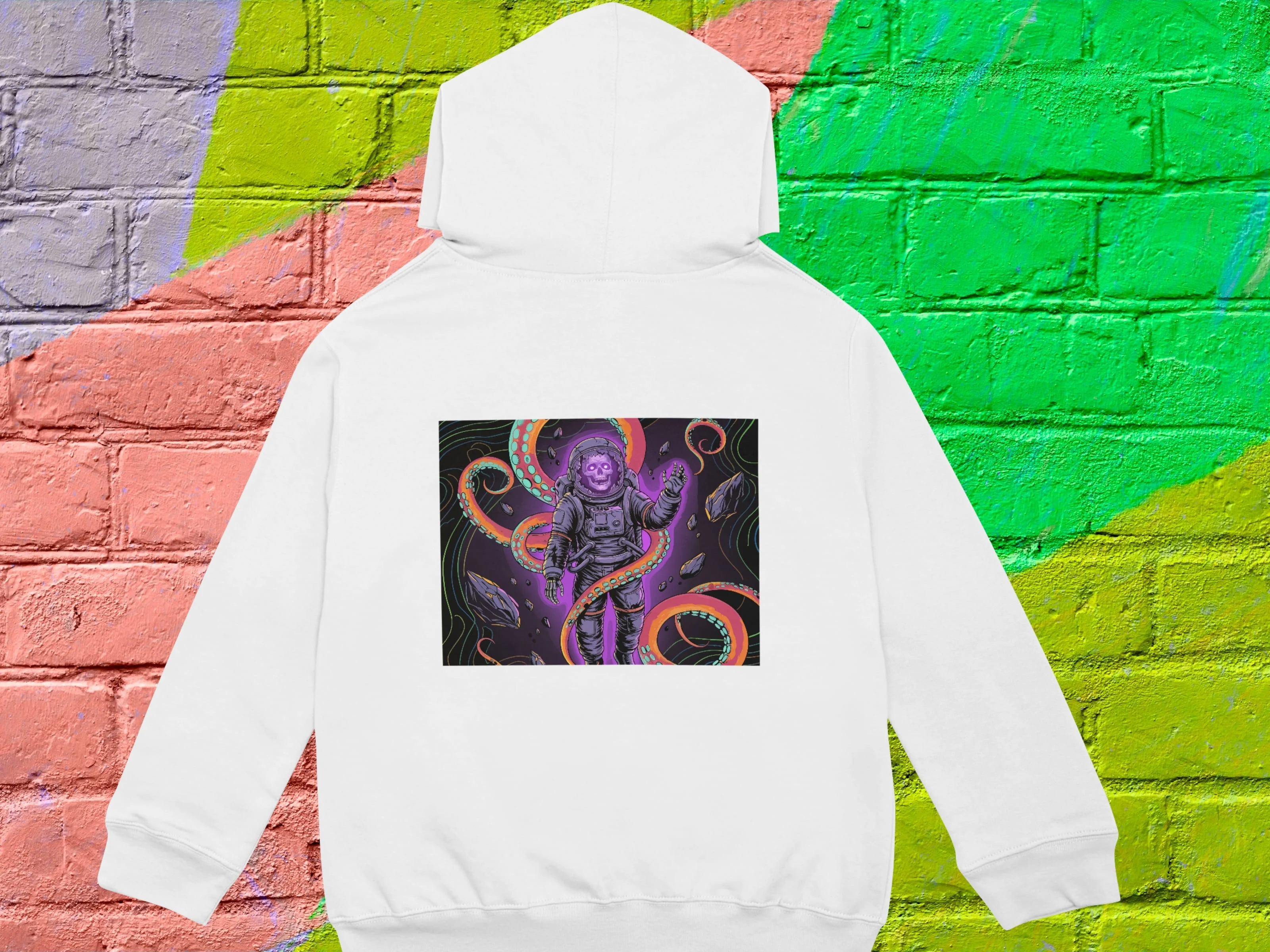
I design t-shirts and digital stickers for my online shop. This tool lets me create new artwork in minutes instead of hours. The AI-generated SVGs are creative, clean, and easy to customize with my brand colors. The export options are simple and cover everything I need. I’ve noticed my product creation time has dropped by almost half.
great service, I like everything so far
Overall, I’m impressed with how consistent the results are. I’ve been using SVGMaker for a few months, and it hasn’t disappointed. It’s reliable, fast, and easy to use. The pricing is fair, and you really get what’s promised clean, editable vector files ready for print or digital use.
Great tool for turning AI-generated images into clean SVGs. It would help to have a dedicated mode for logo vectorization that smooths lines and reduces anchor points while keeping gradients and text intact. Overall fast and easy to use.
I tried maybe five or six SVG makers while I was hunting for this, and I really like you guys' results. I like that you make it easy to download in various formats, and I like that I can buy packs of credits so I only have to buy when I need them.
This is really great ai so far, keep improving
I am good this software exists, I have been looking for it for a while.
Love the site so far!
SVGMaker has been a great addition to my daily work. I use it mostly for quick logo ideas and icon sets. The AI seems to understand design context really well, and the vector output is clean enough to use straight away. I also like that they are transparent about terms and commercial rights it gives me confidence to use the designs for client projects.
Great tool! The interface is intuitive and the AI models produce excellent results. Keep up the good work!
I’ve been using SVGMaker to convert PNG images into vector files for my laser cutting work, and the results have been excellent. The details remain sharp, and the files are easy to adjust before cutting. It saves a lot of time compared to desktop software, and the precision is impressive. I highly recommend it for laser and CNC projects.
is so amazing and powerful
Easily one of the best SVG generators on the market right now. Superior design with great capacity of varying styles of art. Also, fantastic customer support.
SVG Editor is a great tool for resizing an SVG file. I use SVG Editor to change the resolution (pixels) of the original SVG file, and then convert the result to a JPG file. The nice thing is that I can do all of that with one tool.
I have used this tool and it was really good. It was working well in creating and editing the SVGs. Moreover it also saves a lot of time.
You're already good. Continue what you're doing
I’m part of a small development team, and we integrated the SVGMaker API for automated vector generation in one of our client tools. The integration went smoothly, and the documentation was clear. Their support team was helpful and responded quickly when we had setup questions. For developers, the API is well thought-out and flexible.
I haven't used anything but the editor so far whick was great. I am excited for the others
I design t-shirts and digital stickers for my online shop. This tool lets me create new artwork in minutes instead of hours. The AI-generated SVGs are creative, clean, and easy to customize with my brand colors. The export options are simple and cover everything I need. I’ve noticed my product creation time has dropped by almost half.
great service, I like everything so far
Overall, I’m impressed with how consistent the results are. I’ve been using SVGMaker for a few months, and it hasn’t disappointed. It’s reliable, fast, and easy to use. The pricing is fair, and you really get what’s promised clean, editable vector files ready for print or digital use.
Great tool for turning AI-generated images into clean SVGs. It would help to have a dedicated mode for logo vectorization that smooths lines and reduces anchor points while keeping gradients and text intact. Overall fast and easy to use.
I tried maybe five or six SVG makers while I was hunting for this, and I really like you guys' results. I like that you make it easy to download in various formats, and I like that I can buy packs of credits so I only have to buy when I need them.
This is really great ai so far, keep improving
I am good this software exists, I have been looking for it for a while.
Love the site so far!
SVGMaker has been a great addition to my daily work. I use it mostly for quick logo ideas and icon sets. The AI seems to understand design context really well, and the vector output is clean enough to use straight away. I also like that they are transparent about terms and commercial rights it gives me confidence to use the designs for client projects.
Love SVGMaker? Share your experience
Useful Raster to Vector Converters Online
Convert any image format to clean, editable SVG vectors using AI-powered vectorization.
Support
Frequently Asked Questions
Got a question? We've got answers. If you have any other questions, feel free to contact us at info@svgmaker.io