AI Image Model Comparison for SVG Generation: FLUX vs GPT Image vs Imagen 4
Finding the right AI model for SVG generation can make or break your design workflow. With over 12 different AI image models available on SVGMaker, each with unique strengths and characteristics, choosing the best one for your specific needs can feel overwhelming.
This guide breaks down how diffusion models generate vector-friendly images, compares each model's performance for different use cases, and helps you understand why some AI-generated images vectorize beautifully while others struggle.
Whether you're creating icons, logos, mascots, or detailed illustrations, you'll learn which model produces the cleanest SVG output for your project.
How AI Models Generate SVG-Friendly Images
Modern AI image generation is powered by diffusion models, a neural network architecture inspired by physics. Understanding how they work helps explain why different models produce different results for vector graphics.
The Two-Phase Process
1. Training (Forward Diffusion)
The model learns by progressively adding noise to images, observing how visual patterns degrade step by step.
2. Generation (Reverse Diffusion)
Starting from pure noise, the model iteratively removes noise guided by your text prompt, gradually revealing a coherent image.
Why This Matters for SVG Generation
Different models have different noise removal patterns, which directly affects:
- Edge clarity – how sharp and well-defined object boundaries appear
- Color distribution – whether colors are flat/solid or gradient-heavy
- Detail density – the level of fine texture and micro-detail
- Composition structure – how distinctly separated visual elements are
Models optimized for photorealism (like FLUX) generate subtle gradients and complex textures, while models designed for graphic design (like GPT Image) naturally produce cleaner, vector-friendly output with bold outlines and flat colors.
Interactive Model Comparison
See how different AI models perform on the same prompts. Click any image to zoom in and examine details. Add or remove models to customize your comparison.
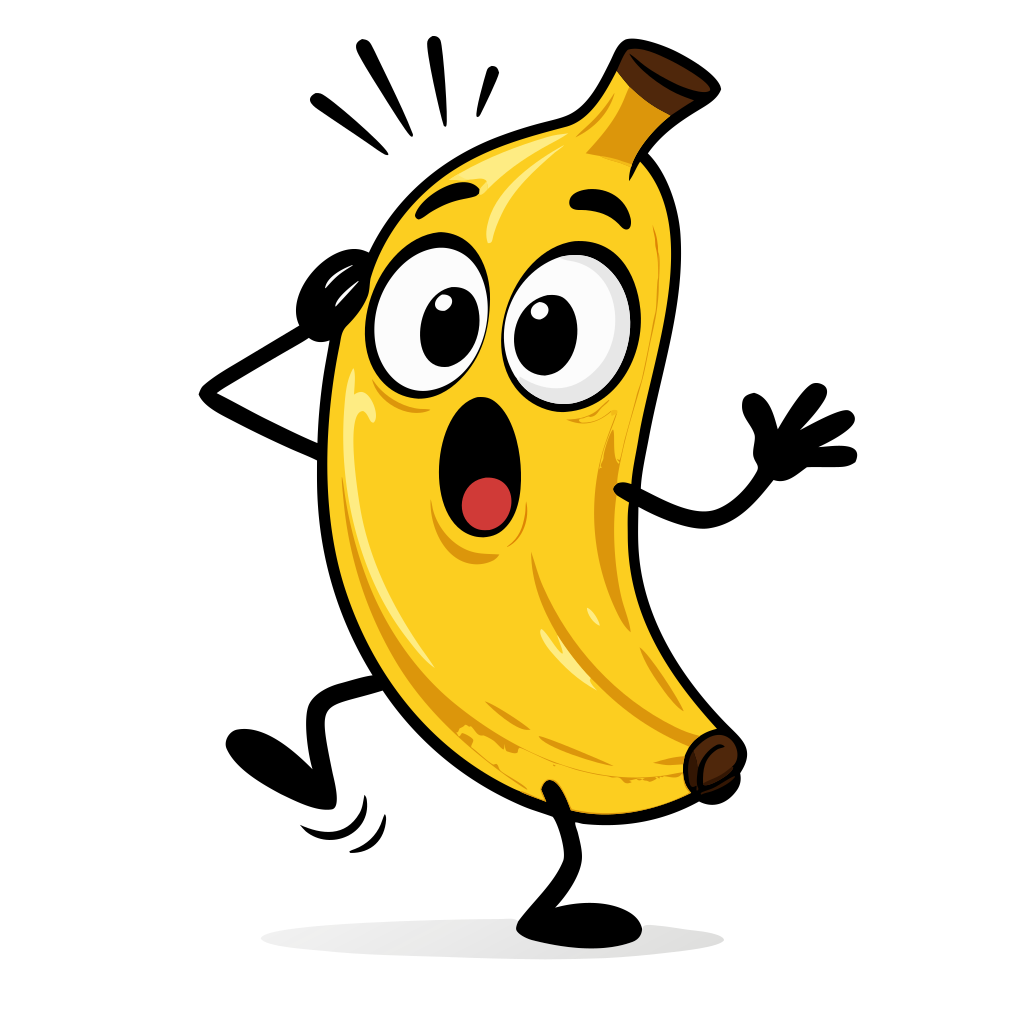
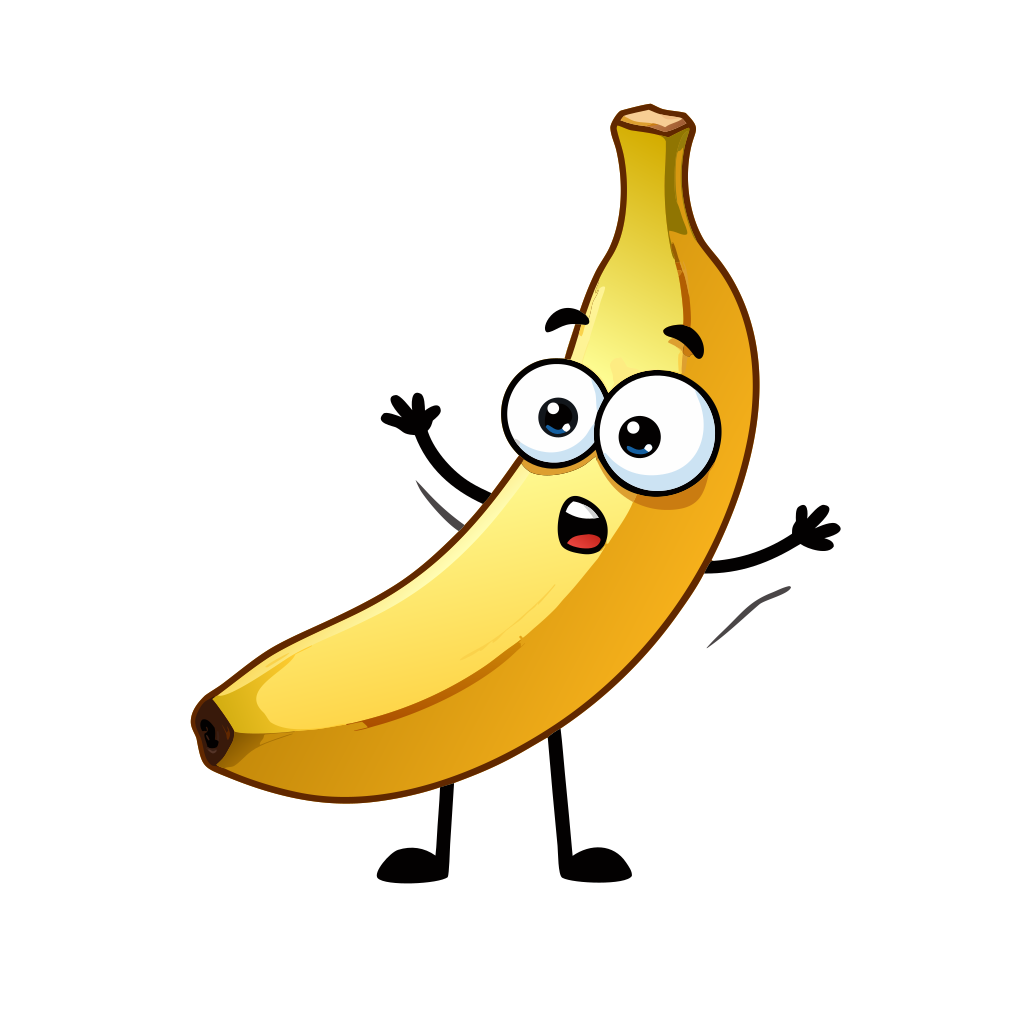
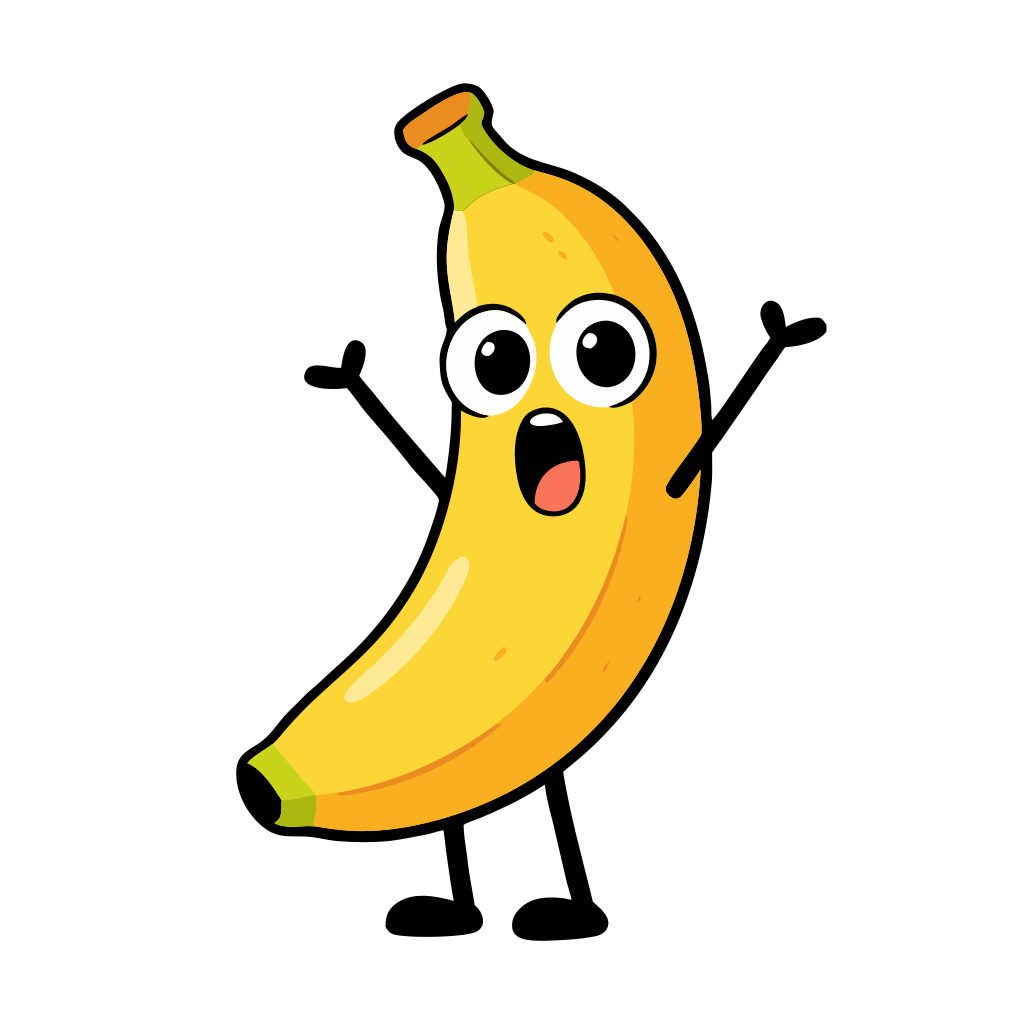
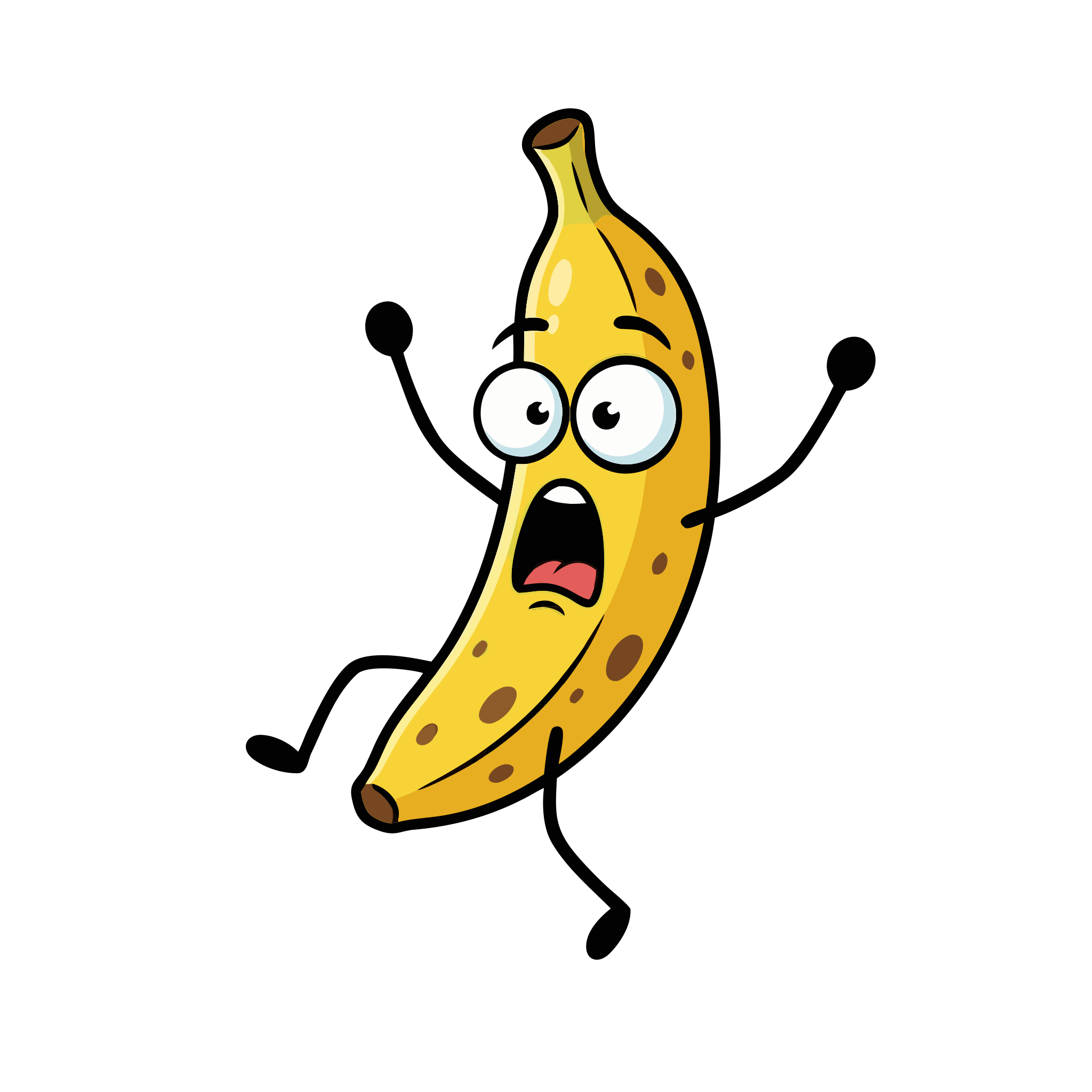
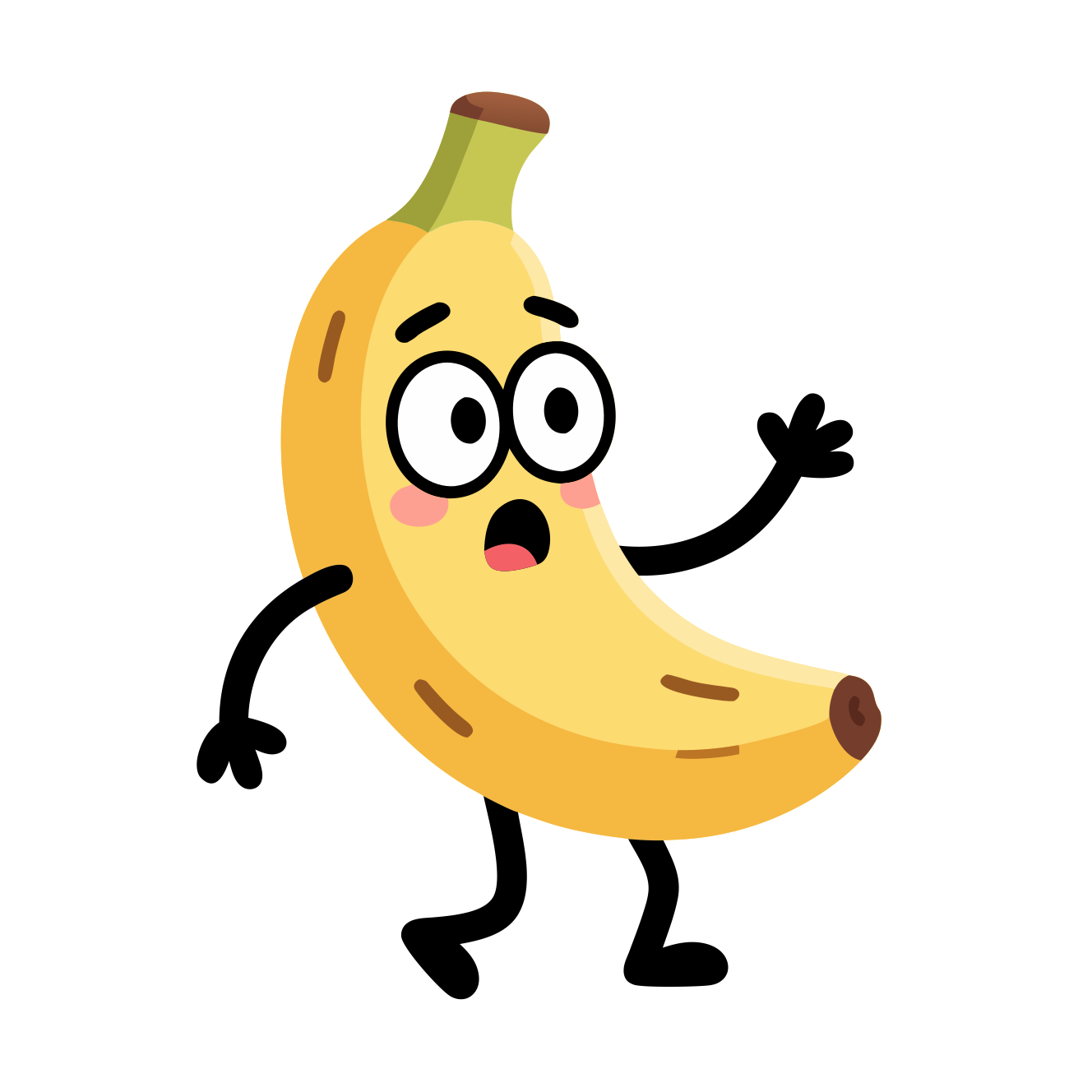
Funny cartoon banana with big expressive eyes and stick-figure arms and legs, looking surprised.
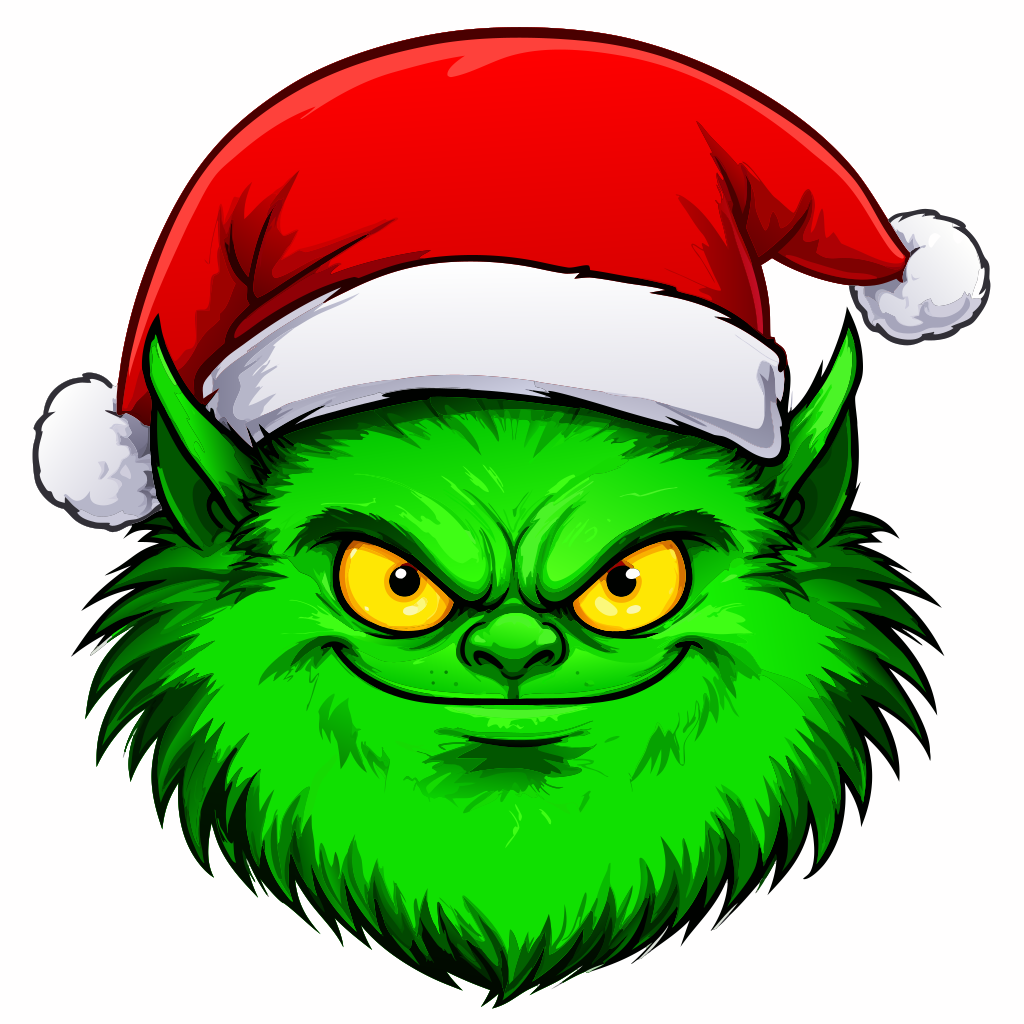
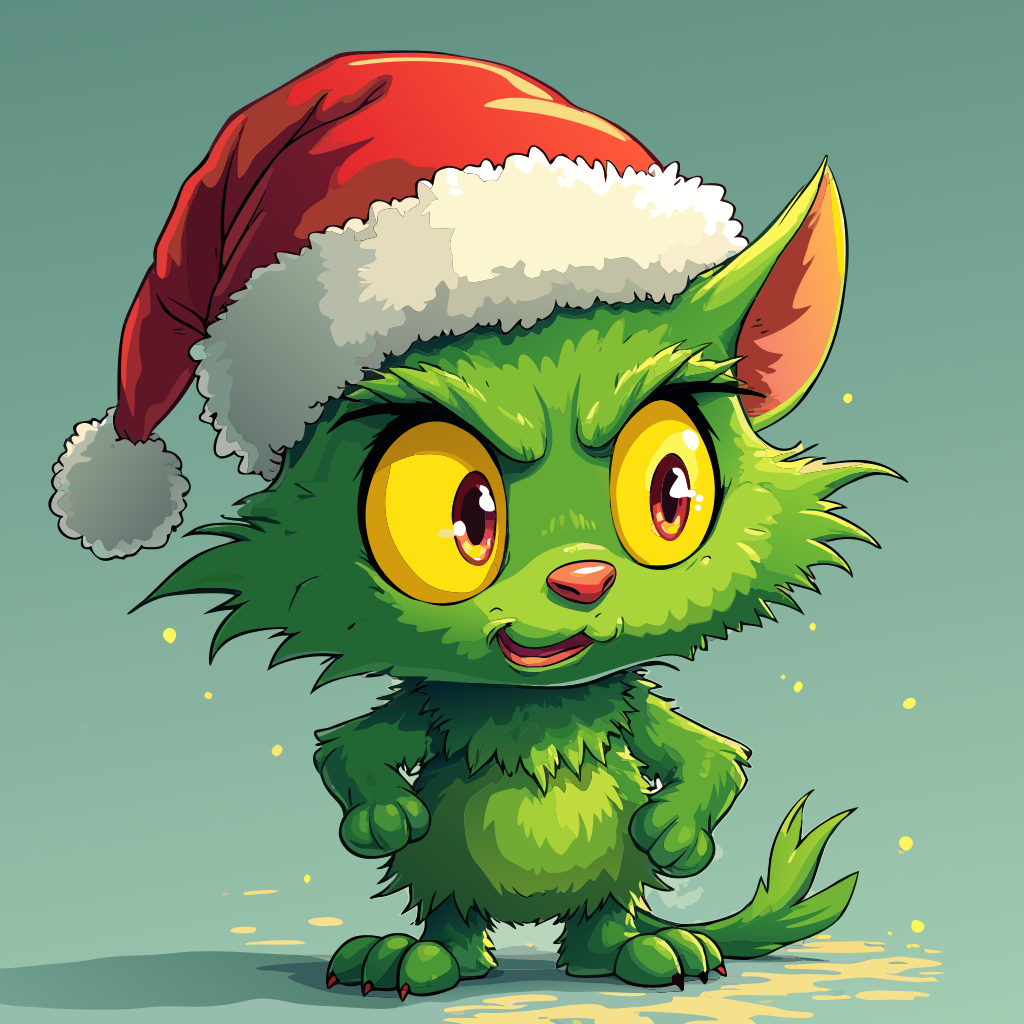
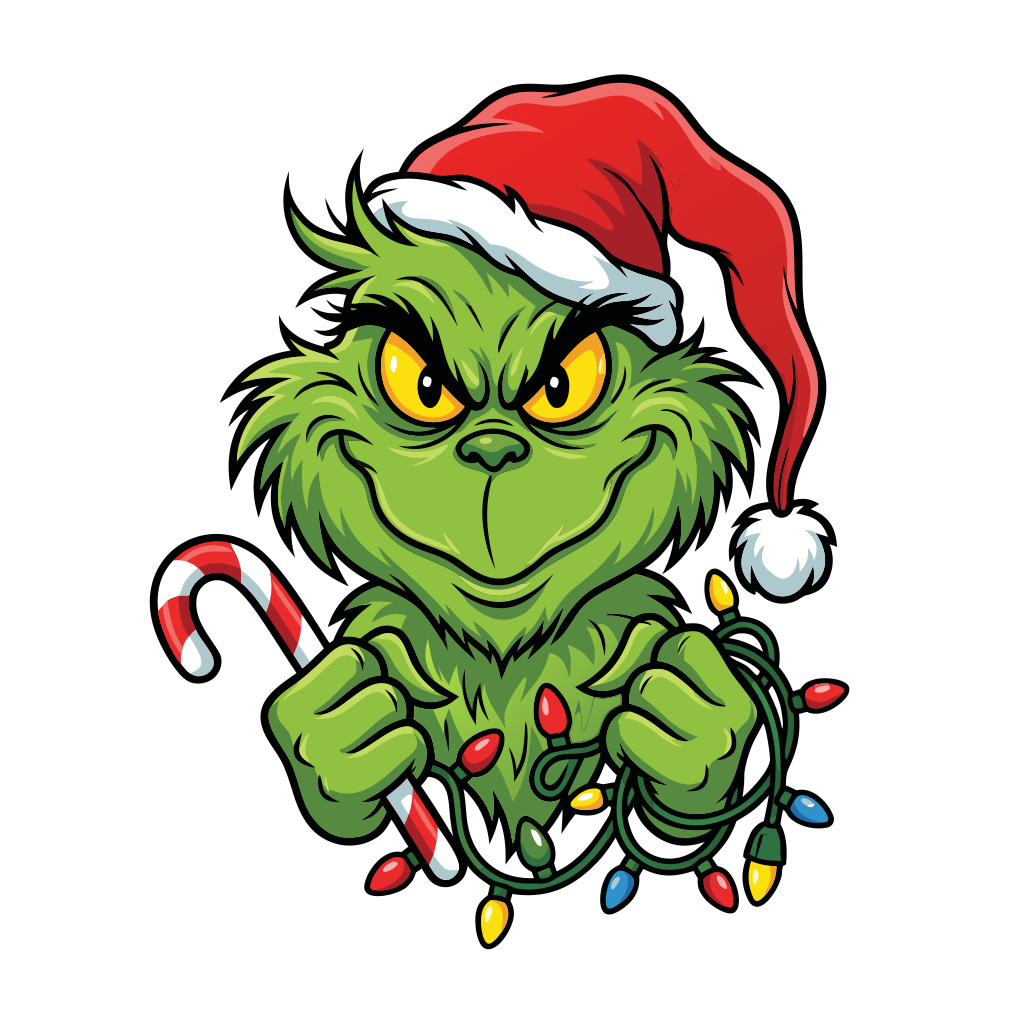
Green furry mischievous creature with intense yellow eyes wearing a red Santa hat. (style cartoon)


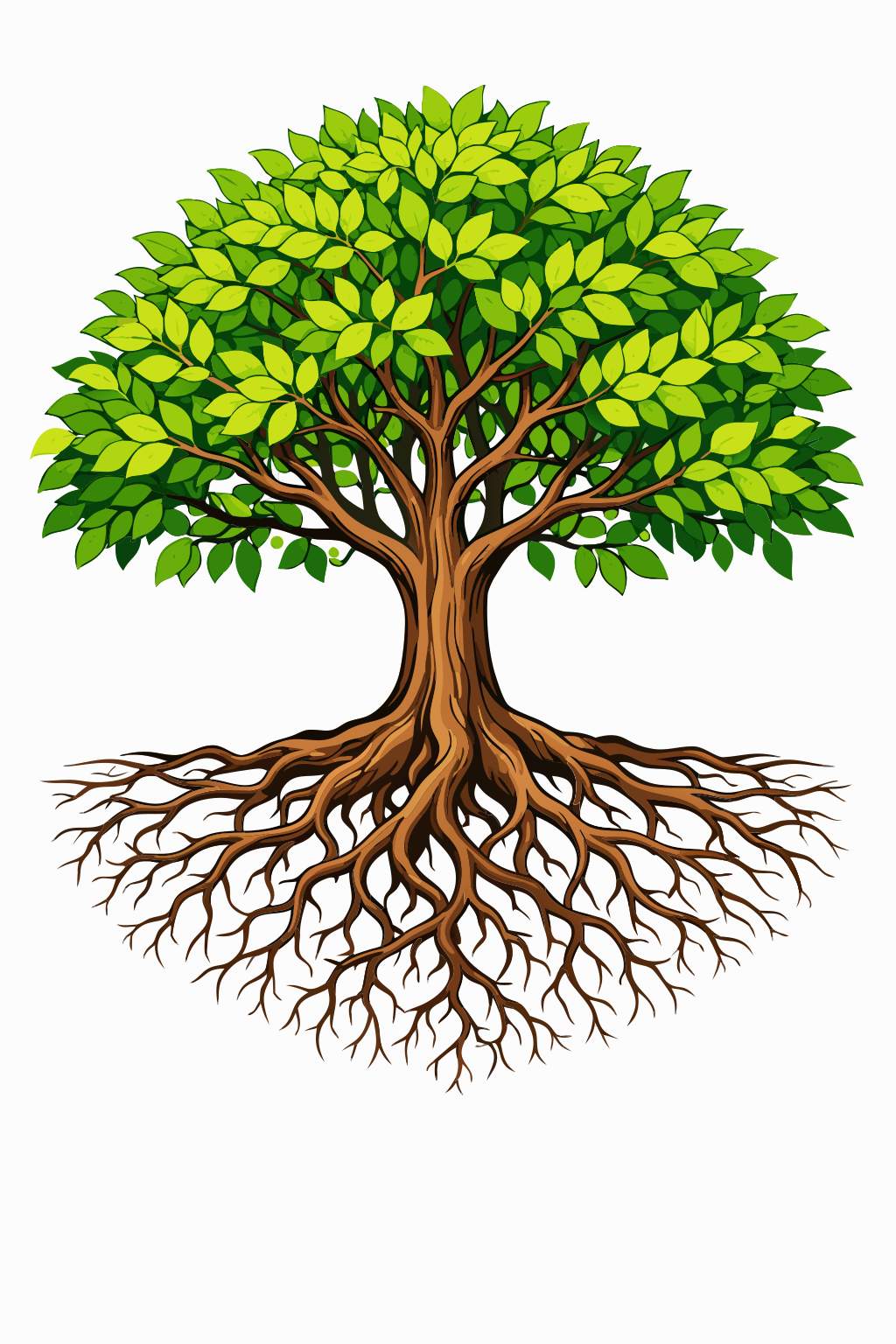
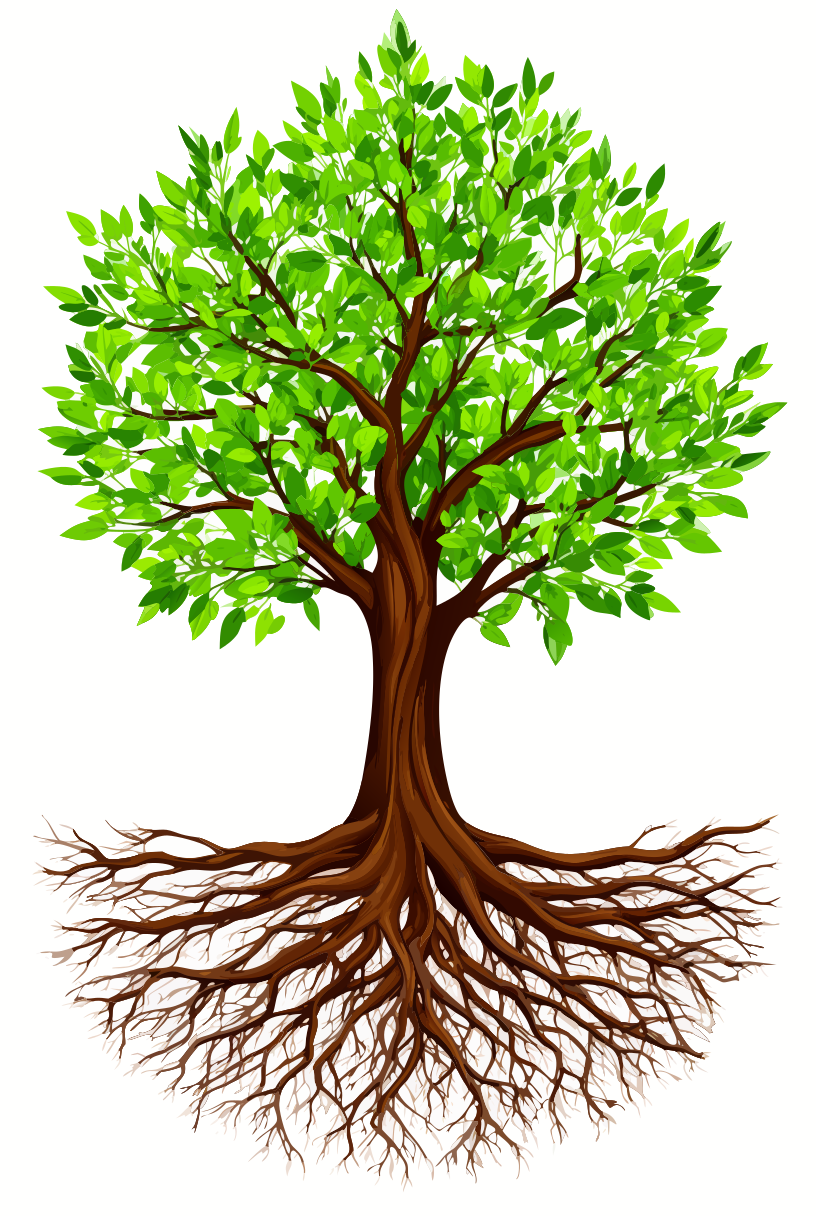
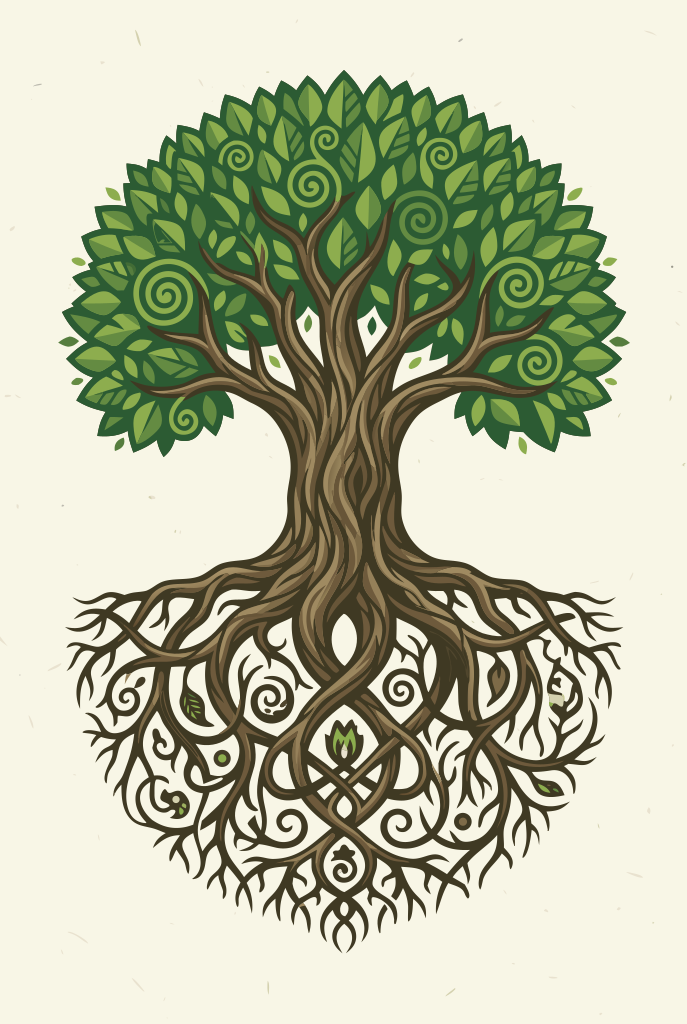
Stylized tree with green leaves and detailed branching roots


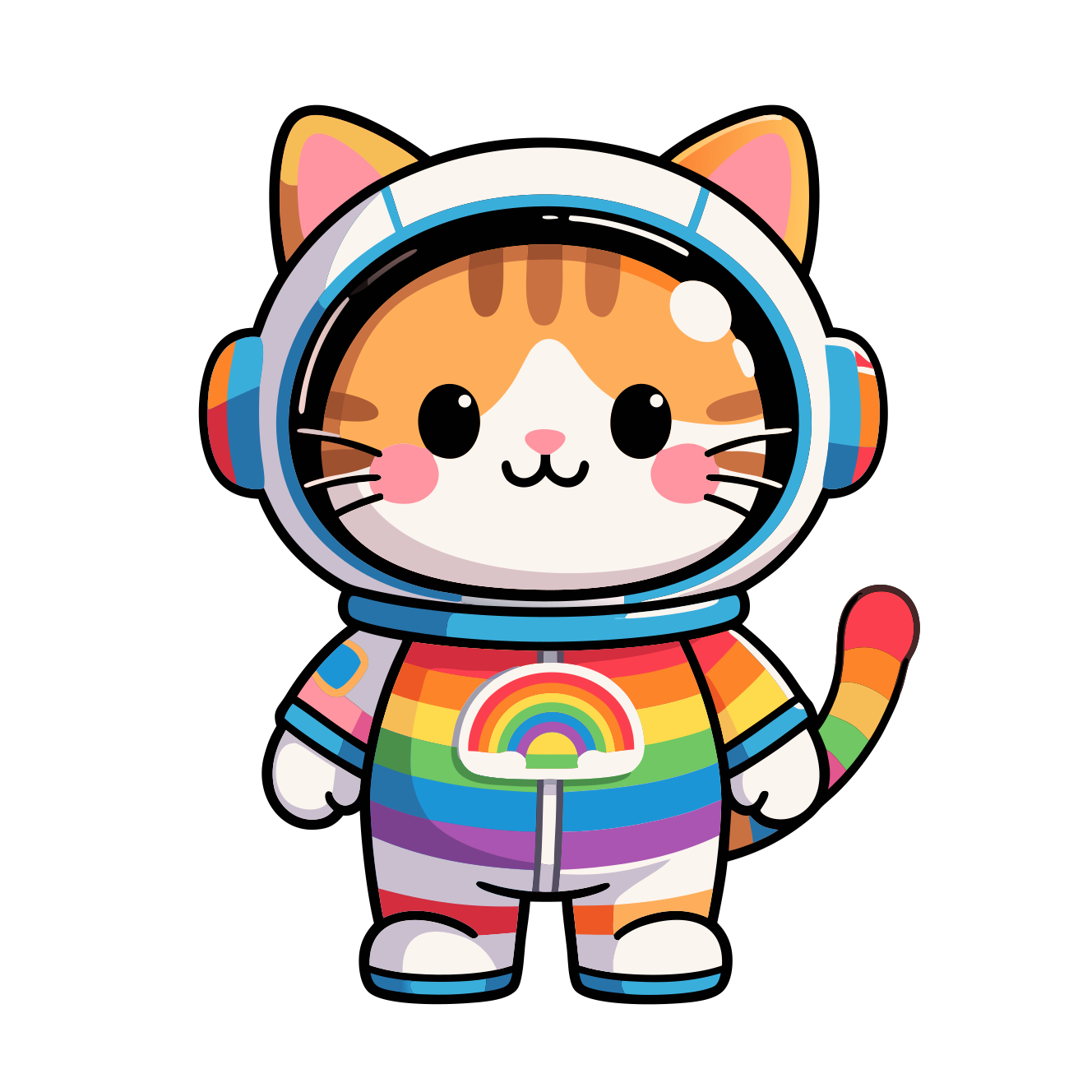
Cute cartoon cat in a colorful rainbow astronaut suit.
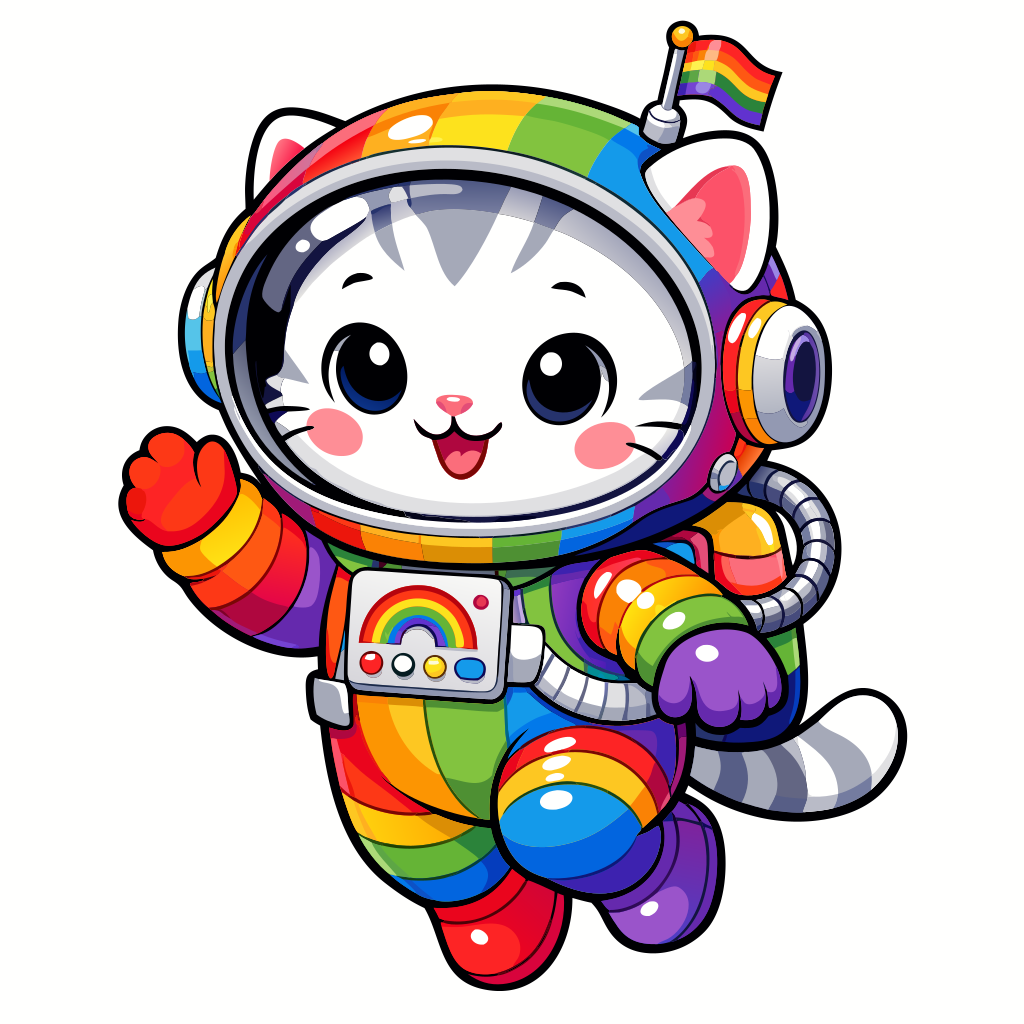
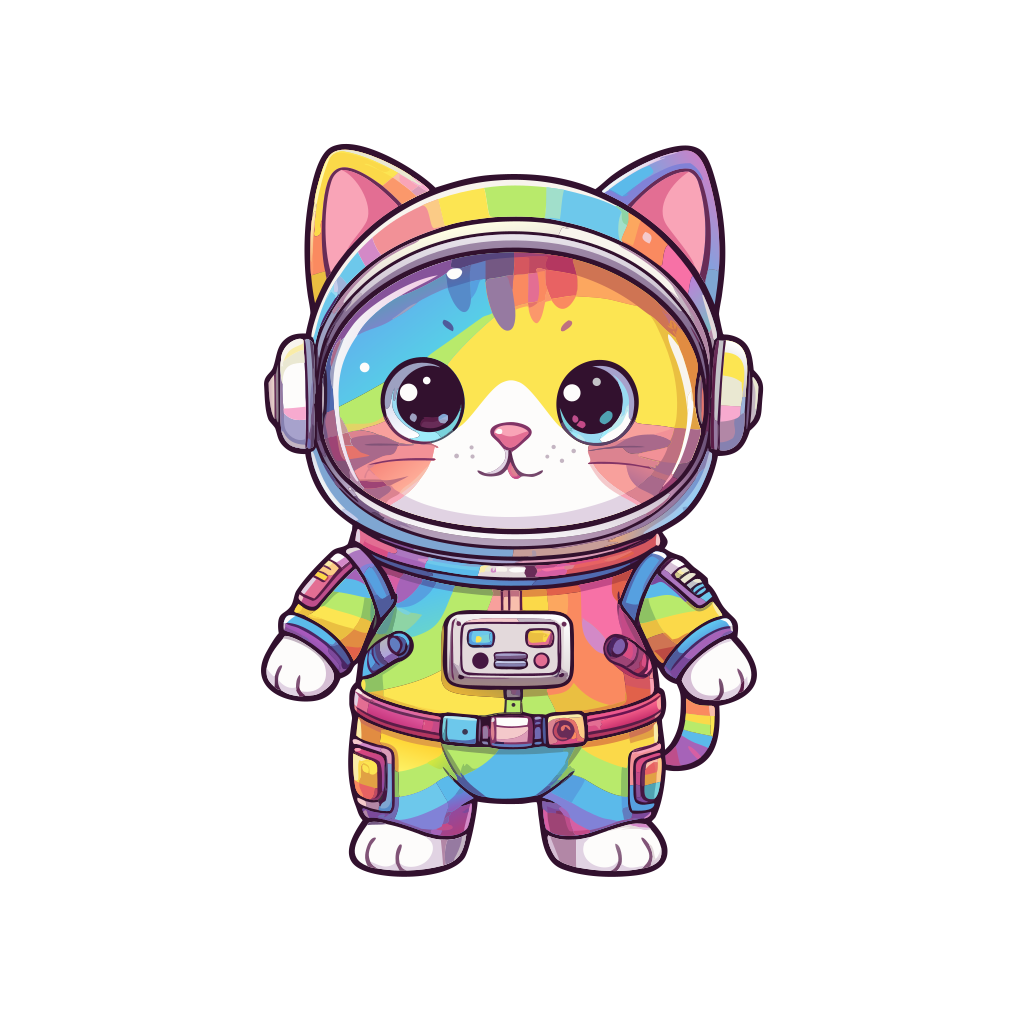
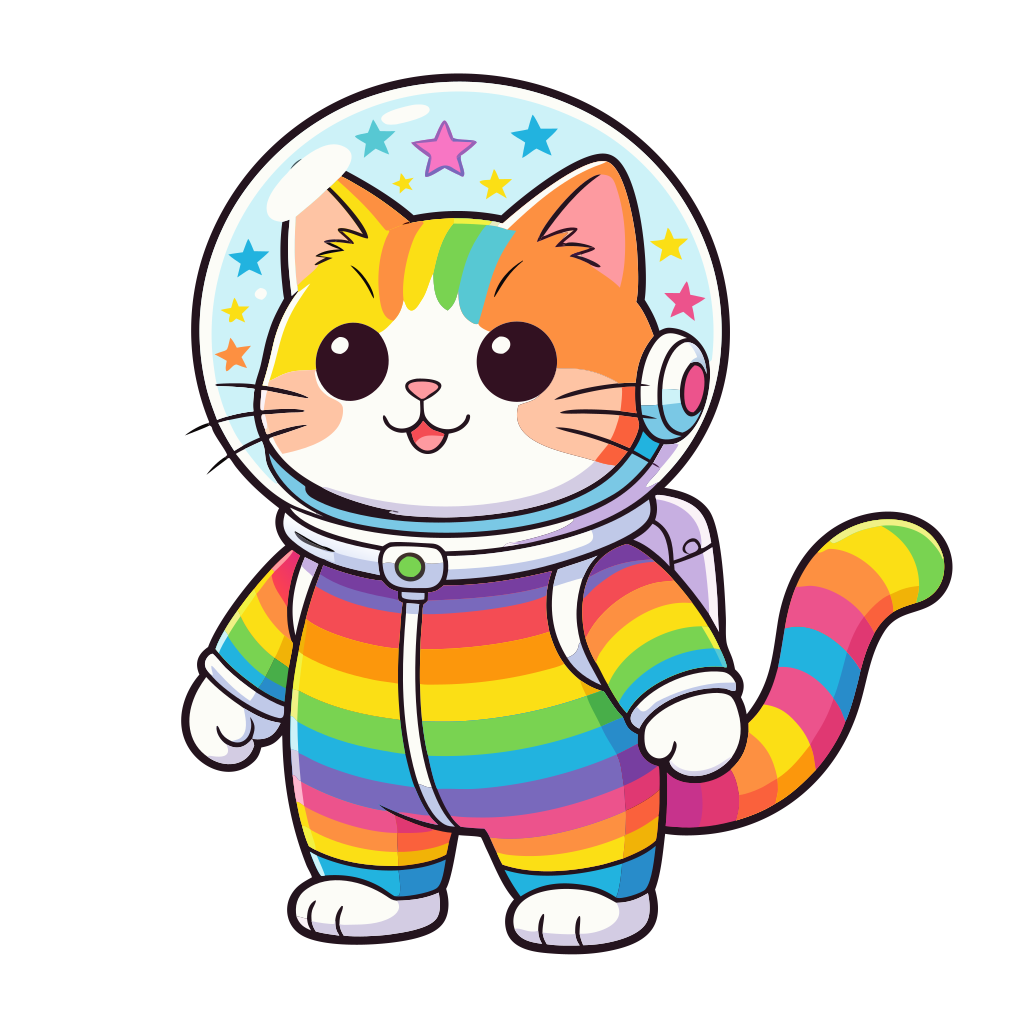
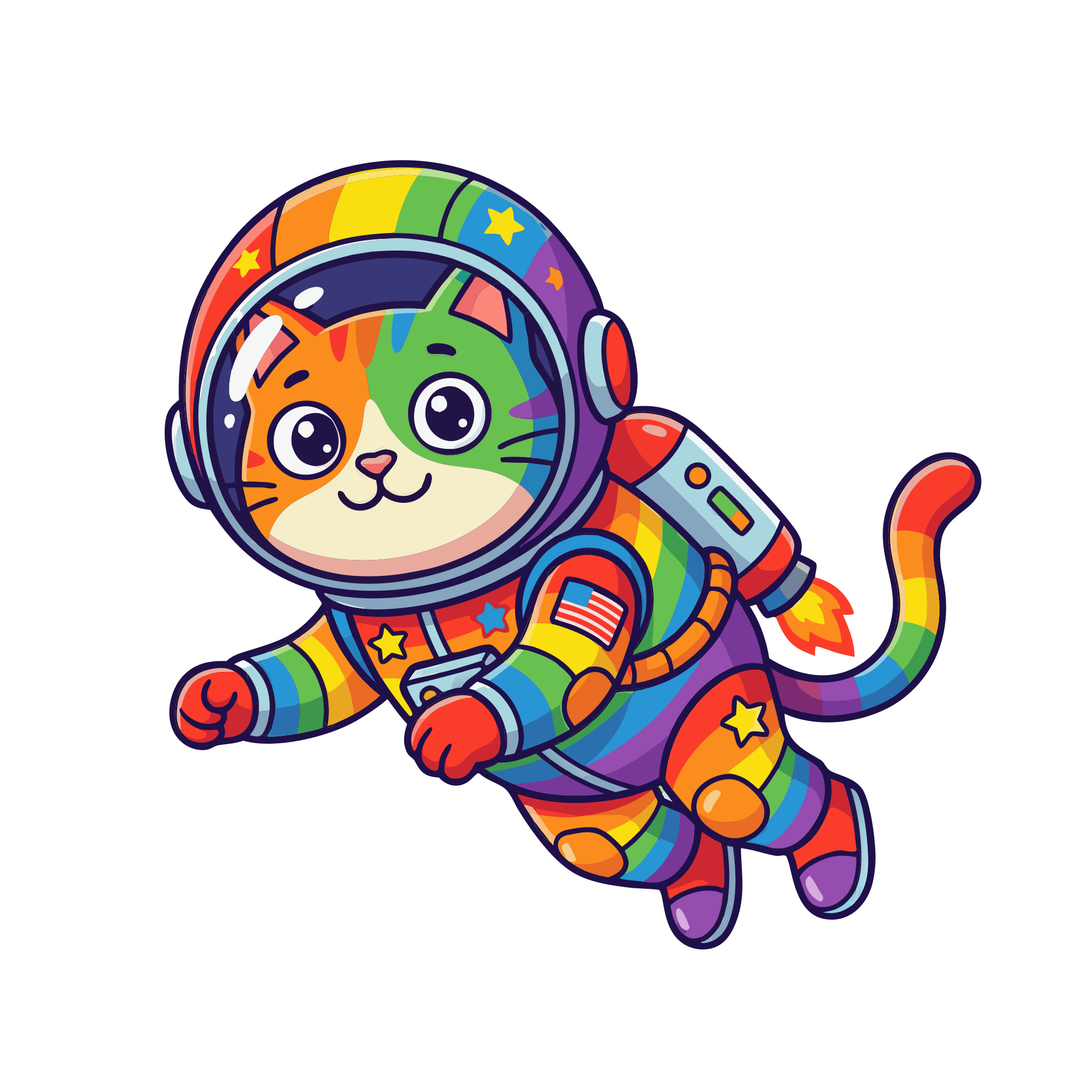
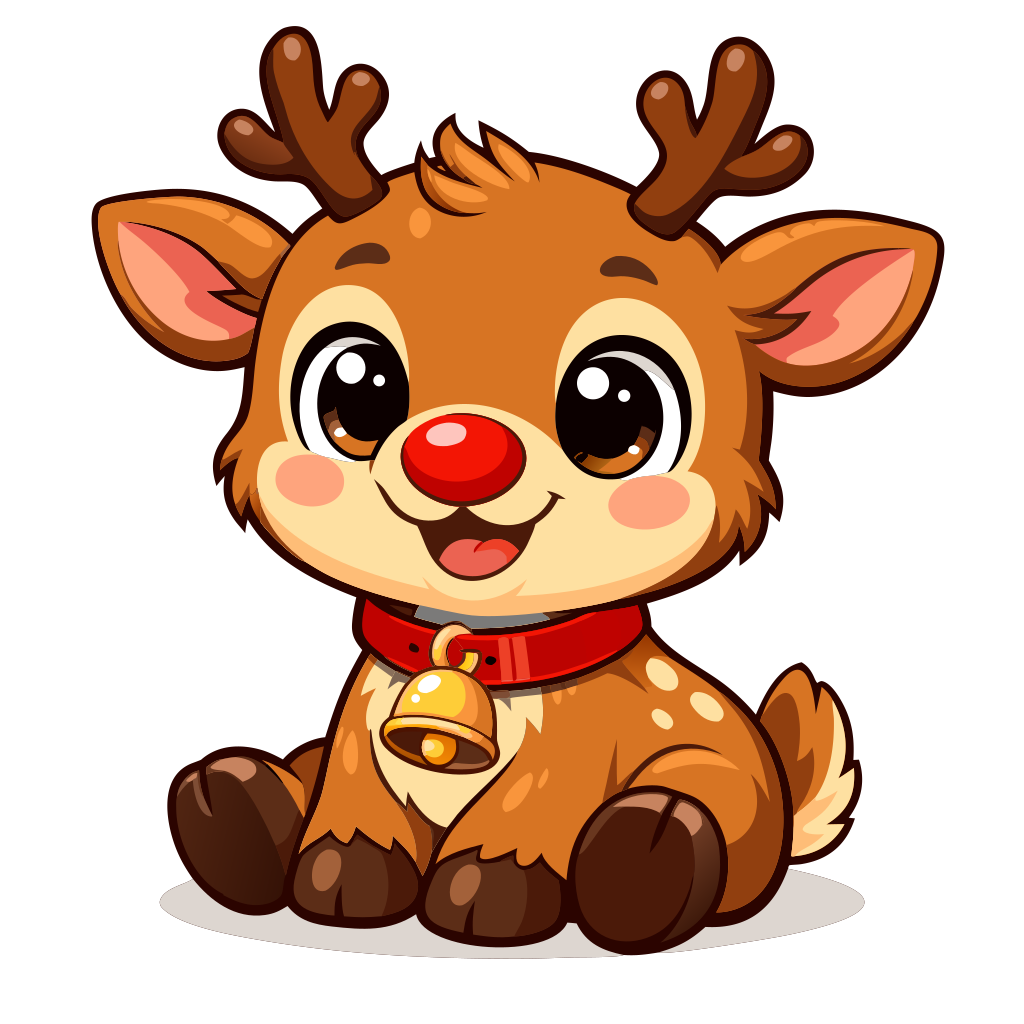
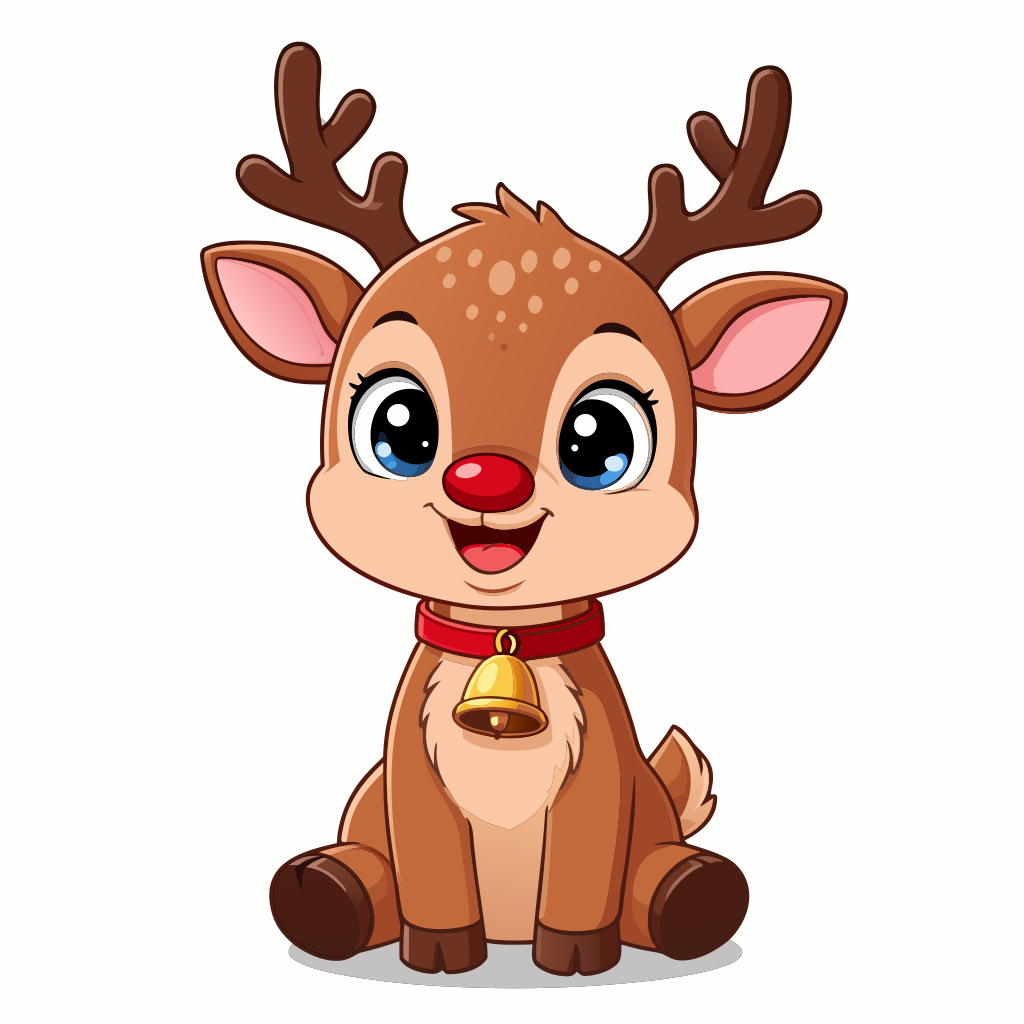
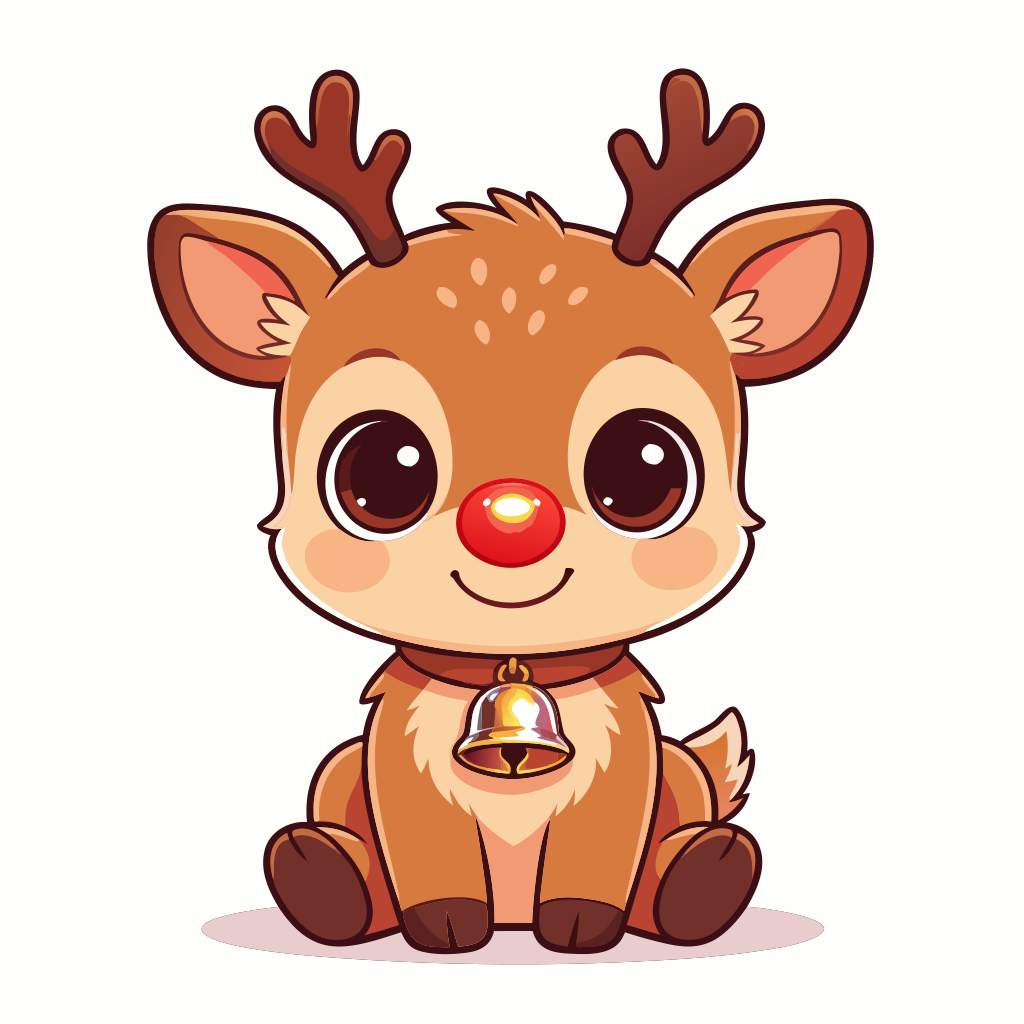
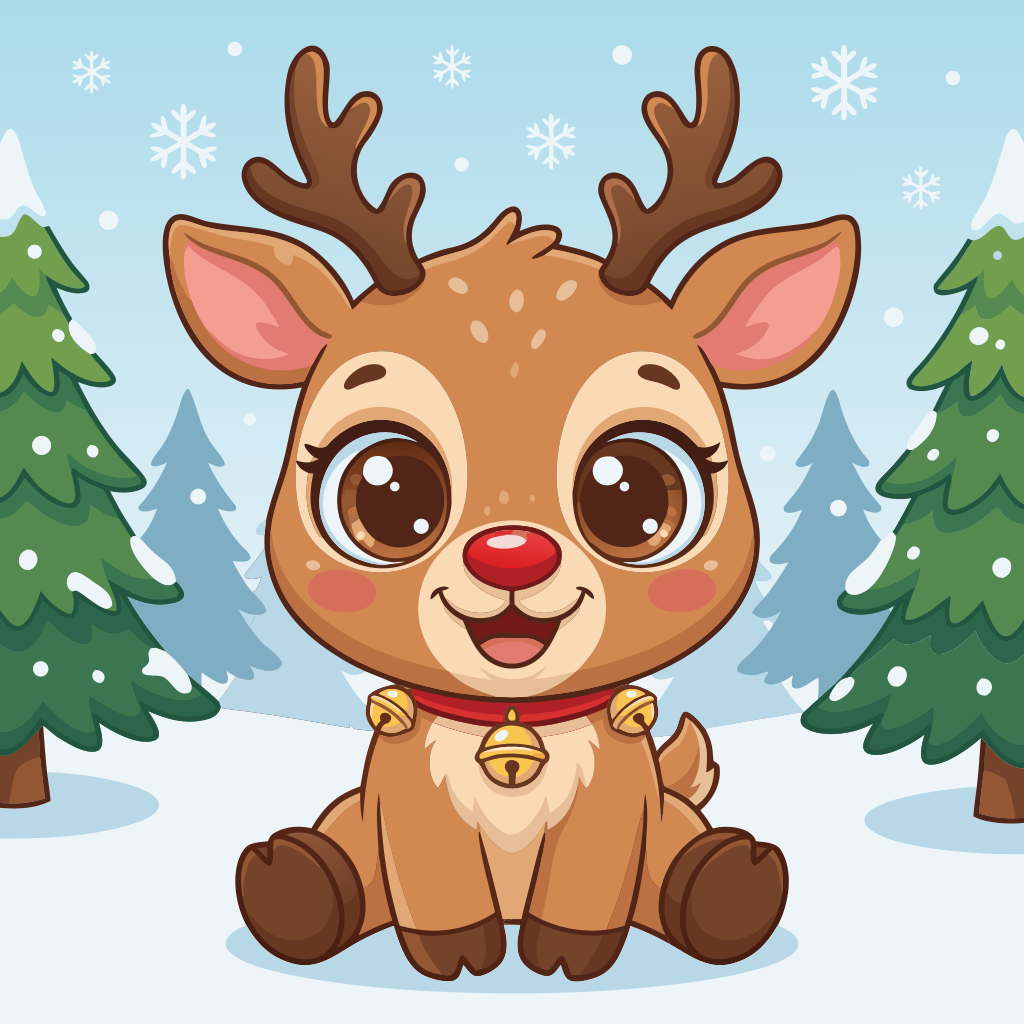
Cute cartoon baby reindeer with big eyes, red nose, antlers, and a bell collar, sitting and smiling.

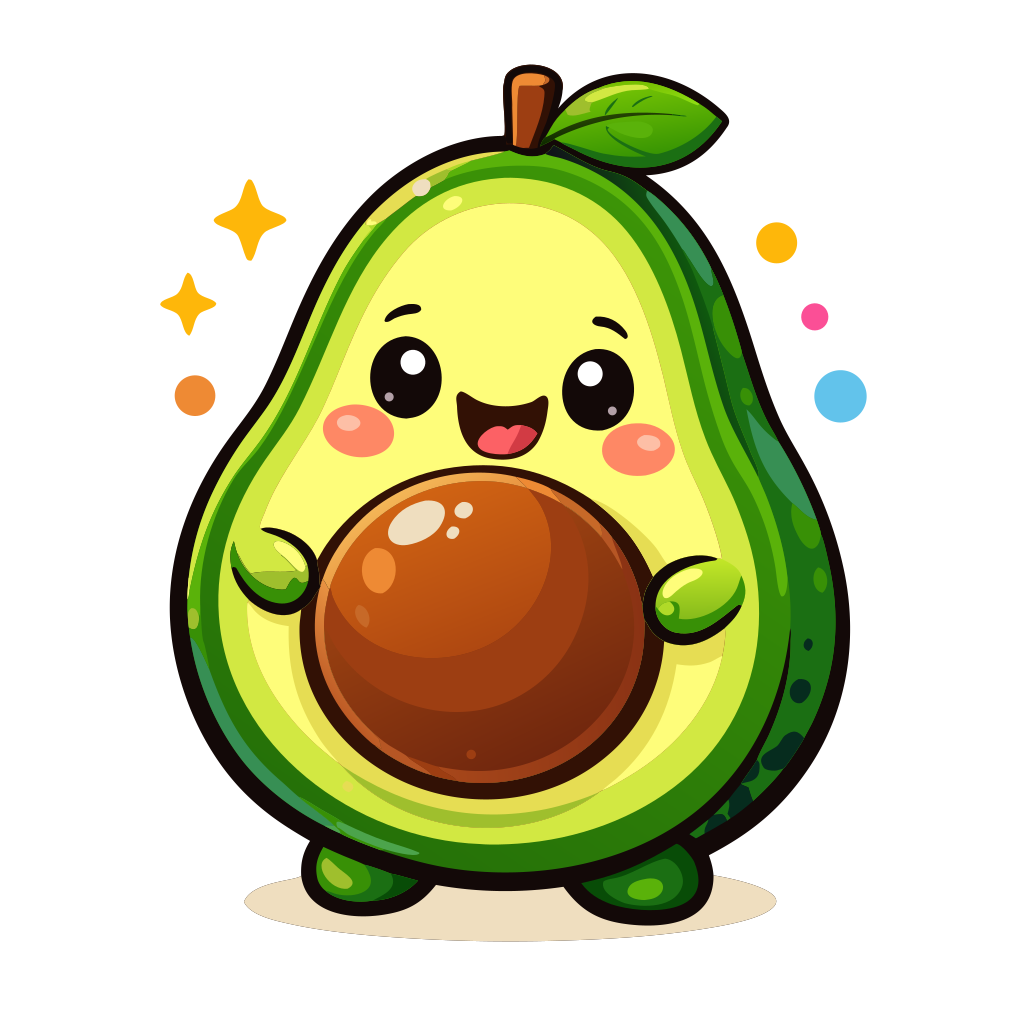
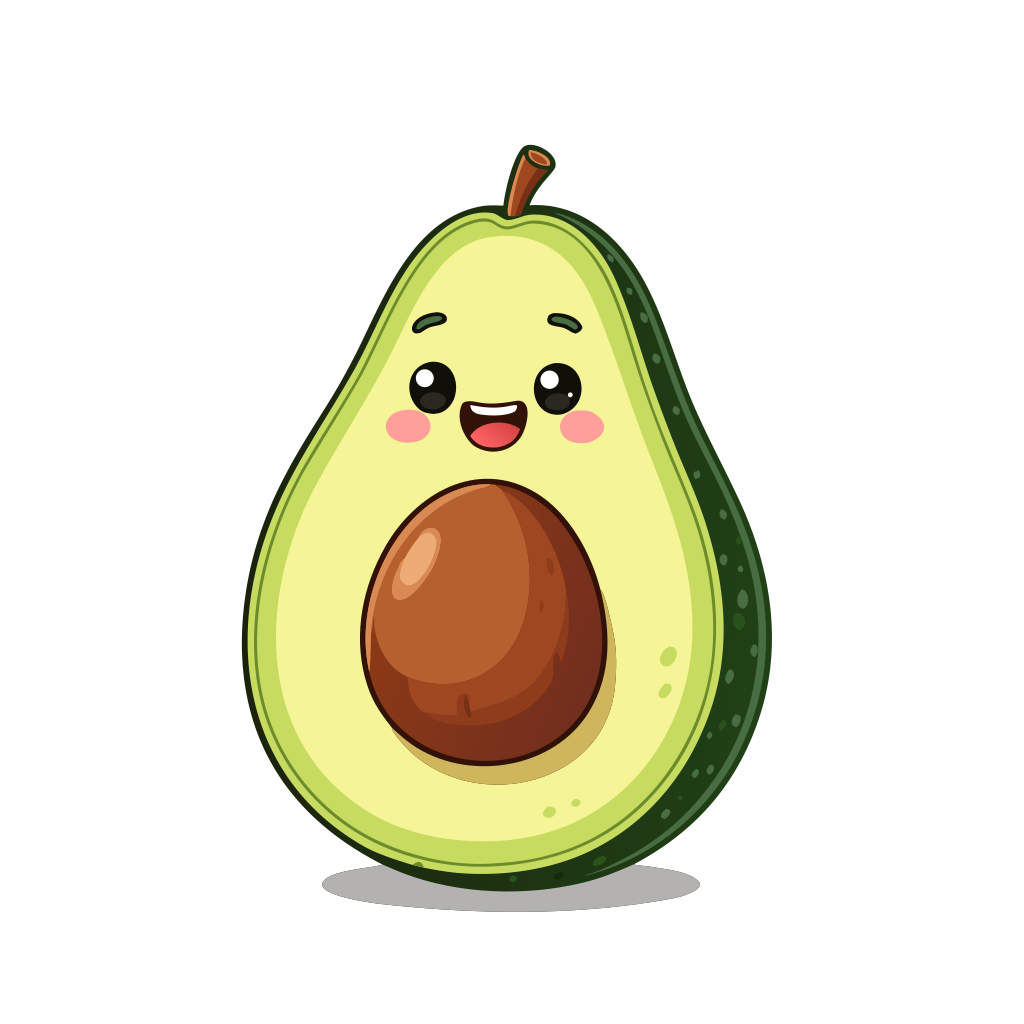
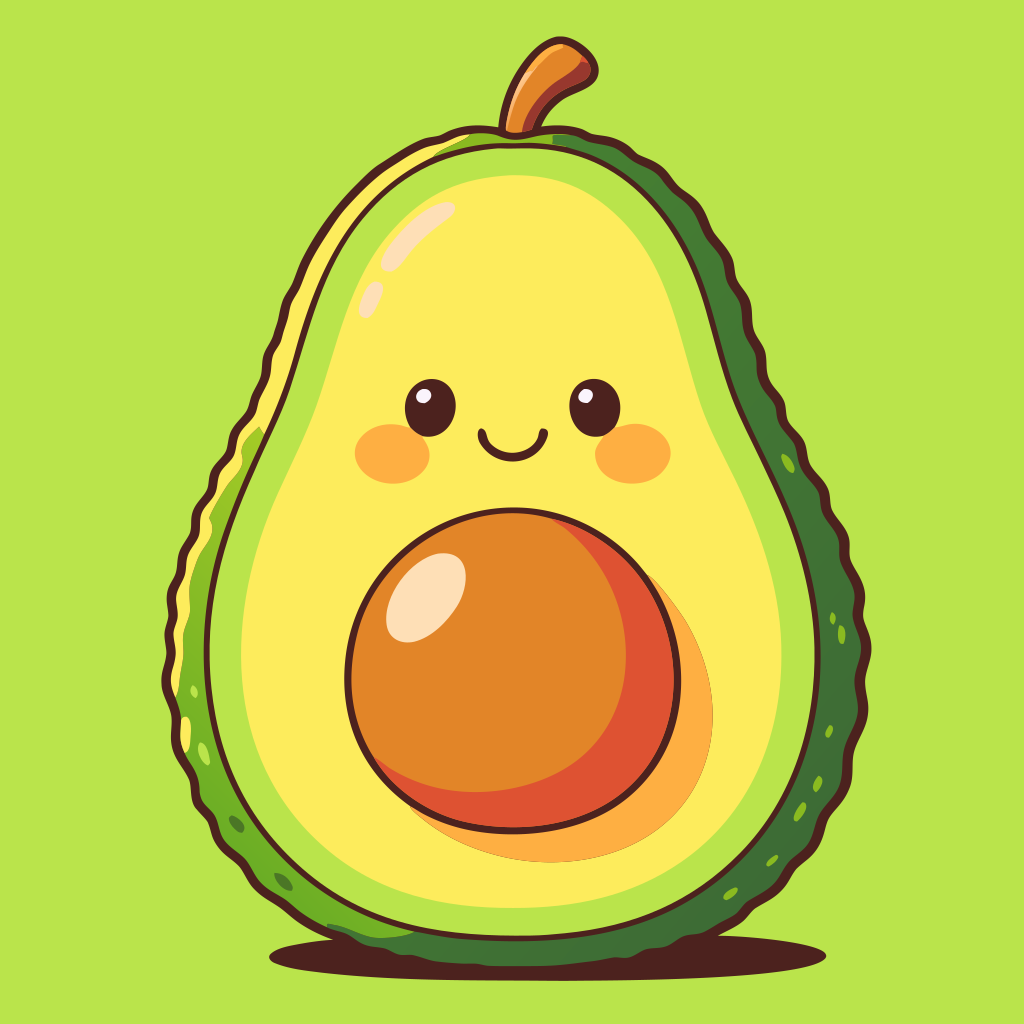
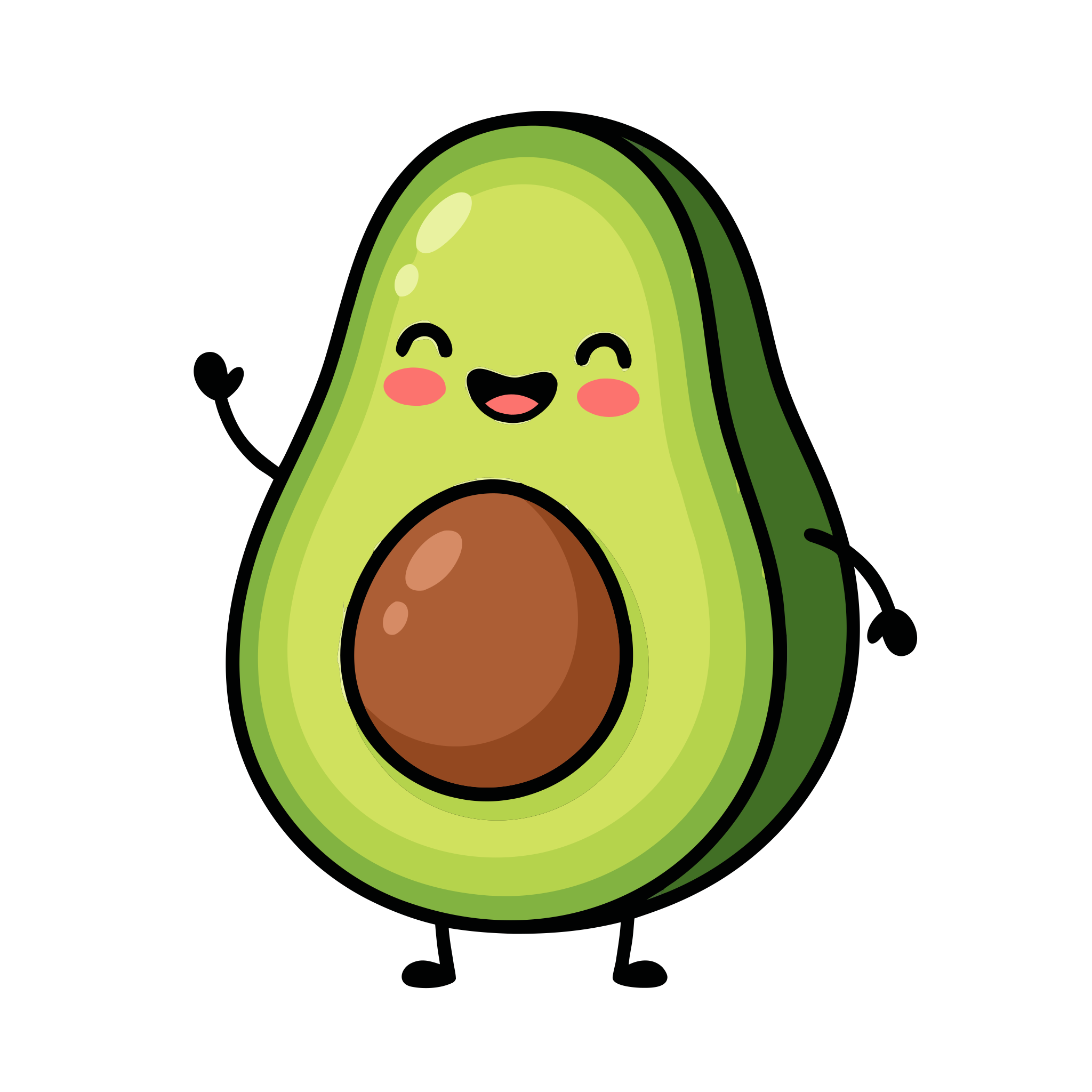
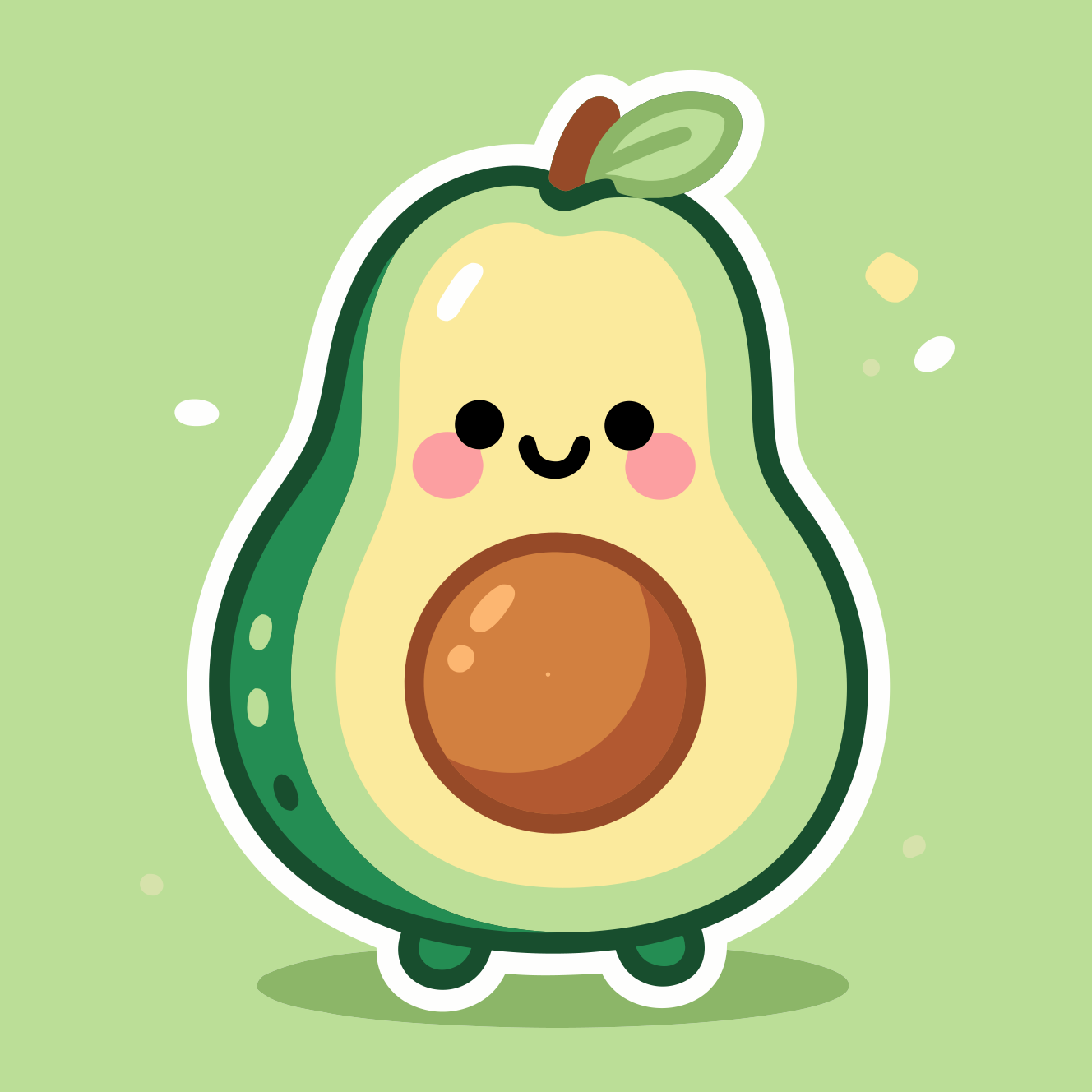
Cute cartoon avocado with a smiling face and big seed. style(cartoon)
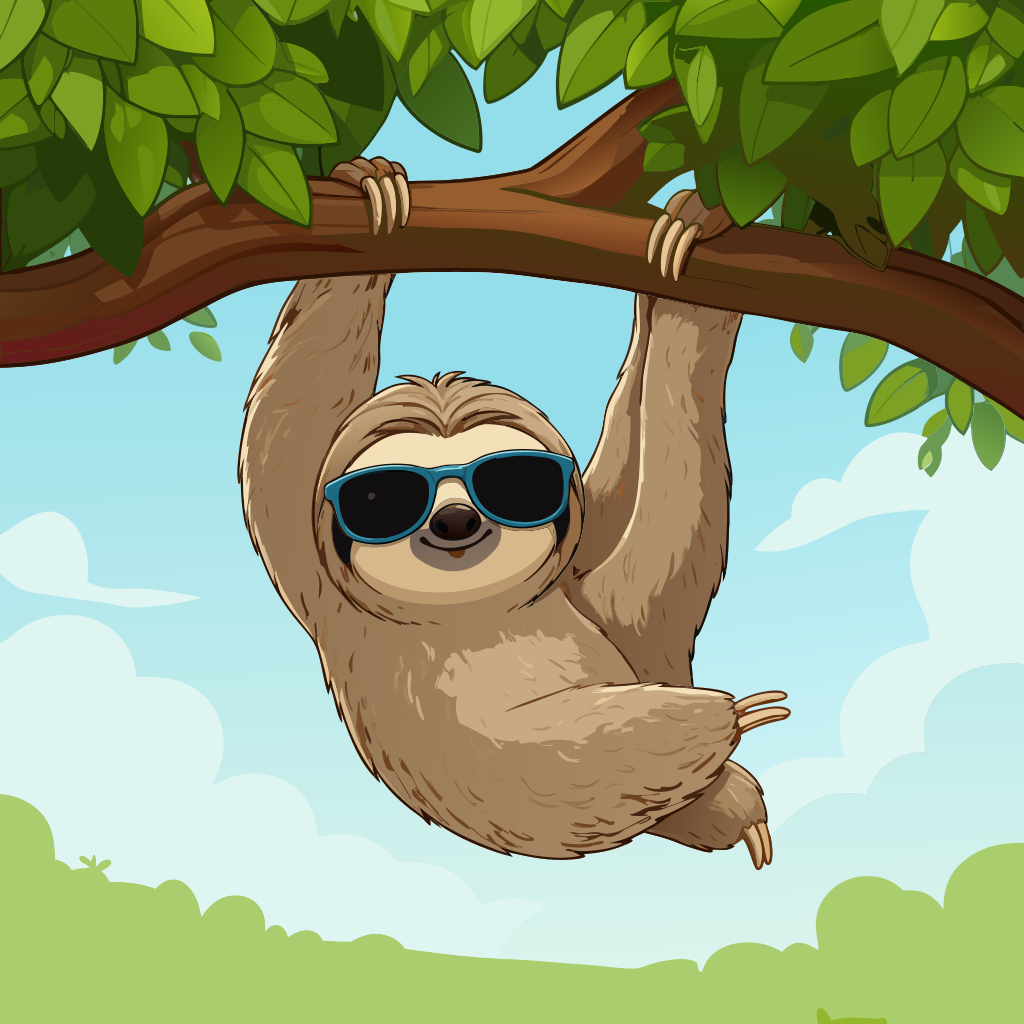
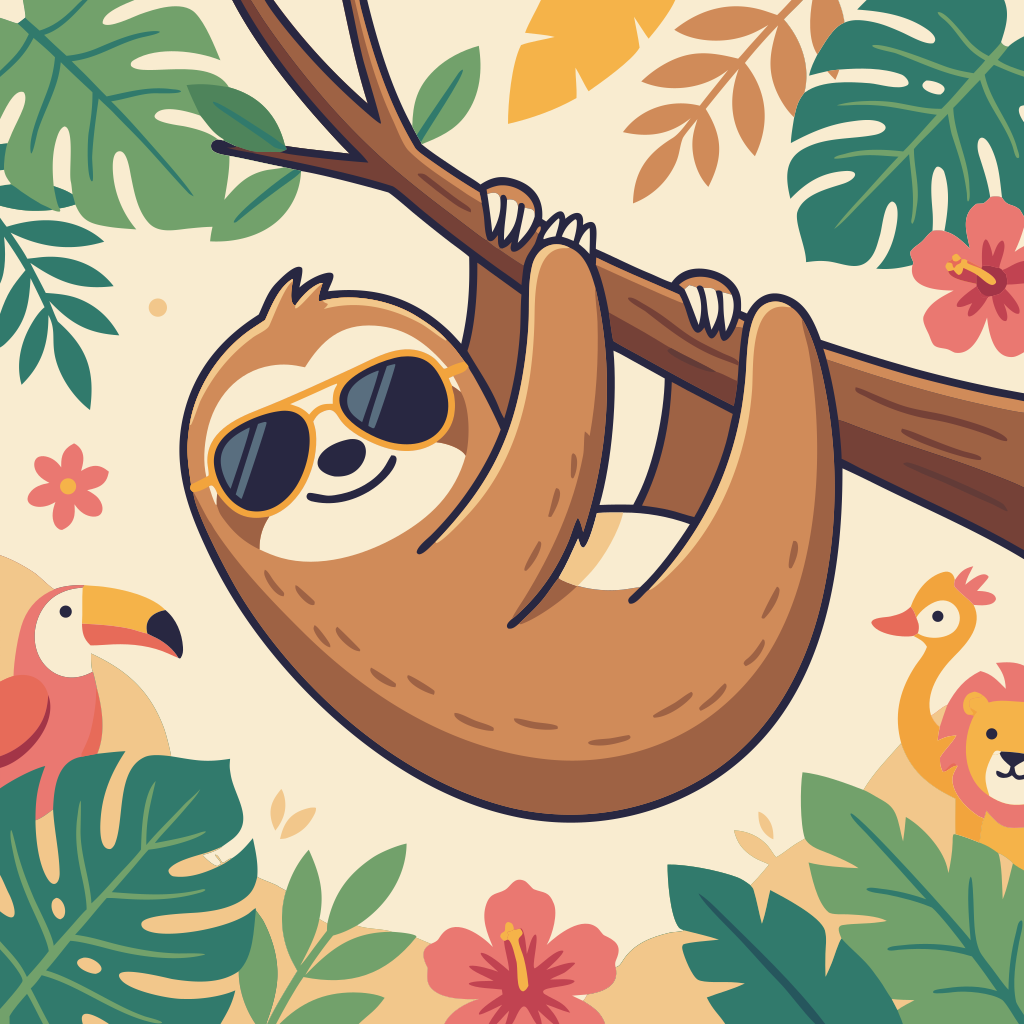
Cute cartoon sloth wearing sunglasses, hanging from a tree branch



Cute snowman sitting inside a glass of red wine, cheerful holiday illustration





Black-and-white pumpkin silhouette with swirly decorative lines, leaves, and the text 'Happy Thanksgiving'.





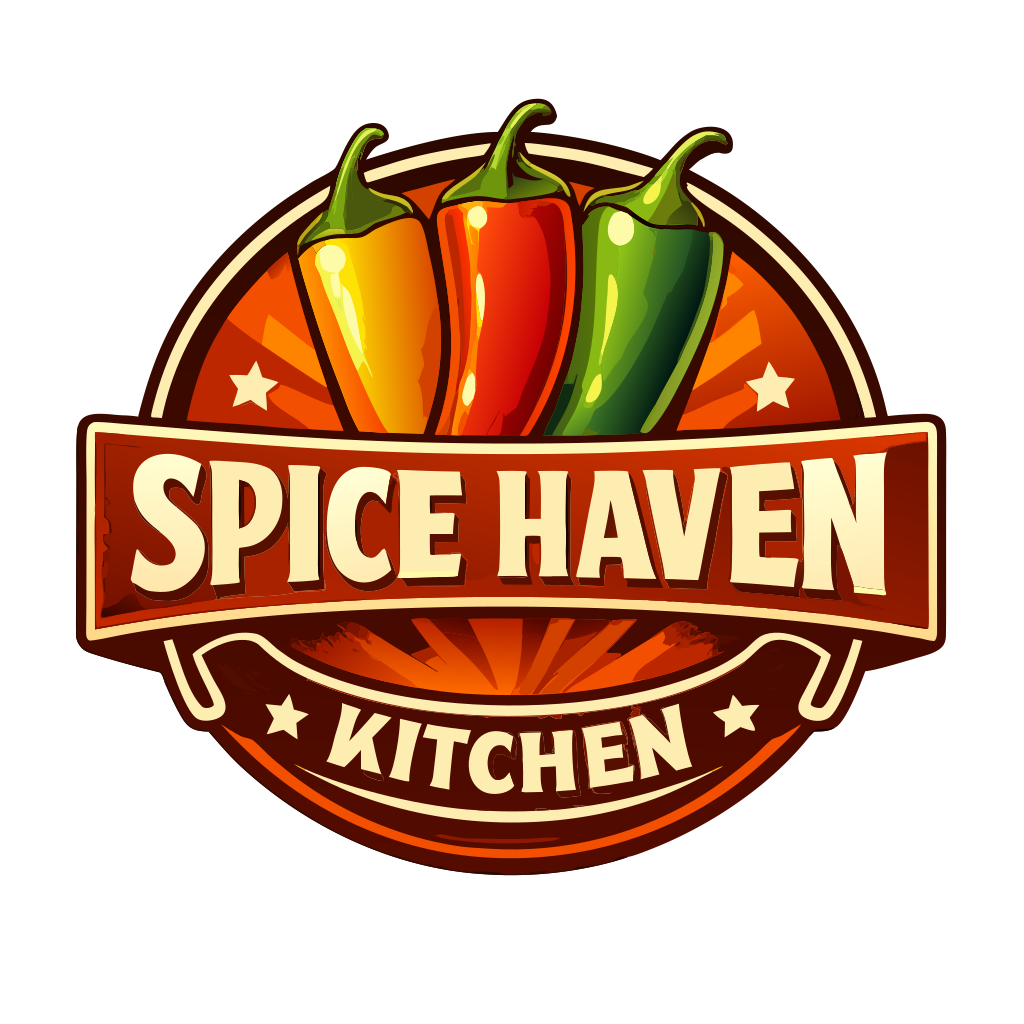
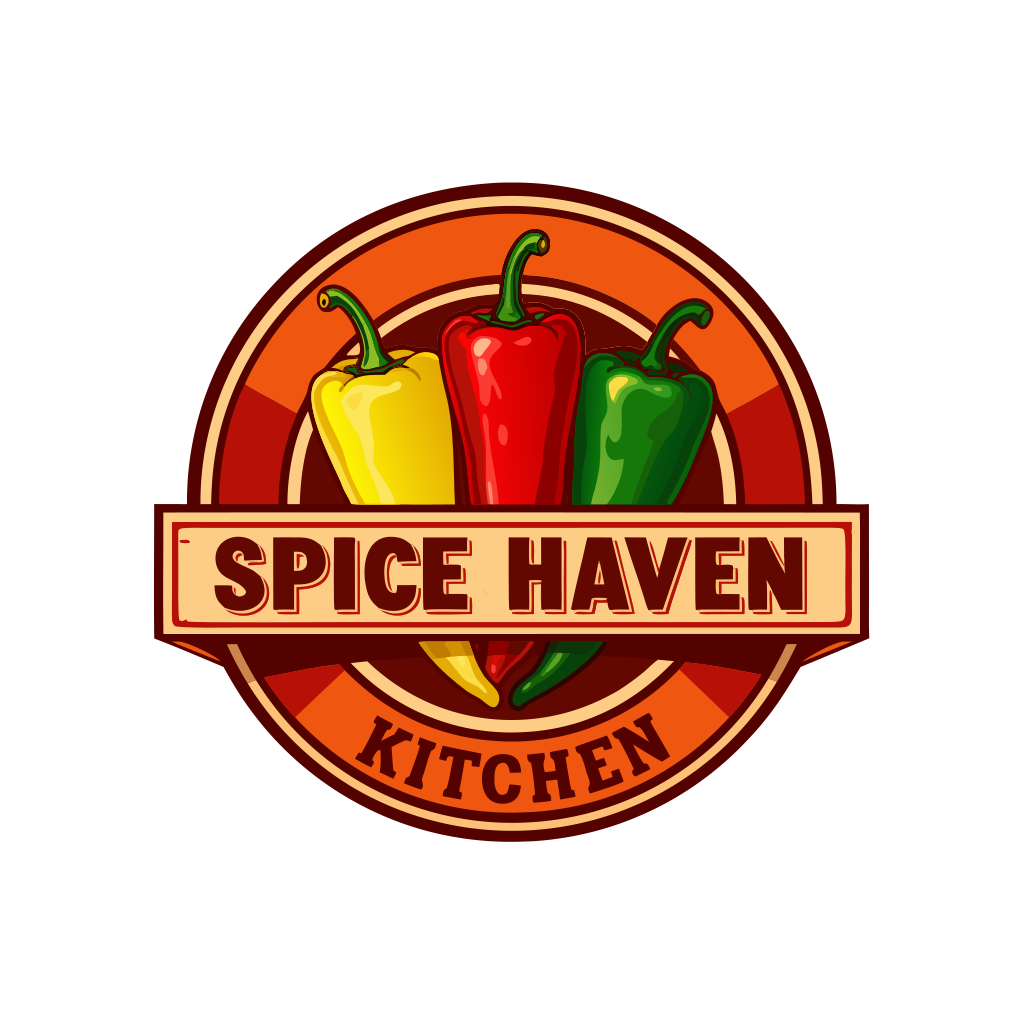
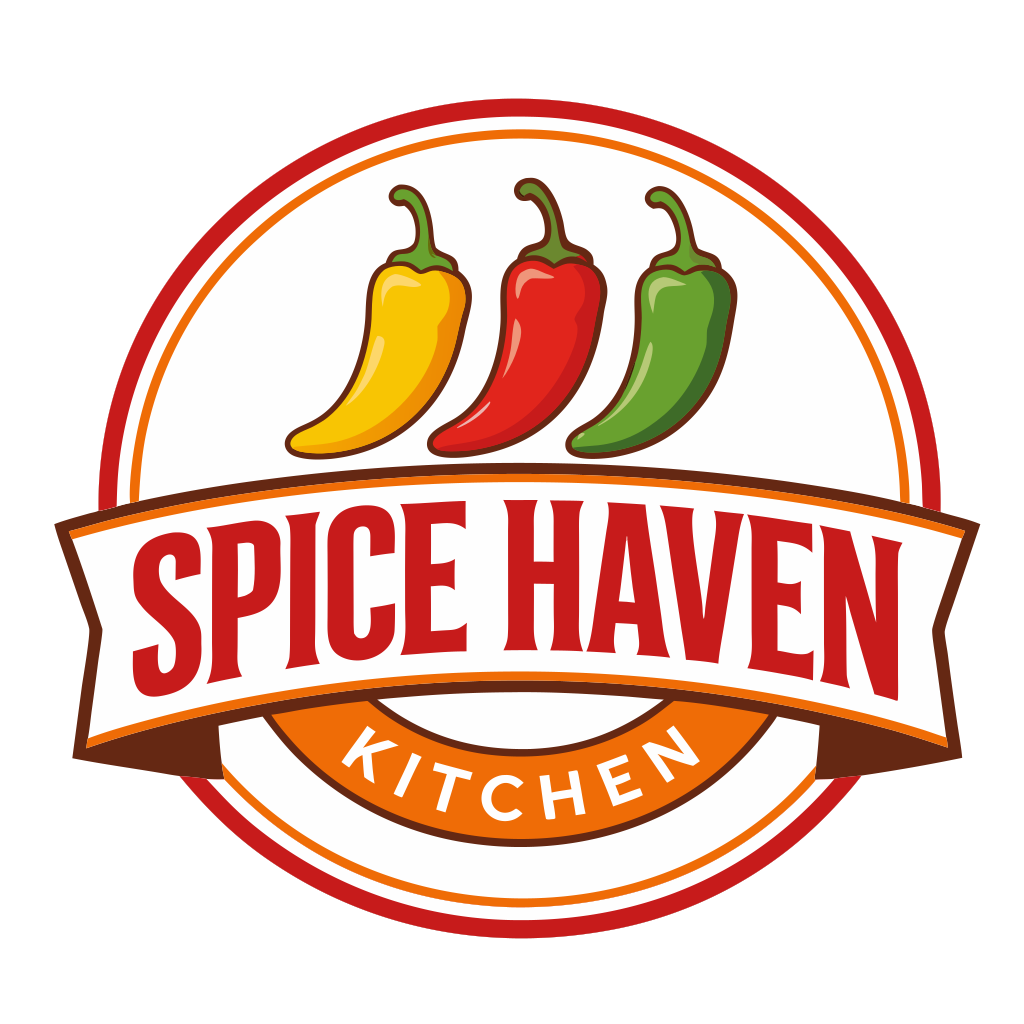
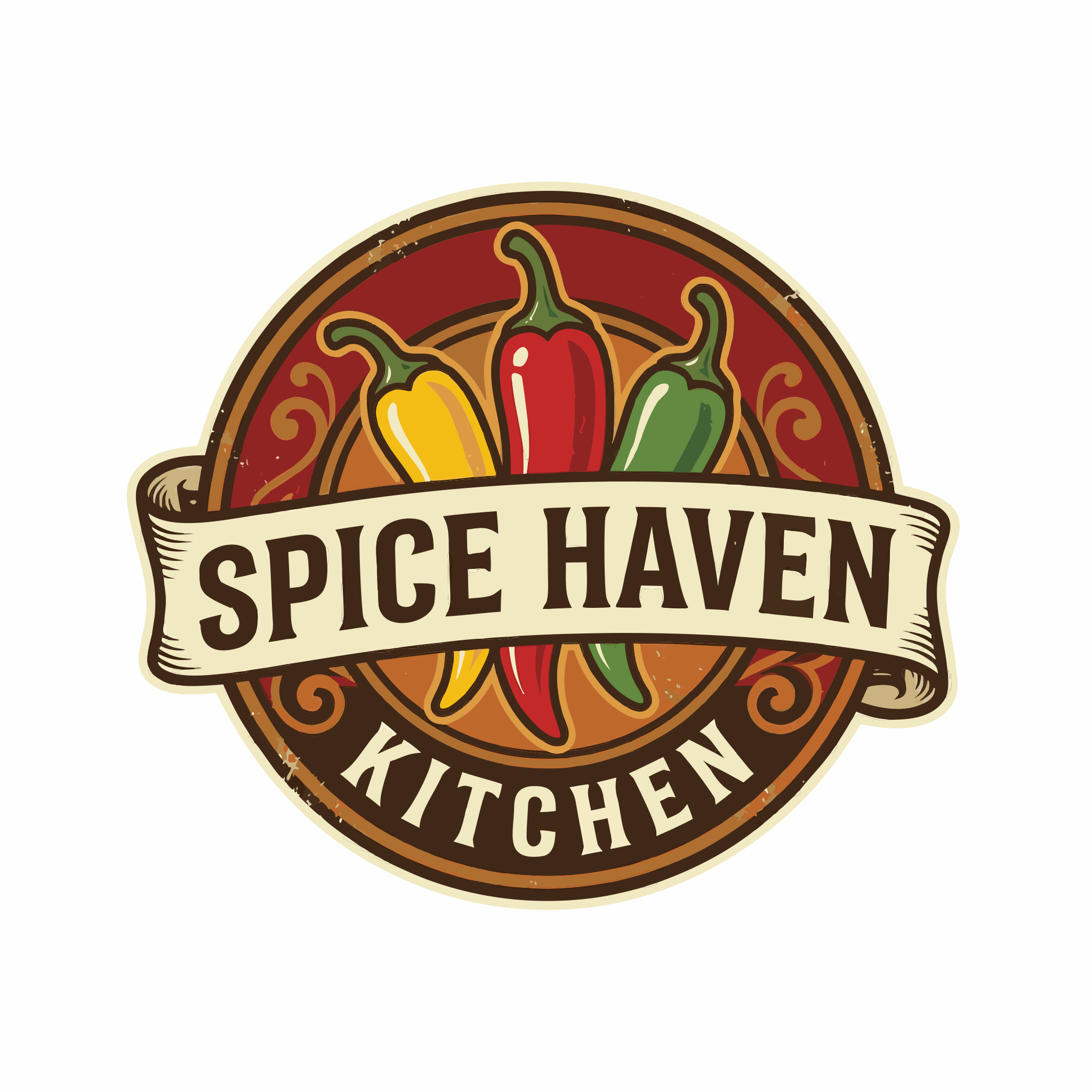
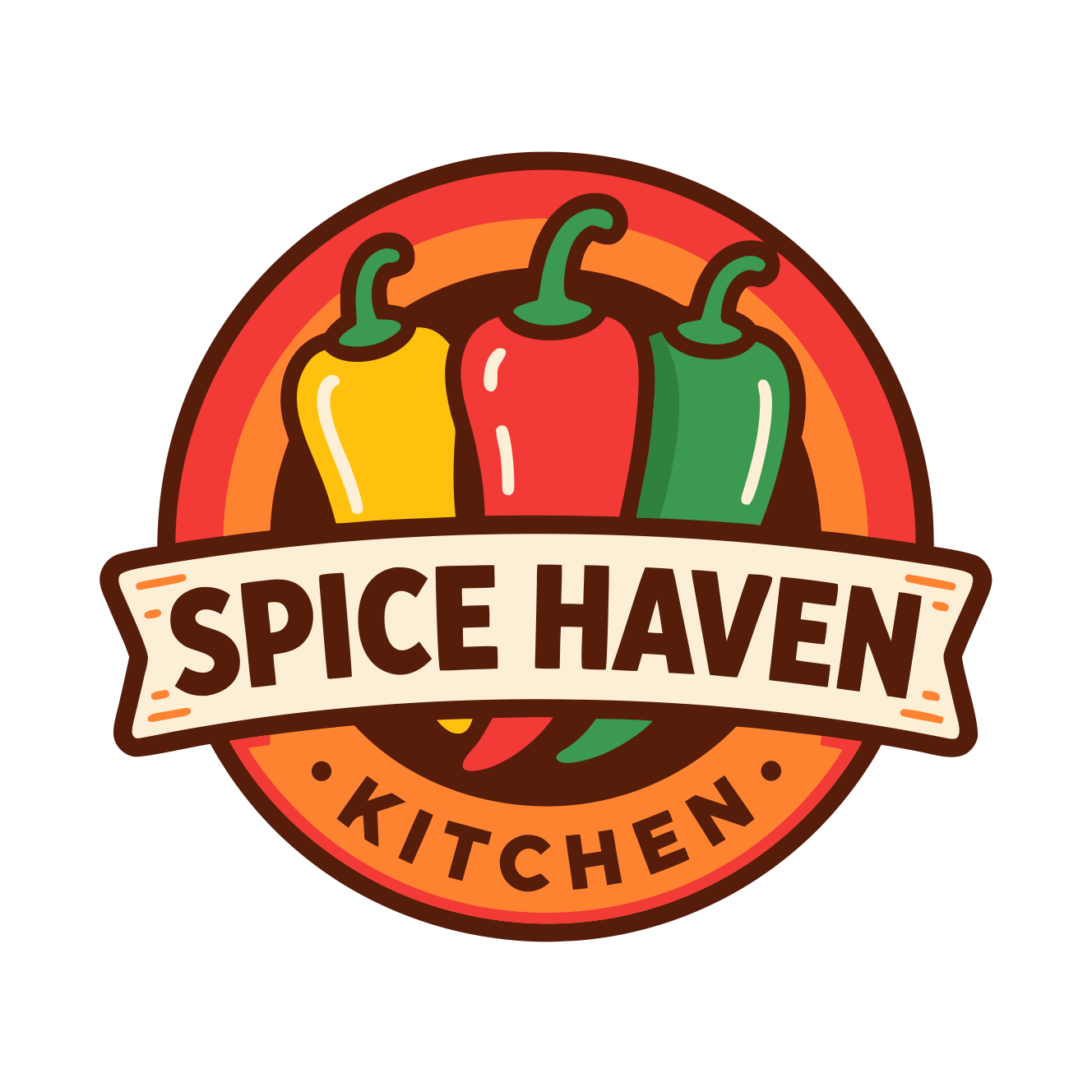
A bold, vintage-style restaurant logo featuring three colorful chili peppers (yellow, red, green) arranged side-by-side. Circular emblem with warm red, orange, and brown tones. A central banner reading 'SPICE HAVEN' in strong block lettering, and a curved lower label that says 'KITCHEN'. Clean, vibrant, retro-inspired design
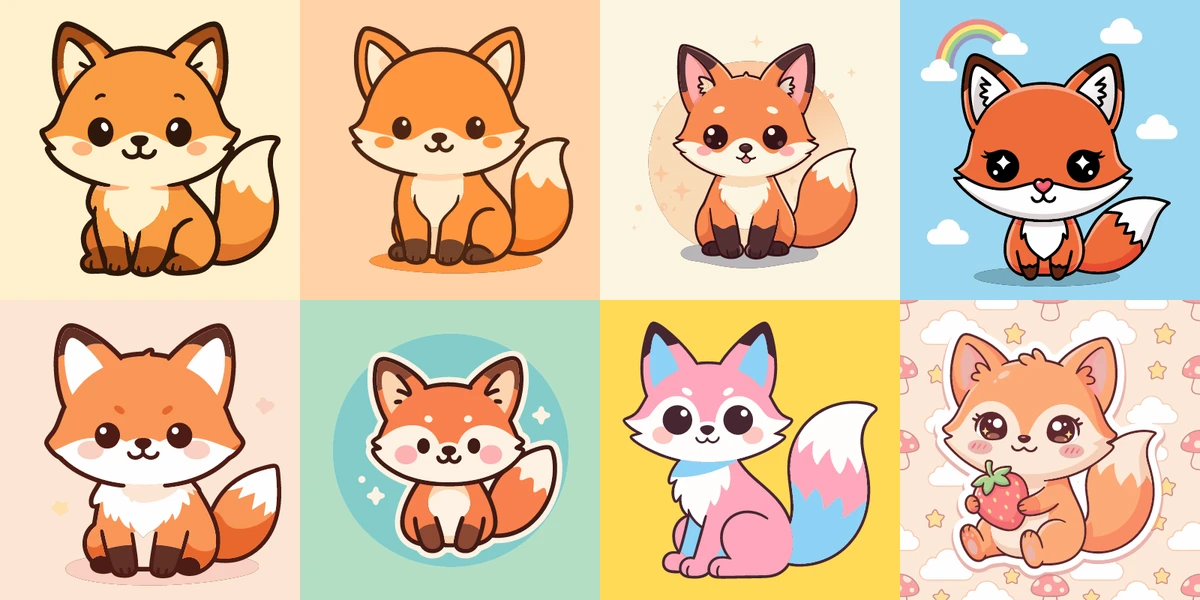
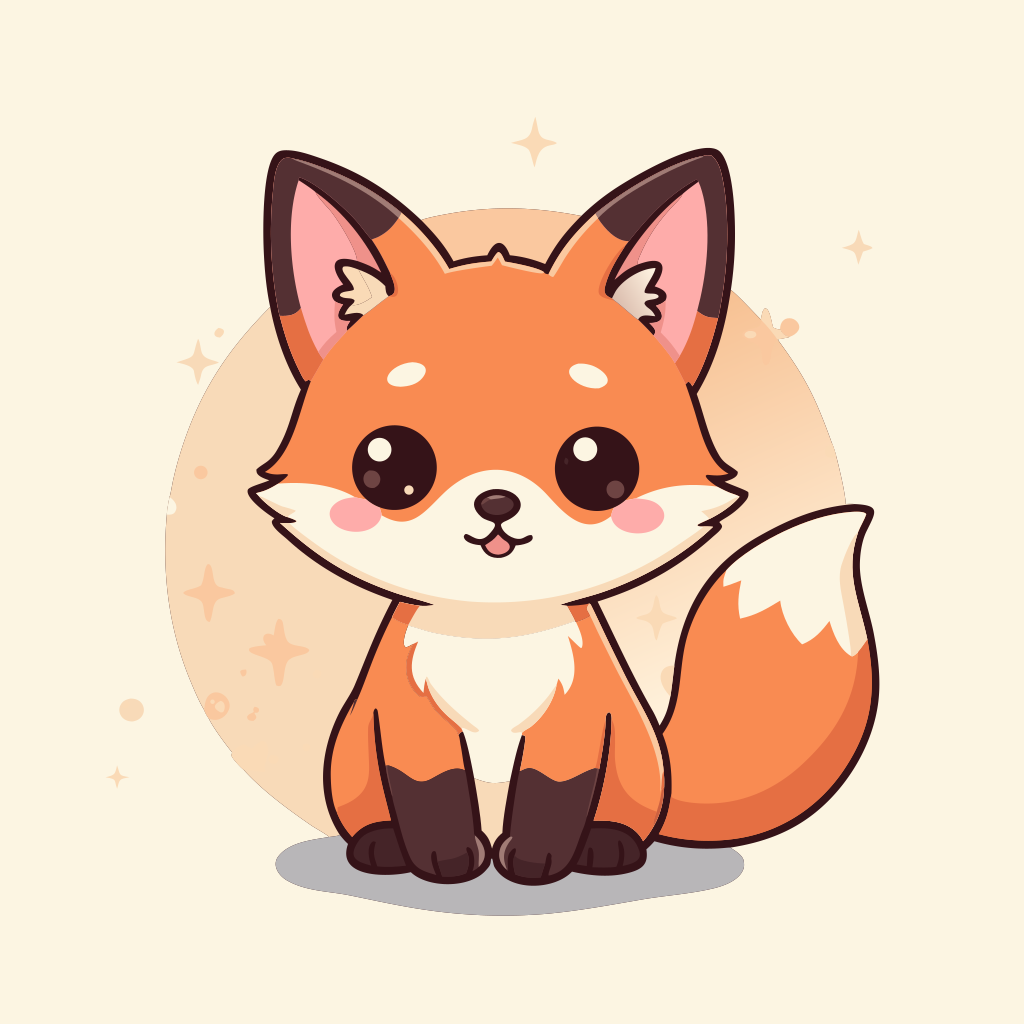
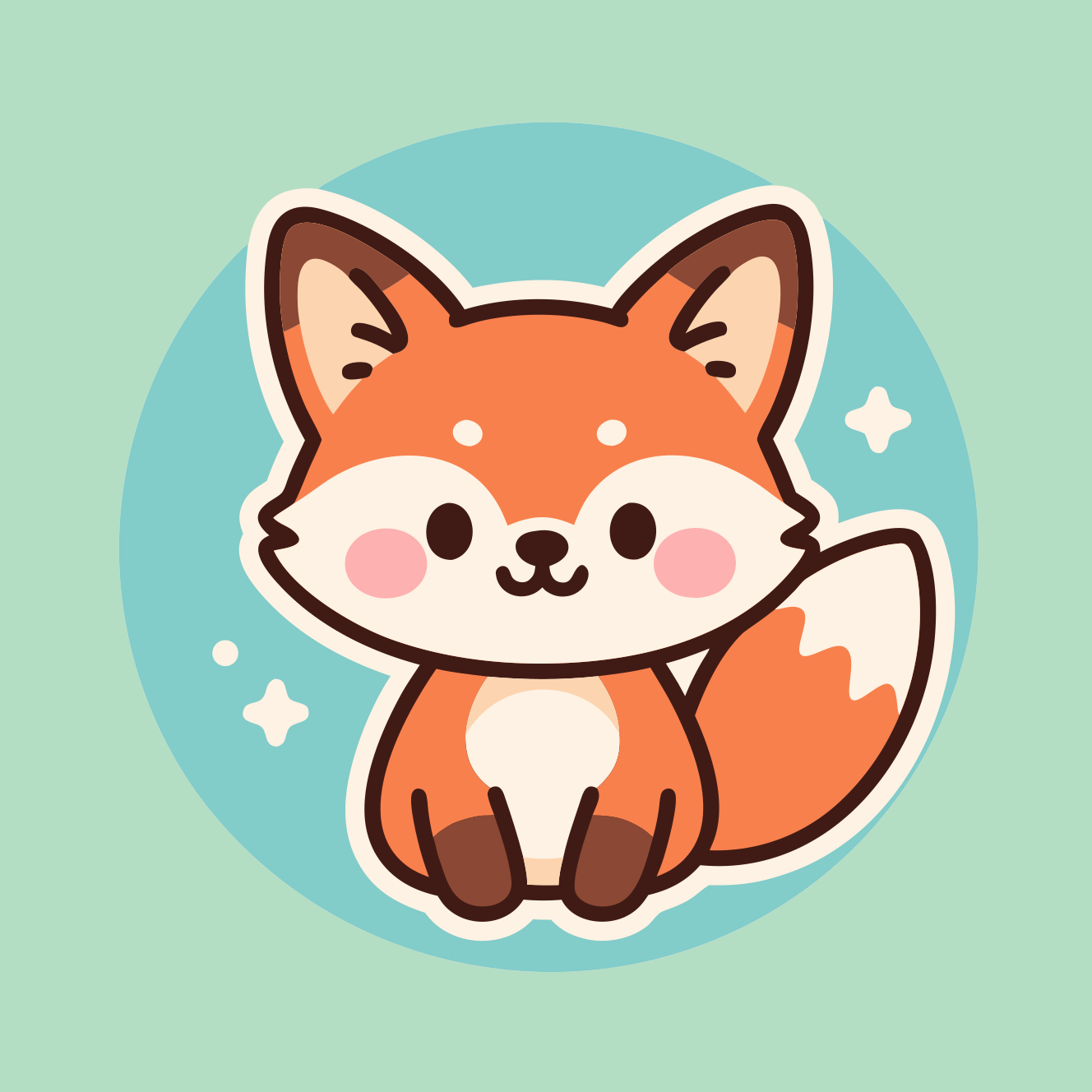
kawaii fox



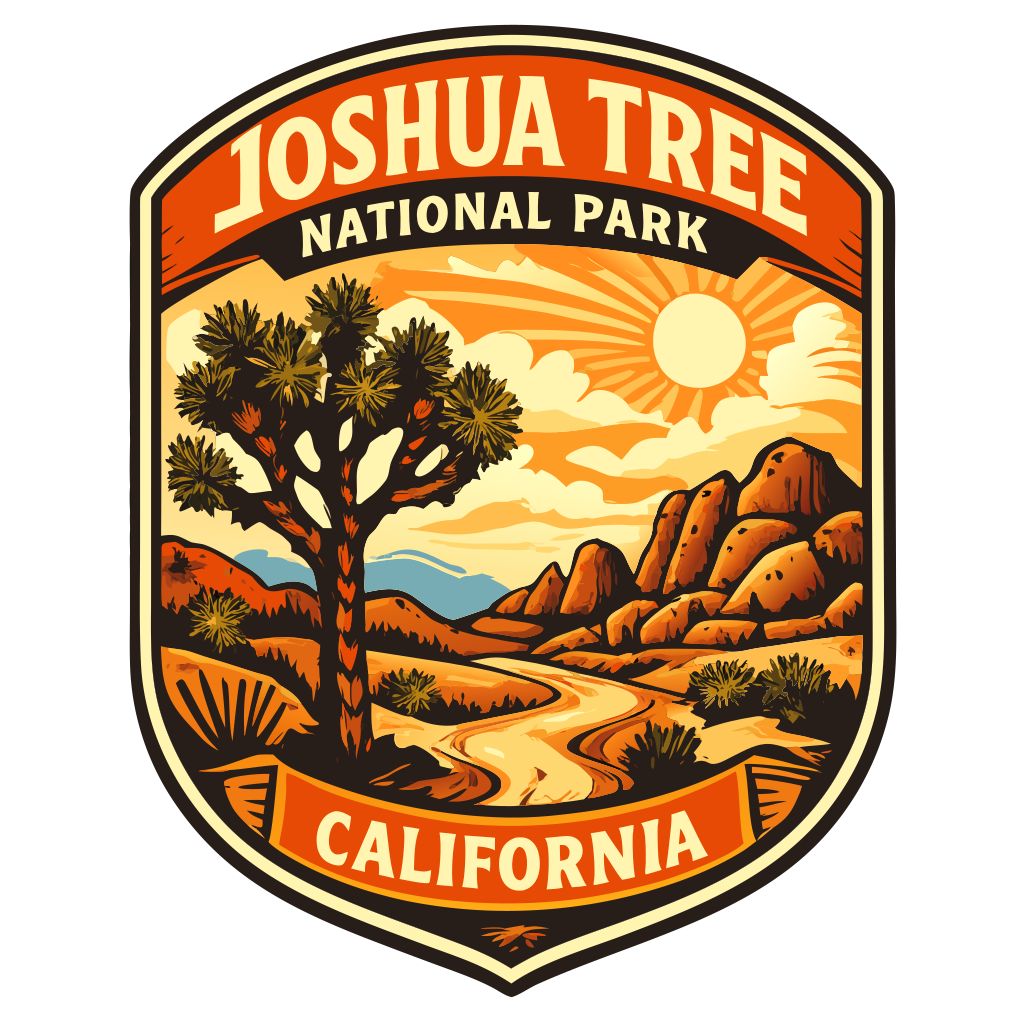
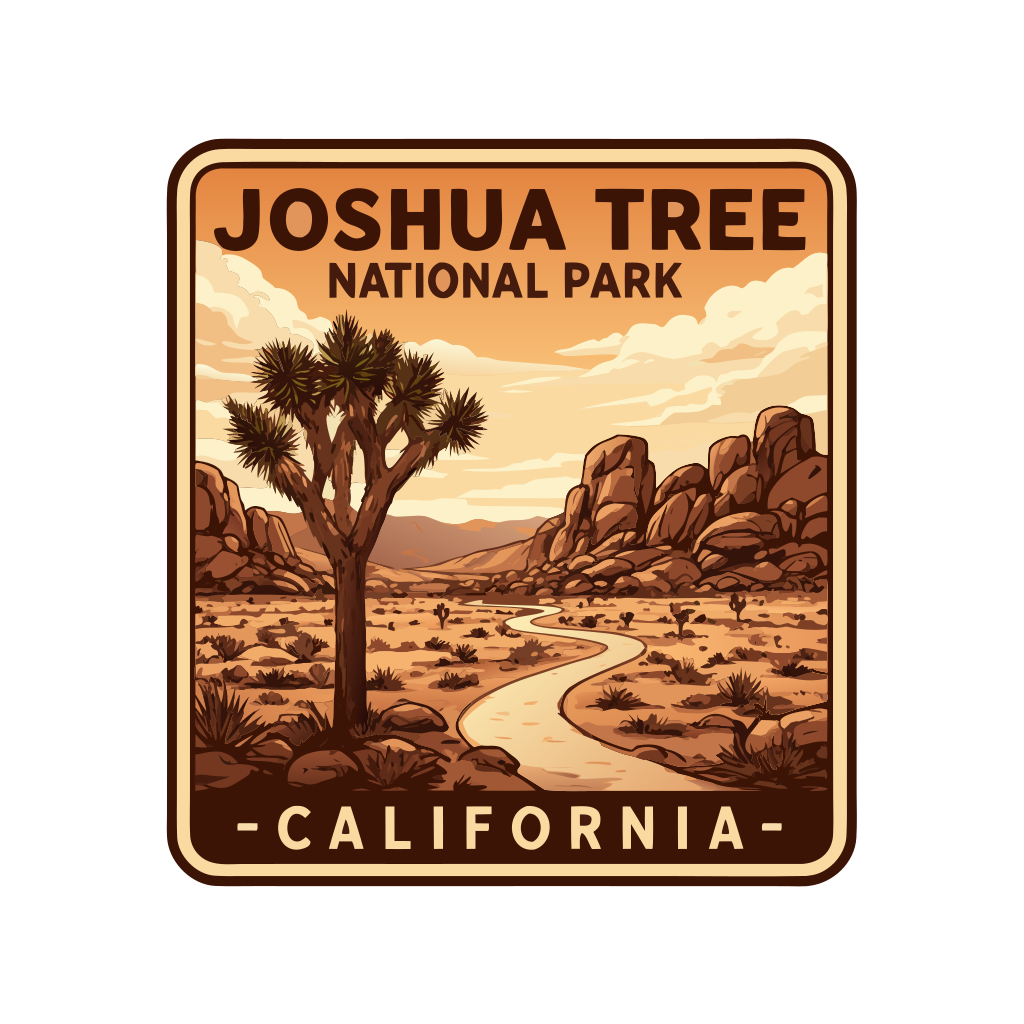
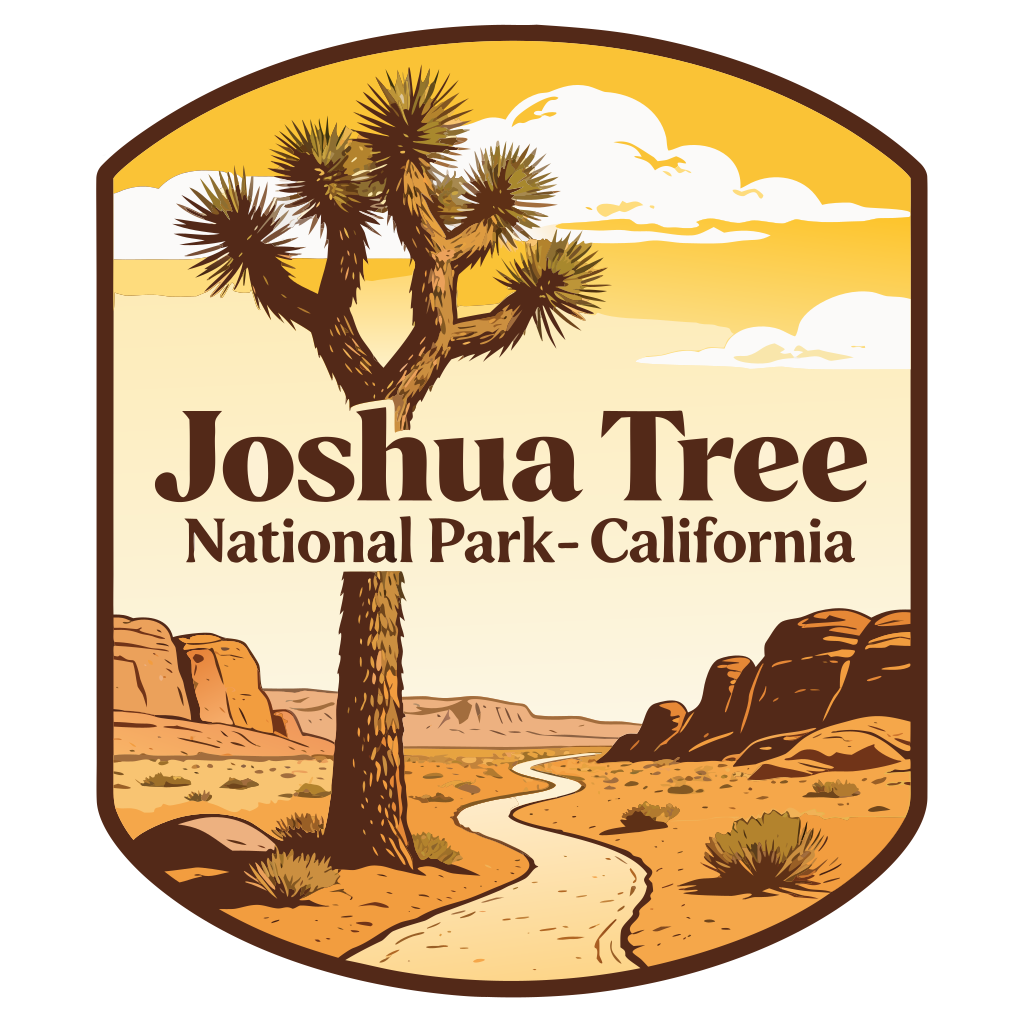
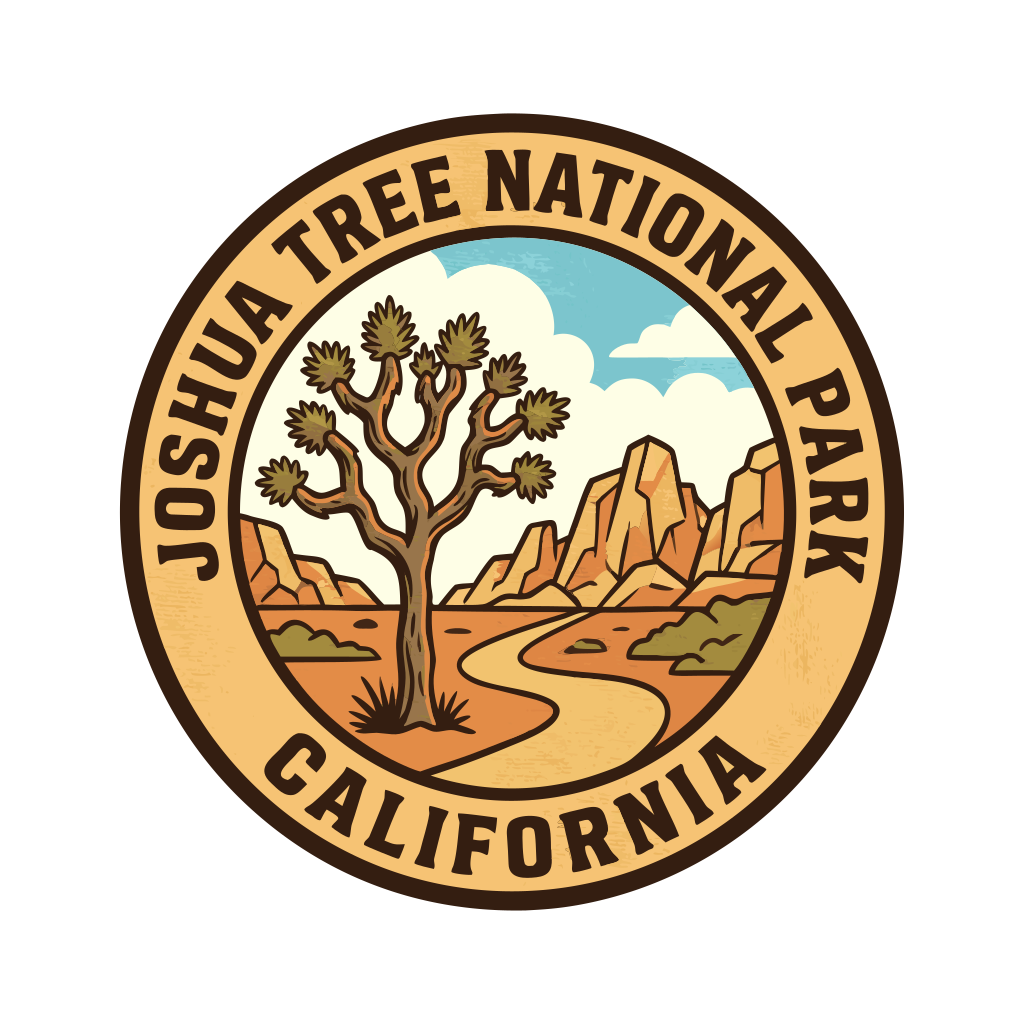
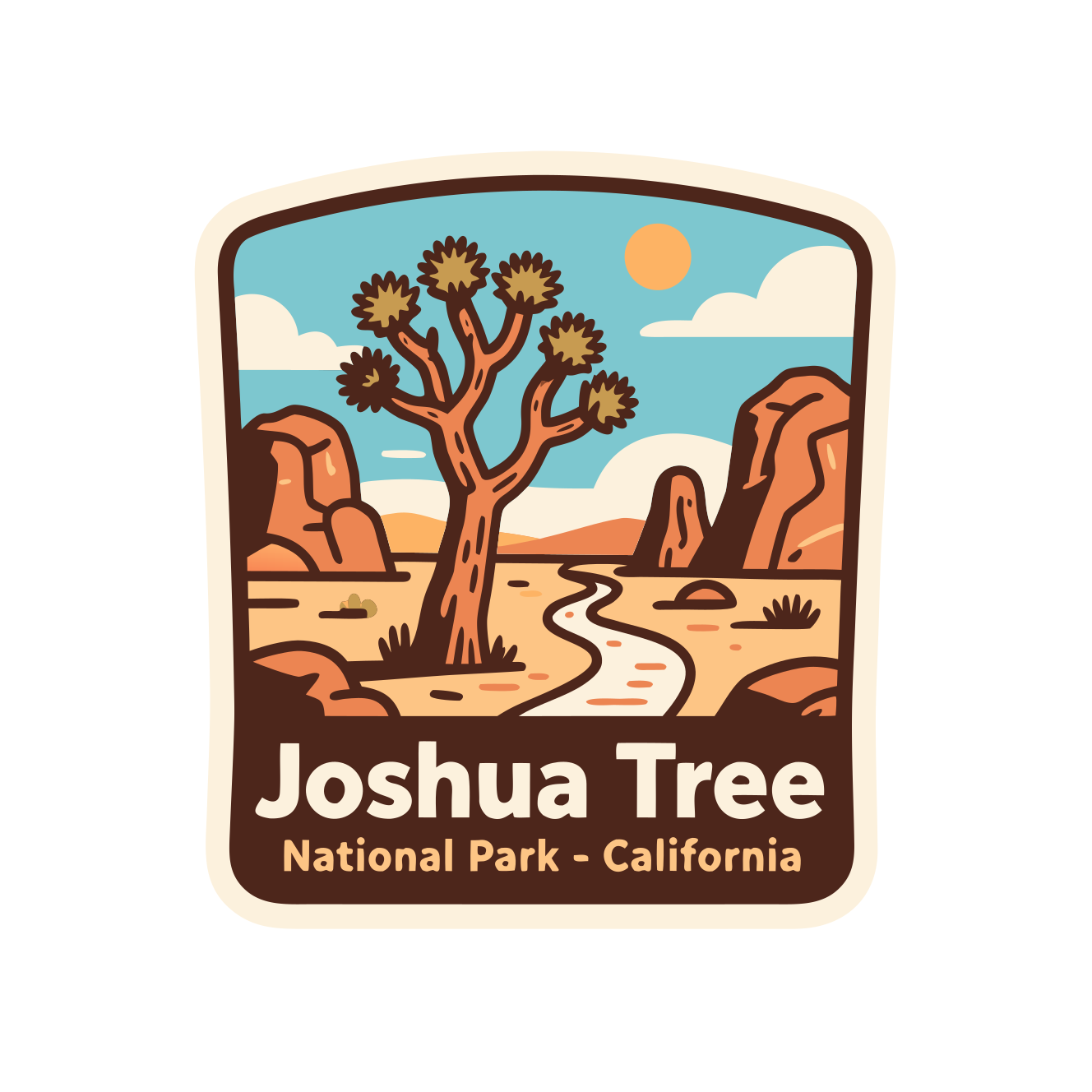
Vintage-style national park badge featuring a Joshua tree in a desert landscape with rocky formations, a winding trail, and a bright sky with clouds. Warm earthy colors, bold outlines, and retro illustration style. Text on badge: 'Joshua Tree National Park - California'
Model Profiles: Strengths & Characteristics
Each AI model has unique characteristics that make it better suited for certain types of SVG generation.
OpenAI Models
Enhanced sticker/icon style with improved detail and consistency.
Sharpest sticker/icon style with clean geometry and excellent text rendering.
Bold outlines with flat fills in clean sticker style. Perfect for cute mascots.
Black Forest Labs (FLUX) Models
32 billion parameters with enhanced VAE for sharper textures. Supports up to 10 reference images.
Lightning-fast generation with painterly semi-realistic output. Great for rapid prototyping.
Google Models
Premium detail and finish. Best-in-class quality for high-end visuals and detailed artwork.
Balanced quality with fine detail rendering. Great for badges and polished characters.
Highly creative with ornate details. Powered by Gemini 3 Pro with up to 14 reference images.
Other Models
Ultra-fast with bold outlines and clear silhouettes. Excellent bilingual text rendering.
Simple flat kawaii style with big readable shapes. Advanced Chinese/English text rendering.
Cinematic film-like aesthetics with strong spatial understanding. 2K to 4K support.
Best Model for Each Use Case
Different projects need different models. Here's a quick reference for choosing the right one.
| Use Case | Best Free Model | Best Pro Model |
|---|---|---|
| Icons & UI Elements | Z-Image Turbo | GPT Image 1 |
| Logos with Text | GPT Image 1 Mini | GPT Image 1 |
| Cute Mascots | GPT Image 1 Mini | Seedream 4.5 |
| Illustrations | FLUX 1 | Nano Banana Pro |
| Fast Prototyping | Z-Image Turbo | – |
| Premium Quality | – | Imagen 4 Ultra |
Prompting Tips for Better Vector Output
The right prompt can dramatically improve how well your AI-generated images vectorize. Here are key terms to include and avoid.
Include These Terms
- "flat design", "vector style", "sticker art"
- "bold outlines", "clean edges", "clear silhouette"
- "solid colors", "limited palette", "no gradients"
- "simple", "minimalist", "geometric shapes"
- "white background" or "transparent background"
Avoid These Terms
- "realistic", "photorealistic", "3D render"
- "textured", "grainy", "natural texture"
- "soft lighting", "ambient occlusion"
- "gradient", "smooth shading"
- "hyperdetailed", "intricate details"
Example Prompt
Frequently Asked Questions
Which AI model produces the cleanest SVG output?
For the cleanest SVG output, use GPT Image 1 Mini (free) or GPT Image 1 (pro). These produce sticker-style graphics with bold outlines and flat colors that vectorize exceptionally well. Z-Image Turbo is another excellent free option with clear silhouettes.
Why do some AI models produce images that don't vectorize well?
Models optimized for photorealism (like FLUX or Imagen Ultra) generate subtle gradients, complex textures, and anti-aliased edges. While beautiful as raster images, these create vectorization challenges. Prompt these models for "illustrated" or "graphic design" styles for better results.
Which model is best for logos with text?
GPT Image 1 and GPT Image 1.5 offer the most reliable text rendering. Imagen 4 also has improved typography. For critical logo work, generate multiple variations and select the cleanest text rendering.
Is there a free model that works well for vector graphics?
Yes! Z-Image Turbo (1 credit) produces bold outlines and clear silhouettes. GPT Image 1 Mini (1 credit) excels at sticker-style mascots. Qwen Image (2 credits) offers flat kawaii style with excellent text rendering.
How does SVGMaker's vectorization work?
SVGMaker uses Recraft's AI-powered vectorization to transform raster images into clean SVG files. The best results come from images with clean edges, flat colors, and clear silhouettes. Use PNG format (not JPEG) and models that produce graphic-style output.
Can I compare different models on the same prompt?
Yes! Use the interactive comparison tool above to see how different models perform on identical prompts. You can add or remove models to customize your comparison and click any image to zoom in on details.
Conclusion
Choosing the right AI model for SVG generation depends on your specific needs. For icons and logos, prioritize models like GPT Image and Z-Image Turbo that naturally produce vector-friendly output. For illustrations and detailed artwork, models like Imagen 4 and Nano Banana Pro offer superior quality when paired with the right prompts.
Remember: the best model is the one that matches your use case. Use the interactive comparison above to see exactly how each model performs, and apply the prompting tips to get consistently clean, scalable SVG results.
