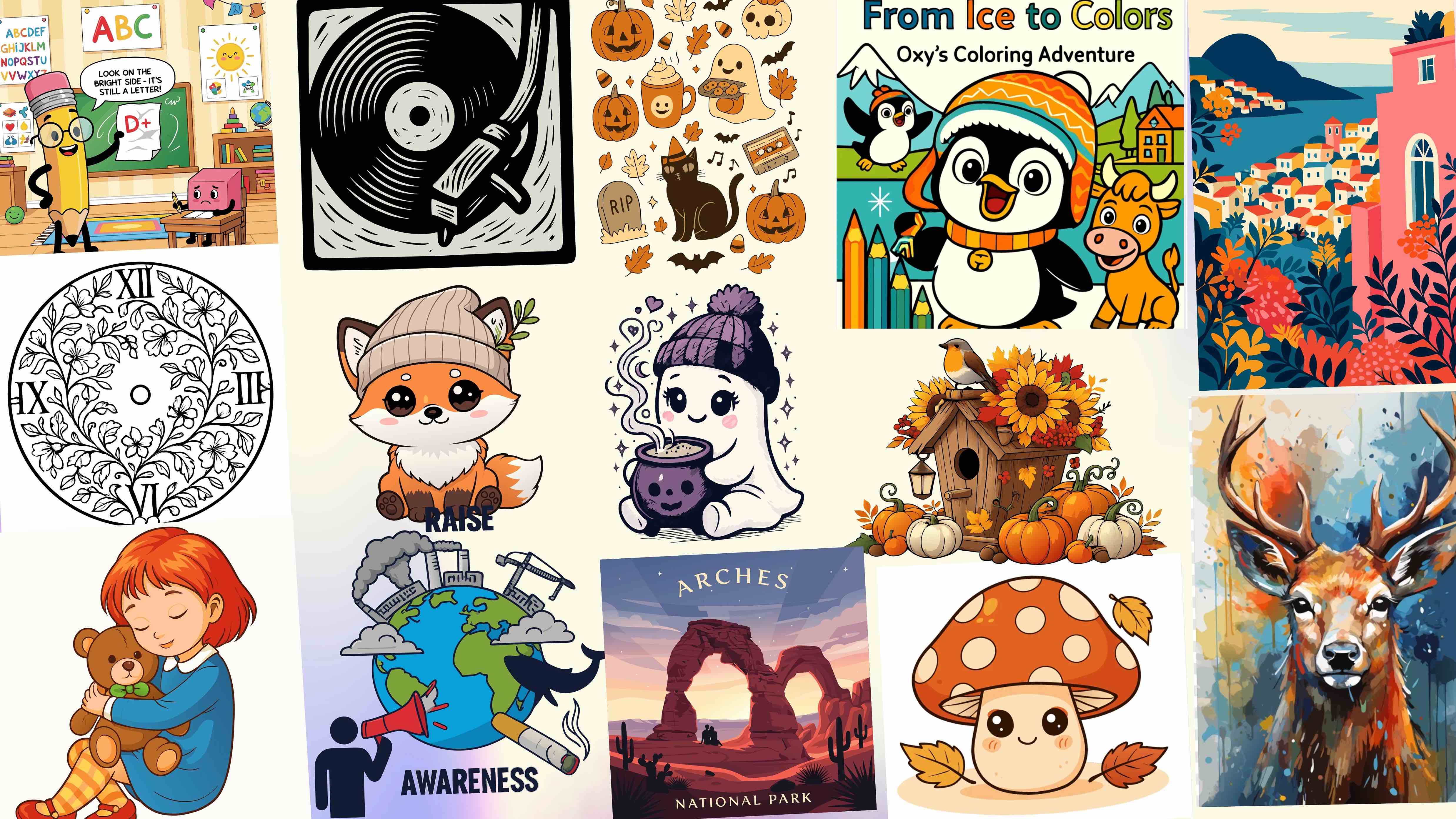
SVGMaker vs Midjourney: Which AI Tool Is Better for Vector Graphics?
Quick Answer
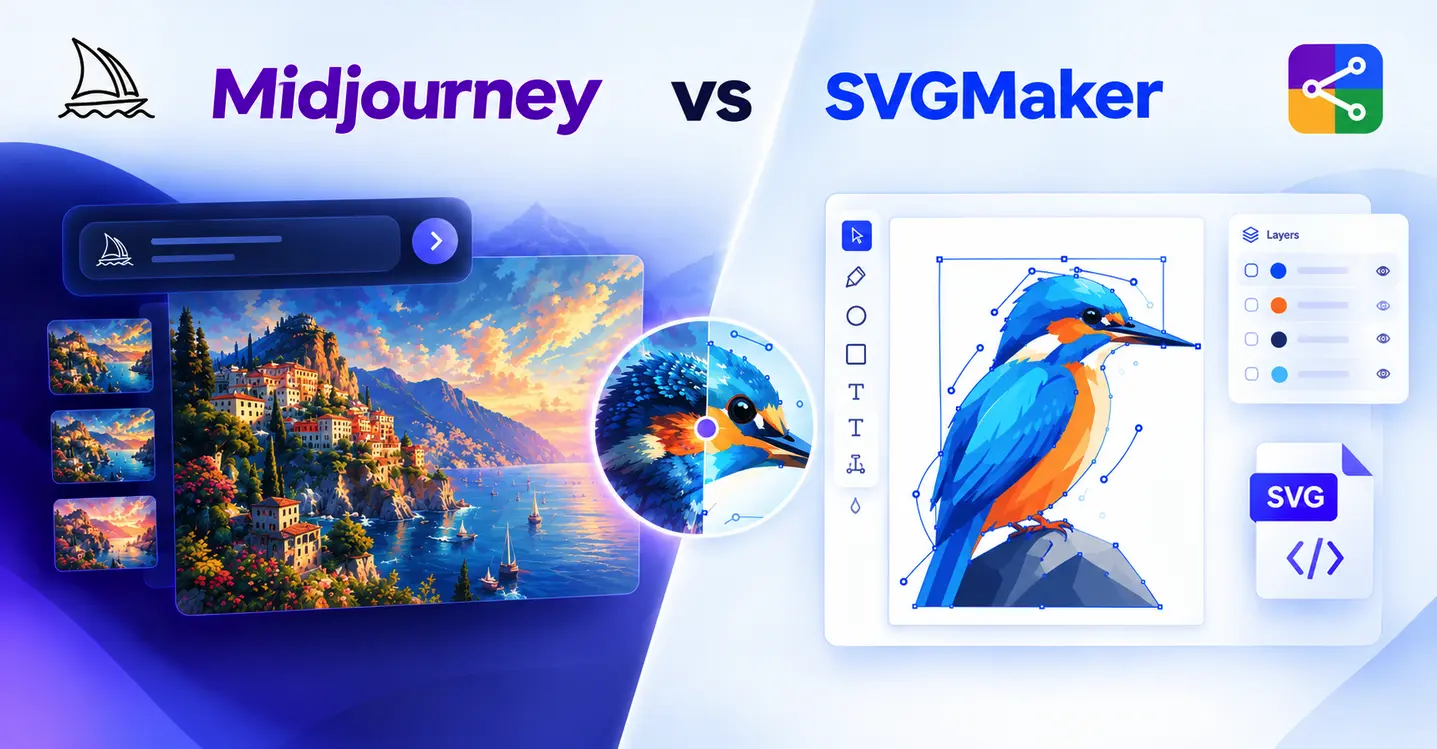
SVGMaker and Midjourney are both AI‑powered creative tools, but they are built around different outputs. Midjourney is designed primarily for generating and editing images, while SVGMaker is focused on creating, converting, editing, and optimizing SVG graphics. Midjourney is useful when the goal is visual exploration, art direction, or highly stylized image generation. SVGMaker is more directly suited to workflows where the need is to create an editable SVG for logos, icons, illustrations, websites, print, crafting, or production. They can also work together: Midjourney can be used to explore an idea, while SVGMaker can handle the vector stage.
SVGMaker vs Midjourney: At a Glance
| Feature | SVGMaker | Midjourney |
|---|---|---|
| Primary purpose | SVG creation, conversion, editing and optimization | AI image generation and image editing |
| Native SVG workflow | Yes | No |
| Image-to-SVG conversion | Yes | No dedicated SVG conversion workflow |
| SVG editing | Yes | Image editing rather than SVG path editing |
| Editable vector paths | Yes | Not as native SVG paths |
| Text-to-image / text-to-design | Yes | Yes |
| Reference images | Yes | Yes |
| Best suited for | Logos, icons, illustrations, cutting files and editable vectors | Concepts, artwork, visual exploration and image assets |
| Browser-based workflow | Yes | Yes |
| Developer integrations | REST API and MCP server | Primarily its own creation and editing workflow |
What Is SVGMaker?
SVGMaker is an AI‑powered svg generation, editing and conversion platform built around vector graphics. Its current feature set includes an AI SVG Generator and Editor, an AI SVG Converter, style presets, and developer integrations. The platform can generate multiple SVG variations, convert raster images into editable SVG files, and provide tools for modifying and optimizing vector graphics.
The distinction matters because SVG is not simply a visual style. An SVG stores vector instructions such as paths, shapes, fills, and other elements that can be scaled and edited. For users who need to change colors, adjust paths, prepare graphics for cutting or printing, or reuse a graphic across different sizes, the underlying file structure is part of the deliverable.
- AI text-to-SVG generation
- AI image-to-SVG conversion
- SVG editing and refinement
- Multiple generated variations
- Style presets for different vector aesthetics
- Magic eraser and cleanup features for crafting and cutting workflows
- REST API and MCP server integrations for development workflows
What Is Midjourney?
Midjourney is an AI image‑generation platform designed for creating and refining visual content from prompts and image references. Its web workflow supports text prompts, uploaded images, style references, image editing, variations, aspect‑ratio controls, and other tools for developing visual concepts.
Midjourney is particularly useful when the creative objective is to explore an aesthetic, generate an illustration, develop a visual concept, or produce an image for a digital or editorial use case. Its current Editor also lets users make image‑level adjustments, including selections, erasing, layers, cropping, and other edits.
However, an image that looks like vector artwork is not automatically an SVG. If the final requirement is an editable SVG, the Midjourney image needs to move through a separate vectorization workflow.
SVGMaker vs Midjourney: Feature-by-Feature Comparison
1. SVG Generation
This is the biggest difference between the two workflows. SVGMaker is designed around SVG as an output format, while Midjourney's creation workflow is centered on images. Midjourney can generate artwork with flat colors, clean outlines, minimal gradients, or a deliberately vector‑like appearance, but visual style does not change the underlying format.
If the project starts with a requirement such as ‘I need an editable SVG logo,’ the two tools therefore lead to different workflows. SVGMaker can address the vector requirement directly. With Midjourney, the generated image becomes an input for a later vectorization stage.
2. Image-to-SVG Conversion
SVGMaker includes AI vectorization for converting images into lightweight, editable SVG files. This makes it relevant when the starting point is a PNG, JPG, WebP, screenshot, illustration, or other raster image that needs to become a vector asset.
Midjourney can use uploaded images as prompts, image references, or editing inputs, but that is different from converting a raster image into SVG paths. If a Midjourney creation is the starting point, a separate vectorization step is required.
3. Editing and Customization
| Editing Need | SVGMaker | Midjourney |
|---|---|---|
| Change SVG paths | Supported as part of SVG editing | Not a native SVG editing workflow |
| Modify vector elements | Yes | No native SVG element workflow |
| Recolor vector artwork | Yes | Image-level editing |
| Refine an AI image | Yes for supported SVG/image workflows | Yes, with its Editor and image tools |
| Work with layers | Vector editing workflow | Midjourney Editor supports image layers |
The important distinction is not whether both platforms have editing tools. Both do. The distinction is what is being edited. Midjourney's Editor is designed for image manipulation and regeneration, while SVGMaker's editor is built around working with SVG graphics and their editable vector structure.
4. Logos and Brand Graphics
Both tools can be useful during logo development, but at different stages. Midjourney can help explore visual directions, symbols, compositions, and stylistic ideas. SVGMaker becomes more relevant when the selected concept for the brand logo needs to become a usable vector asset that can be resized, recolored, edited, or prepared for different production contexts.
For a final logo workflow, the practical question is therefore not only ‘Which tool creates the prettier image?’ It is ‘Which tool gets me to the required production format with the least additional work?’
5. Icons and Illustrations
Midjourney can be valuable for exploring icon concepts and illustration directions, particularly when visual variety is the priority. It also supports image references and style references, which can help guide a broader visual direction.
SVGMaker is more directly aligned with the production side of an icon workflow when the final icons or Illustrations need to be SVGs. This is particularly useful for web icons, reusable illustrations, interface graphics, and assets that need individual vector elements to remain editable.
6. Cricut, Silhouette and Cutting Files
Cutting workflows make the distinction between an image and a vector file especially important. A PNG can show the correct design visually but cannot serve as a vector cutting path without being converted. Once vectorized, the quality and structure of the paths affect how practical the file is for cutting, weeding, resizing, and further editing.
SVGMaker specifically positions its SVG conversion and cleanup capabilities for crafting and cutting workflows. For users creating files for Cricut, Silhouette, engraving, or similar production processes, starting with an SVG‑focused workflow can reduce the number of separate conversion steps.
7. Print and Digital Production
| Use Case | SVGMaker | Midjourney |
|---|---|---|
| Website icons | Strong fit when SVG is required | Useful for concept generation; raster output |
| Logo files | Strong fit for editable vector production | Useful for concept exploration |
| Print graphics | Useful when scalable vector output is required | Useful for raster artwork and visual concepts |
| Social media artwork | Can create vector assets | Strong fit for image generation |
| Cricut/Silhouette files | SVG-focused workflow | Requires vectorization |
| Editorial illustrations | Useful for vector illustrations | Strong fit for image-first artwork |
8. Workflow and Number of Steps
The practical difference becomes clearer when the workflows are placed side by side.
Typical Midjourney-to-SVG workflow
- Describe the desired visual in Midjourney.
- Generate and refine the image.
- Download the raster artwork.
- Send the artwork to a separate vectorization tool.
- Review the resulting paths.
- Clean up, recolor, simplify, or edit the vector if needed.
- Export the final SVG.
Typical SVGMaker workflow
- Describe the desired vector graphic or upload an existing image.
- Generate or convert the artwork in an SVG-focused workflow.
- Review and refine the resulting vector.
- Edit paths, colors, layers, or other elements as required.
- Export the SVG for the intended workflow.
The exact number of steps depends on the complexity of the design, but the difference is straightforward: Midjourney starts with image creation, while SVGMaker can start and finish inside an SVG‑oriented workflow.
SVGMaker Pros and Cons
Pros
- Built specifically around SVG creation, conversion and editing
- Can convert raster images into editable SVG files
- Supports vector-focused editing and refinement
- Useful for logos, icons, illustrations and production graphics
- Supports crafting, cutting, print and web-oriented workflows
- Offers REST API and MCP server integrations
Cons
- Its primary focus is vector graphics rather than unrestricted image generation
- For highly photorealistic or complex raster artwork, an image-generation platform may be more appropriate for the initial concept
Midjourney Pros and Cons
Pros
- Strong image-generation and visual exploration workflow
- Useful for developing artistic concepts and styles
- Supports image prompts and style references
- Includes an image Editor for further refinement
- Useful when the final deliverable can remain a raster image
Cons
- Does not provide a native SVG production workflow
- An SVG deliverable requires a separate vectorization step
- Image editing does not replace editing actual SVG paths and vector elements
Can You Use Midjourney and SVGMaker Together?
Yes. In fact, the two tools can fit naturally into the same creative workflow when each is used for the stage it is designed to handle.
For example, a designer might use Midjourney to explore several visual directions for an illustration or brand concept. Once a direction is selected, the resulting image can be converted into SVG using SVGMaker, followed by vector editing, recoloring, cleanup, and preparation for the final use.
| Stage | Possible Tool | Purpose |
|---|---|---|
| Visual exploration | Midjourney | Generate and compare creative directions |
| Select a concept | Midjourney | Refine the preferred image |
| Vectorization | SVGMaker | Convert the raster concept into SVG |
| Vector refinement | SVGMaker | Edit paths, colors and elements |
| Production | SVGMaker / other vector software | Prepare the SVG for web, print, cutting or further design |
Which Tool Should You Use?
There is no single answer for every project because the tools address different creative requirements. The deciding factor is usually the required output and where you are in the design process.
| If you need... | More relevant choice |
|---|---|
| AI-generated artistic concepts | Midjourney |
| Exploring visual styles and image directions | Midjourney |
| A dedicated SVG workflow | SVGMaker |
| Converting PNG, JPG or other raster images to SVG | SVGMaker |
| Editing SVG paths and vector elements | SVGMaker |
| Production-oriented vector assets | SVGMaker |
| A concept first, followed by vector production | Midjourney + SVGMaker |
| A workflow that combines visual exploration with editable SVG output | Midjourney + SVGMaker |
SVGMaker vs Midjourney: Which Is Better for Different Projects?
The most useful way to compare these platforms is by the final deliverable rather than by asking which AI model is more creative. Midjourney is optimized for generating and refining images. SVGMaker is optimized around vector graphics.
| Project | Recommended workflow |
|---|---|
| Logo concept exploration | Midjourney for ideas, then SVGMaker for SVG production |
| Simple logo or icon directly as SVG | SVGMaker |
| Website icon set | SVGMaker |
| Complex editorial illustration delivered as PNG/JPG | Midjourney |
| Cricut or Silhouette cutting file | SVGMaker |
| Convert an existing screenshot or raster graphic to SVG | SVGMaker |
| Explore multiple artistic directions before vectorizing | Midjourney + SVGMaker |
Frequently Asked Questions
1. Can Midjourney create SVG files?
Midjourney's current creation and editing documentation describes an image‑generation and image‑editing workflow, with downloads of generated or edited images. It does not provide a native SVG production workflow. If the final requirement is an SVG, the Midjourney artwork needs a separate vectorization stage.
2. Is SVGMaker better than Midjourney for SVG files?
For a workflow where the required deliverable is an editable SVG, SVGMaker is more directly aligned with that requirement because its platform is built around SVG generation, conversion, editing and optimization. Midjourney is better suited to image generation and visual exploration.
3. Can I convert a Midjourney image into an SVG?
Yes. A Midjourney image can be downloaded and then processed through an image‑to‑SVG vectorization tool. The quality of the result depends on the source artwork, especially its shapes, colors, gradients, textures and level of detail.
4. Does Midjourney create vector graphics?
Midjourney can create artwork that visually resembles vector graphics, such as flat illustrations, bold icons or clean graphic designs. However, looking like vector art is different from containing editable SVG paths.
5. Can SVGMaker edit SVG files?
Yes. SVGMaker provides an SVG editing workflow for modifying and refining vector graphics, alongside its generation and conversion features.
6. Can I use Midjourney and SVGMaker together?
Yes. A common combined workflow is to use Midjourney for visual ideation and then use SVGMaker to convert the selected raster concept into an editable SVG and refine it for production.
7. Which is better for logo creation, SVGMaker or Midjourney?
The answer depends on the stage. Midjourney can be useful for exploring logo concepts and visual directions, while SVGMaker is more directly suited to turning a selected concept into an editable SVG asset.
8. Which is better for Cricut SVG files?
A vector‑focused workflow is more appropriate when the final file needs to be an SVG for cutting. SVGMaker specifically supports SVG conversion and cleanup workflows for crafting and cutting use cases.
9. What is the difference between vector-style artwork and an actual SVG?
Vector‑style artwork describes how an image looks. An SVG is an actual vector file format containing scalable graphic elements such as paths and shapes. A PNG can look exactly like vector art while remaining a raster image.
10. Do I need to vectorize every Midjourney image?
Only if the final use requires vector artwork. If the image will be used as a raster asset for social media, a blog, a presentation or another suitable use, vectorization may not be necessary. If the deliverable needs editable SVG paths or scalable vector production, vectorization is required.
Final Thoughts
SVGMaker and Midjourney are not identical tools competing for exactly the same job. Midjourney is centered on image generation and visual exploration, while SVGMaker is centered on SVG creation, conversion and editing. That difference becomes important when the final asset needs to be resized, recolored, edited, cut, printed, or reused as a vector.
For designers who want to explore a visual idea first and turn the strongest concept into a production‑ready vector, using both tools can make sense. For projects where the SVG itself is the required deliverable, an SVG‑focused workflow can remove the extra raster‑to‑vector stage. SVGMaker provides that workflow from generation or conversion through editing and final SVG output.