8 AI SVG Creators Tested on the Same Prompts: 2026 Results
Our Methodology
This article evaluates each tool against its own documented specifications, official feature pages, and publicly available output. Tool capabilities shift between model versions faster than any single benchmark stays accurate, so every claim below traces back to the vendor's own documentation, cited as we go.
Quick Summary
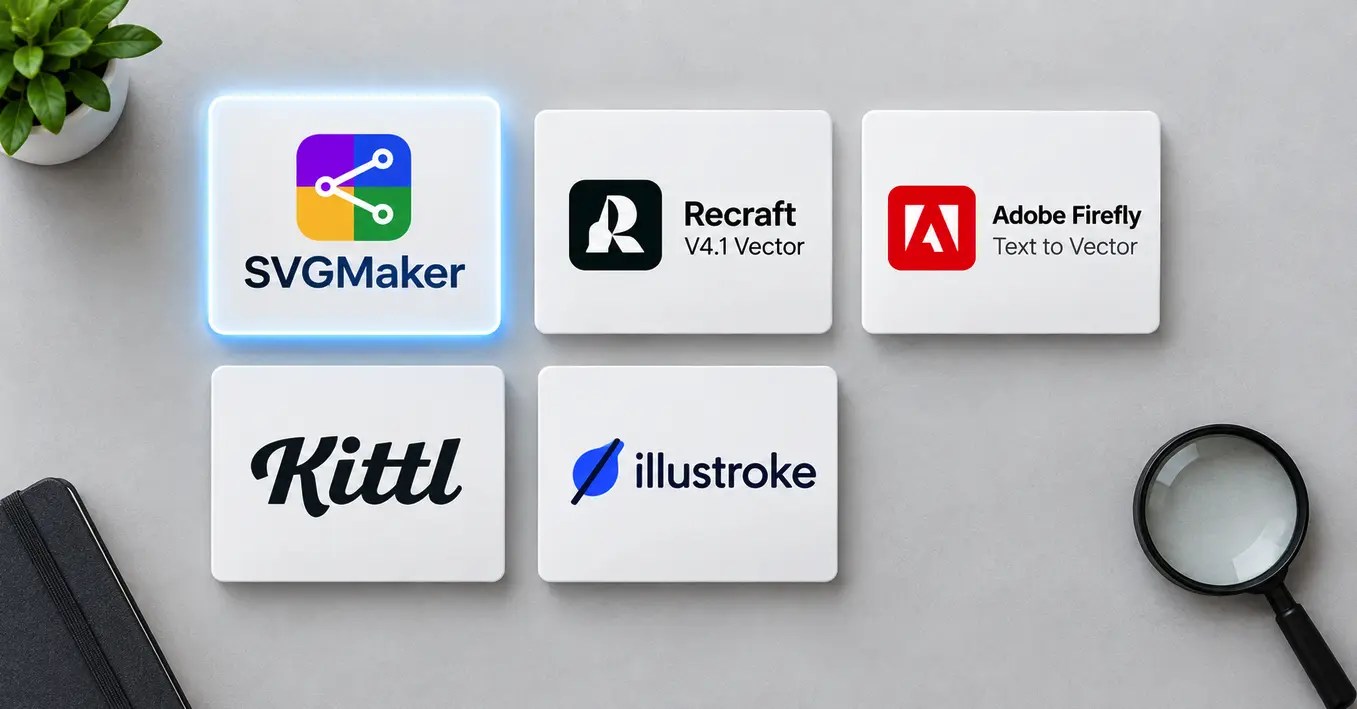
- Out of 8 AI “SVG Creators,” only 3 generate genuinely native vector paths at the model level: SVGMaker, Recraft (V4.1), and Adobe Firefly's Text to Vector. The rest vary between native output and cleaned‑up tracing.
- Native generation means the model outputs path data, coordinates, curves, fills, as part of generation. Generate‑then‑trace means a raster image is generated first and a separate algorithm traces it into paths afterward, which almost always produces more fragmented, harder‑to‑edit files.
- SVGMaker is the only one out of the three with a full in‑platform code/ai SVG editor and a visual editor, the other two hand you a finished file to edit elsewhere.
- If native, editable paths matter more than stylistic range, narrow your shortlist to the three native‑generation tools before comparing anything else.
- Pricing model varies widely: Recraft bills per image via API ($0.08–$0.30 for SVG), SVGMaker uses credit packs (from $24 for 200–250 credits), and several of the smaller tools (Illustroke, SVG.io) use flat subscription tiers instead.
Quick Comparison Table
| Tool | Native vector output | Built-in post-gen editor | Best for |
|---|---|---|---|
| SVGMaker | Yes | Yes (code + color editor) | Production-ready web/app assets end to end |
| Recraft V4.1 Vector | Yes | No | Illustration-heavy vector work inside a raster+vector platform |
| Adobe Firefly, Text to Vector | Yes (Firefly Vector Model + partner models) | Via Illustrator | Teams already in Creative Cloud |
| Kittl | Partial (design-platform assisted) | Yes, within Kittl's editor | Brand kits and marketing assets |
| Illustroke | SVG + PNG output | No | Fast styled illustrations |
| SVG.io | Yes | No | Quick single-icon turnaround |
| SVG AI | Yes (layered shapes) | Limited | Simple vector shapes fast |
| IconifyAI | Varies by generation | No | Icon set consistency |
Now let's go deeper on the three tools that actually generate native SVG at the model level, this is where most of the real decision‑making happens.
Did You Know?
Did you know the SVG format itself is old enough to predate the iPhone by six years? The W3C published SVG 1.1 as a formal web standard in 2003, building on an original 1.0 specification released in 2001, meaning the format AI tools are now racing to generate natively has been a stable, browser‑supported open standard for well over two decades.
SVGMaker (built by GenWave) is the one tool in this list designed around SVG as the sole end product rather than one export mode of a larger platform. Generation works three ways, text prompt, raster‑image vectorization (PNG/JPG/WebP/bitmap), or refining an existing SVG, with a prompt‑enhancement assistant and style presets to speed up the starting point.
What sets it apart after generation is the svg editor: a real‑time SVG preview for developers, plus a visual editor with free‑draw, layer controls, brush controls, and advanced color selection, all in the same browser session, no external app required. Export support is unusually broad for a browser tool: SVG, PNG, JPG, WebP, AI, PDF, DXF, EPS, PS, and direct code exports to JSX, HTML, and CSS. An API with MCP integration lets it be called from code editors and AI coding assistants directly.
Output type: Native SVG.
Pricing: 6 free credits to start; paid plans from $24 for 200–250 credits, unlocking premium models, advanced downloads, and commercial usage rights.
2. Recraft V4.1: Native Vector Inside a Design-Taste Model Family
Recraft's vector capability sits inside a broader, fast‑moving image‑model lineage: V2 (Feb 2024, first AI models built specifically for designers) → V3 (Oct 2024, first place on the Artificial Analysis Hugging Face benchmark) → V4 (Feb 2026, ground‑up rebuild, introduced production‑grade native vector generation) → V4.1 (May 2026, current default), which is faster, was made cheaper shortly after launch, and produces cleaner icons/vectors by default.
The V4.1 family splits along three axes: Standard vs. Pro (1K fast iteration vs. 2K print‑ready), Expressive vs. Utility (stylized design taste vs. deliberately flat, predictable output for mockups), and Raster vs. Vector. The Vector and Pro Vector variants generate structured layers and clean geometry directly from the prompt, with API‑level control over color palette and background color.
What Recraft doesn't offer is an in‑platform path editor, the workflow assumes you'll take the exported SVG into Illustrator, Figma, or another vector tool for refinement.
Output type: Native SVG (Vector/Pro Vector variants only, Standard/Pro output raster).
Pricing (documented API rates): $0.035 (V4.1 raster), $0.08 (V4.1 Vector), $0.21 (V4.1 Pro raster), $0.30 (V4.1 Pro Vector). All models are also available on Recraft's free plan with usage limits.
3. Adobe Firefly, Text to Vector
Adobe's Firefly Vector Model, announced at Adobe MAX in October 2023, was the first generative AI model built specifically for vector graphics, bringing generative Text to Vector Graphic directly into Adobe Illustrator, with editable, grouped output and functioning gradients rather than flattened shapes.
Adobe's current documentation shows Firefly's Text to Vector feature in the web app now also runs on partner models, including GPT Image, alongside Adobe's own Vector Model, so “Firefly vector output” today can mean more than one underlying model depending on which one you select. Refinement still happens primarily inside Illustrator or the Firefly web app rather than through a dedicated code‑level SVG editor. Full API access for text‑to‑vector generation remains enterprise‑limited as of this writing.
Best for: teams already inside Creative Cloud who want generative vector concepts that hands off cleanly into Illustrator.
4. Kittl : Vector Generation Inside a Full Brand-Design Platform
Kittl is a browser‑based design platform built around branding, merchandise, and marketing visuals rather than SVG generation alone. Its AI Creative Suite covers image, vector, and video generation using models from multiple providers (including OpenAI, Google, ByteDance, and Black Forest Labs), alongside a background remover, image upscaler, and a separate vectorizer for converting existing raster images into scalable paths. The infinite‑canvas editor includes vector editing tools, text effects, and real‑time collaboration, backed by a library of 1M+ photos, graphics, and fonts.
Because Kittl blends several AI providers behind one vectorizer/generator, output cleanliness can vary more by prompt and model choice than in a single‑model tool.
Output type: Vector, via generation or vectorization of raster input.
Pricing: Free plan (5 projects, 200 AI tokens); paid plans from roughly $15/month, scaling up with more monthly AI tokens and storage. All designs include commercial licensing.
5. Illustroke : Styled Vector Illustrations, Three at a Time
Illustroke generates vector illustrations from a text prompt across more than 40 selectable styles (flat, isometric, and others), returning three SVG variations per generation plus a PNG download option. Output can be refined afterward in Illustroke's own editor, and work saves to the cloud for later access. It's positioned specifically at illustration, logos, website graphics, icons, rather than general‑purpose image generation.
Output type: Native SVG (three per generation) plus PNG.
Pricing: One‑time bundle purchases rather than a recurring subscription in most listings, plans in roughly the $6–$23 range depending on bundle size, with a limited free tier.
6. SVG.io
SVG.io is built around speed: a text prompt (optionally combined with a reference image) generates an SVG illustration, without the deeper style‑preset or editing tooling that others offer. It's a good fit when you want a usable icon or illustration fast and plan to do any refinement in an external editor.
Output type: Native SVG.
Pricing: Free tier with limits; paid subscriptions in roughly the $9–$24/month range.
7. SVG AI
SVG AI markets itself specifically against the trace‑based competition: it's described as building output from layered shapes generated directly, rather than tracing a bitmap after the fact, the same “native vs. traced” distinction this whole article is built around. Editing support after generation is more limited than SVGMaker's or Kittl's, positioning it as a fast, simple‑shapes tool rather than a full illustration platform.
Output type: Native SVG (layered shapes).
Pricing: Freemium, with paid tiers for higher‑volume generation.
8. IconifyAI
IconifyAI is widely listed alongside SVG tools, but it's worth being precise here: independent listings (G2, AlternativeTo, and IconifyAI's own marketing) consistently describe its output as 1024×1024 PNG/JPG raster images, generated across roughly a dozen style options (metallic, flat, gradient, pixelated, and others) with automatic color‑palette extraction. It's built specifically for app icons, the App Store/Play Store kind, not web SVG icon sets. If your goal is a scalable SVG icon set, this isn't actually the tool for it; if your goal is a high‑resolution raster app icon, it's a reasonable fit.
Output type: Raster (PNG/JPG), not SVG.
Pricing: Credit packs, roughly $17 for 80 credits down to $0.08/credit at higher volumes (1 credit = 1 icon).
Which Tool Fits Which Job
- Building a production icon set for a live product: SVGMaker or IconifyAI, depending on whether you need post‑generation code‑level editing in the same tool.
- One‑off marketing illustration in a specific style: Illustroke or Kittl, both leaning into stylistic range over raw vector cleanliness.
- Already paying for Creative Cloud: Adobe Firefly's Text to Vector is worth using before reaching for a separate tool, since it hands off directly into Illustrator.
- Fastest single‑icon turnaround: SVGMaker, SVG.io or SVG AI, built around speed over deep customization.
- Need both raster marketing images and vector icons from one account: Recraft V4.1, using Standard/Pro for raster and Vector/Pro Vector for SVG.
FAQ
1. Which AI SVG generator produces the cleanest code for hand‑editing?
Tools that generate native vector paths directly, SVGMaker, Recraft V4.1, and Adobe Firefly's Text to Vector, consistently produce fewer, better‑grouped paths than tools relying on post‑generation tracing, which tends to fragment curves into many small segments.
2. Is a traced SVG always worse than a natively generated one?
Not always, for simple, high‑contrast shapes, a good tracer can produce very clean output. The gap widens with complex illustrations, gradients, and fine detail, where tracing algorithms struggle to approximate curves as efficiently as native path generation does.
3. Is Recraft V4 still the one to use, or should I be looking at V4.1?
V4.1, released May 2026, is now Recraft's default model, faster, cheaper after a post‑launch price cut, and cleaner on icons and vectors by default. V4 remains available for existing workflows, but new evaluations should start with V4.1.
4. Does Adobe Firefly's Text to Vector still use Adobe's own model, or something else now?
Both. Adobe's original Firefly Vector Model (October 2023) still powers vector generation in Illustrator, but the Firefly web app's Text to Vector feature now also offers partner models, including GPT Image, as generation options.
5. Can I use any of these tools for commercial logo design?
Most offer commercial licensing on paid plans, but licensing terms vary by tool and change over time, always confirm the specific plan's commercial‑use terms directly with the vendor before shipping a client logo.
6. Do any of these tools let me generate consistent icon sets rather than one‑off images?
IconifyAI is built specifically around set consistency. Others can approximate consistency by reusing the same style preset and prompt structure across generations, but true set‑level consistency isn't guaranteed by default in most general‑purpose tools.
7. Why did my AI‑generated SVG open fine in a browser but break when I imported it into Illustrator?
This usually happens when the file contains non‑standard or improperly closed markup that browsers render leniently but design software parses strictly. Running the file through an SVG validator or code editor before import usually resolves it.
8. How do I know if a tool I'm evaluating is really generating native SVG or just tracing?
Check the file's path count and structure in a code editor. A native‑generation file typically has relatively few, well‑organized paths; a traced file often has an unusually high path count for a simple shape, with many tiny fragments approximating what should be a single smooth curve.