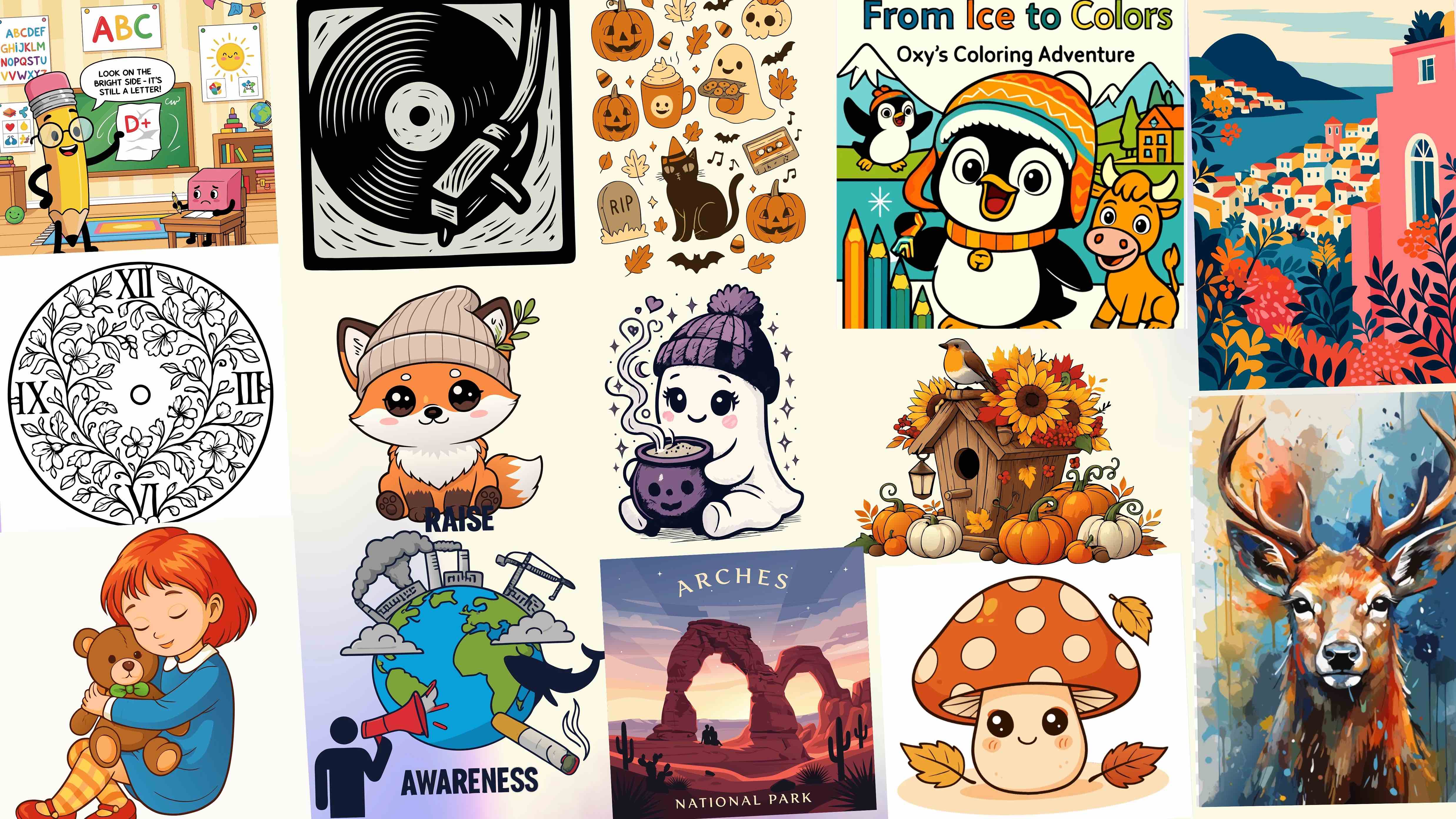
Introducing SVGMaker inside ChatGPT
SVGMaker is now an app in ChatGPT. Ask for an icon, logo, illustration or sticker and get a clean, scalable SVG back in the conversation. Change it by saying what to change, turn your own pictures into vectors, or remove backgrounds, all in the same chat.





How to use SVGMaker in ChatGPT in 3 steps
Add the app, sign in, and ask for the image you need. Your SVG shows up right in the conversation.
Add SVGMaker & Sign In
Add SVGMaker from the ChatGPT apps directory, then sign in with your SVGMaker account. Your credits and past images come with you.
Ask for What You Need
Describe the image you want, attach a picture to turn into an SVG, or ask to change the last result. ChatGPT picks the right SVGMaker tool for you.
Preview & Open
Each result shows as a card with a preview. The Open button shows the image on svgmaker.io, where you can save it as SVG or another format.
Everything SVGMaker Does, Inside ChatGPT
Generate, edit, convert and clean up images just by asking.
Generate SVGs from a Prompt
Describe an icon, logo, illustration or sticker and get a clean, scalable SVG back in the chat. Pick low, medium or high quality to match the job.
Edit by Saying What to Change
Change colours, remove parts or try a new style by describing it. SVGMaker edits the image you just made, or one you attach, and keeps the rest the same.
Convert Images to SVG
Attach a PNG, JPG or WebP and get a vector version back. Good for logos, clipart and artwork you need at any size.
Remove Backgrounds
Cut the subject out of a photo or image and get it back on a transparent background, ready to drop into a design.
More in the Chat
Your images, your credits and the gallery, all a message away.
Result Cards
Every result shows as a card with a preview, the credits used and an Open button.
Attach Your Own Images
Attach a picture to your message to convert it, edit it or remove its background.
Your Past Images
Ask to see your recent SVGMaker images and open any of them on svgmaker.io.
Public Gallery
Browse the public SVGMaker gallery for ideas without leaving the chat.
Credits in Chat
Ask how many credits you have left and how you've used them.
Quality Levels
Choose low, medium or high quality, so quick drafts cost less than final artwork.
Who is SVGMaker for ChatGPT for?
For anyone who needs clean, scalable vector images while they work in ChatGPT.